



 YouTube
 LinkedIn
 Facebook
 Instagram
 X
X Vimeo
Vimeo
 Twitch
 TikTok
 Kick
Kick Rumble
 Dailymotion
 G2 verified
Guide
How to multistream a webinar without losing the sale
Multistream from the webinar room itself, give social viewers a reason and a route into that room, and let the room do the selling. Streaming to more platforms grows reach; the revenue comes from the people who register, stay for the offer and get the right follow-up.
Stream from the room that sells
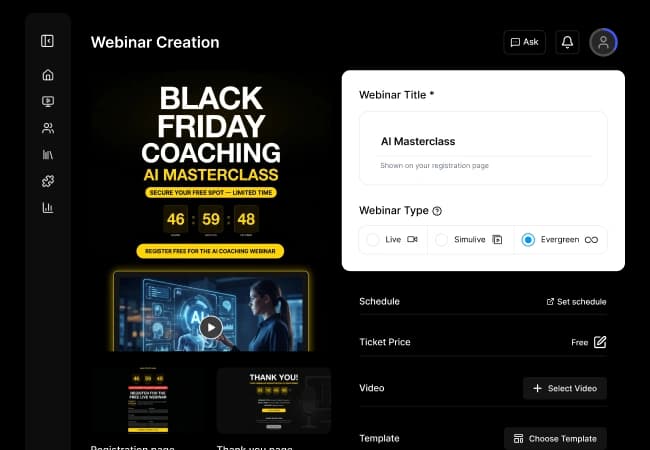
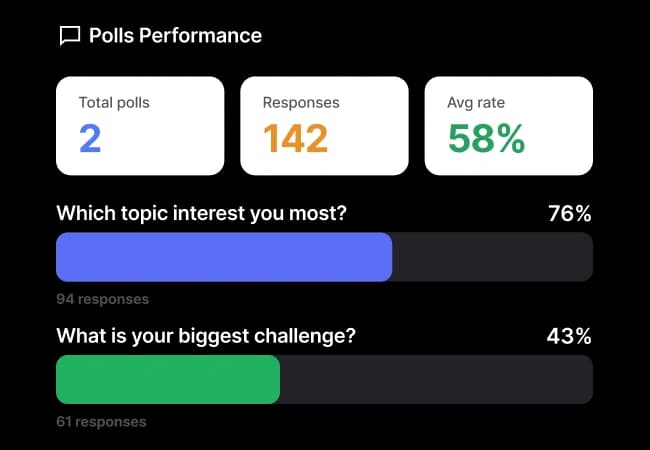
When the broadcast starts in a separate streaming studio, the offer, the checkout and the attendee data live somewhere else. With EasyCast the stream starts in the EasyWebinar live room, so timed offers, polls, Q&A and checkout keep running for attendees while the same session goes out to YouTube, LinkedIn, Facebook and 10+ platforms at once.
Give viewers a way in, more than once
Show a QR code on your intro, mid-show and offer slides; keep your registration link in a lower-third overlay, the live description and the pinned comment; ask viewers to comment a keyword that sends the link by DM through ManyChat; and update your channel bio with the active offer. Repeating the route matters, because social viewers arrive at different points in the session.
Know which platform sent them
Use a different UTM on the link you share on each platform. EasyWebinar captures it at registration, so the People view shows which platform brought the registrants who watched longest and clicked the offer.
Follow up on what each person did
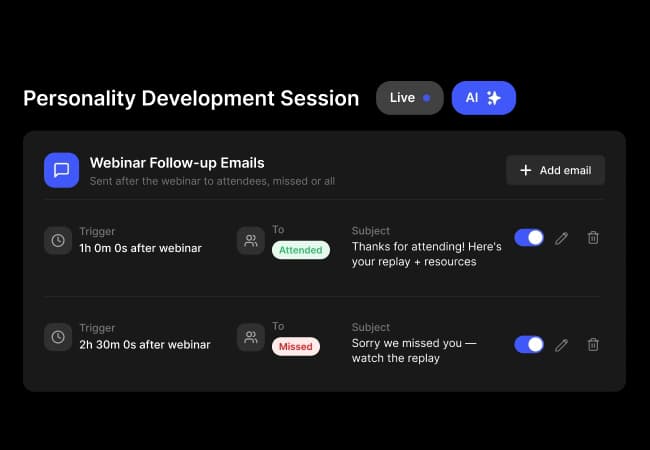
From Growth, six behaviour triggers (registered, attended, no-show, watched the replay, clicked the offer, purchased) give each group its own follow-up. Then turn the session that converted into an automated webinar that runs every day, on the same account.