9 Best Pre-Recorded Webinar Platforms for Automated Evergreen Funnels (2026)

Casey Zeman
Published on Jul 17, 2026 • 50 min read
TL;DR
- Nine pre recorded webinar platforms were scored on five weighted criteria. Live-to-automated workflow counts most at 30%, followed by evergreen scheduling, in-room selling, verified reviews, and attendee transparency.
- EasyWebinar ranks first because the live session that converts becomes the automated session on one subscription. Checkout happens in the room, and follow-up runs through EasyCRM or your existing CRM.
- Automate only after a webinar converts live. The Webinar Sprint Method runs 5 to 10 live sessions, then records the winner once at least 10% of attendees buy.
- Keep automated sessions honest. Never present a recording as live; use moderated chat and timed offers instead of fake attendee counts or scripted chat.
- Most evergreen funnels break at the CRM handoff, not the webinar. Keep follow-up linear with a 72-hour replay and four emails, plus behavior-based sequences.
- Sticker price misleads. Split stacks pay separately for live, automation, pages, email, CRM, and checkout, while per-attendee and per-host pricing punishes funnel growth.
Q1: What are the 9 Best Pre-Recorded Webinar Platforms for Automated Evergreen Funnels in 2026?
EasyWebinar runs a webinar live, then turns that same session into an automated webinar on one login and one subscription. The automated formats are simulive, evergreen, just-in-time (a session that starts minutes after someone registers, in their own time zone), and on-demand. The other eight platforms in this guide are EverWebinar, Demio, Zoom Webinars Plus, Riverside, GoHighLevel, meetn, Circle, and Stan Store. Each one covers a narrower job: automated replay only, live-first hosting, studio recording, CRM funnels, low-cost webcasting, community events, or link-in-bio sales.
The ranked list:
- EasyWebinar
- EverWebinar
- Demio
- Zoom Webinars Plus
- Riverside
- GoHighLevel
- meetn
- Circle
- Stan Store
⏰ Why this decision carries real stakes
Ad agency owner Jeremy Haynes once found a couple hundred opt-ins missing from his CRM four hours before a webinar. A Zapier plan cap had stopped the sync, and his sales reps were calling an incomplete list. That is the risk in this category: the platform decides whether paid traffic becomes buyers or wasted spend. Demand for replays is real too. In ON24's 2025 benchmark data, 45% of attendees chose to watch webinars on demand, and that share has risen about one point a year since 2022.
This guide evaluates 9 vendors against seven defined criteria. The primary reader runs the funnel every day, usually a coach, course creator, or marketing manager. Shadow readers include the CFO checking stack cost, the marketing head judging funnel results, the RevOps lead mapping CRM data, and the IT director reviewing reliability.
Our Evaluation Criteria
Live-to-automated workflow 🔁
Whether a session that converts live can become the automated session without rebuilding it or buying a second product.
Evergreen scheduling depth ⏰
Coverage of just-in-time, recurring, on-demand, and time-zone scheduling, so every registrant gets a start time that fits.
Engagement in recorded sessions 💬
Whether chat, polls, timed offers, and answered questions survive once the presenter is no longer in the room.
Funnel and conversion workflow ✅
Registration, thank-you, and replay pages, plus offers and checkout inside the webinar.
CRM and follow-up readiness 📇
Native CRM, lead scoring, behavior-based sequences, and how many connectors sit between the webinar and the sales rep.
Attendee transparency ⚠️
Whether the platform encourages honest automation or relies on fake attendee counts and scripted chat.
Pricing model and stack cost 💰
How price scales with attendees, hosts, or usage, and which tools you still pay for separately.
Who This Guide Is For
- Coaches and course creators turning a proven sales webinar into a funnel that runs daily.
- Consultants and advisors using a recurring session to fill a sales calendar.
- Marketing and demand-gen teams that need webinar engagement data in HubSpot or another CRM the same day.
- Agencies building automated webinar funnels for several clients at once.
- Buying-committee readers: CFOs validating tool consolidation, IT leaders checking reliability and security, and marketing heads assessing funnel performance.
How the 9 Platforms Compare
| Provider | Best For | Standout Strength | Known Limitation | Evergreen Depth | Support Model | Pricing Model |
|---|---|---|---|---|---|---|
| EasyWebinar ⭐⭐⭐⭐⭐ | Coaches, course creators, and marketing teams turning a proven live webinar into a daily funnel | Live and automated sessions on one subscription, with checkout in the room and EasyCRM or your own CRM | Automated webinars, EasyCRM, and checkout begin at the Growth plan; Launch covers live webinars only | Live, simulive, evergreen, just-in-time, on-demand, and replay | Live onboarding calls, account manager from Pro, Slack support on Scale | Flat monthly pricing by attendee tier , with overage billed above the limit and no free plan |
| EverWebinar ⭐⭐⭐⭐ | Marketers with a finished recording who never need live in the same tool | A scheduler built only for automated replays | Built for automated marketing webinars , so teams that also need live must run a separate platform | Automated, just-in-time, recurring, and replay; no native live | Email and help desk; verify current channels | One feature set across monthly, annual, and two-year billing |
| Demio ⭐⭐⭐⭐ | Marketing teams running regular live webinars that want simple automated replays | Clean browser-based attendee experience | A G2 reviewer reported that replays did not show live polls and CTAs | Live; automated webinars from the Growth plan upward | Not publicly disclosed | Per host, priced by attendee room size |
| Zoom Webinars Plus ⭐⭐⭐ | Teams already standardized on Zoom | Familiar join flow plus simulive playback of a pre-recorded file | A G2 reviewer found few options to customize look and feel | Live plus scheduled simulive playback | Not publicly disclosed | Monthly plans by attendee capacity, a Zoom Workplace license prerequisite, and a pay-per-attendee option |
| Riverside ⭐⭐⭐ | Hosts who care most about studio-quality recording | Local 4K multi-track recording that can then stream as a scheduled session | The Webinar plan covers up to 100 registrants | Pre-recorded sessions streamed as scheduled events, plus recurring webinars | Help center and email; priority support on Business | Free plan, three self-serve paid tiers, and a custom Business plan |
| GoHighLevel ⭐⭐⭐ | Agencies already running client CRMs and funnels in GoHighLevel | CRM, pipelines, email, SMS, and funnel builder in one account | Usage charges for SMS, email, calls, and AI sit on top of the plan price | Funnel pages with recorded video; verify webinar-room features | 24/7 support on every plan | Flat monthly per agency account, with unlimited users and contacts |
| meetn ⭐⭐⭐ | Sales teams wanting low-cost meetings plus webcasts | Webinar settings, up to 1,000 attendees, and one-click video playback on the Ultimate tier | Limited custom styling and a basic waiting room, per an operator review | Live webcasts with video playback and replay hosting | Not publicly disclosed | Flat monthly; lifetime-deal tiers reported |
| Circle ⭐⭐ | Community-led programs hosting events for existing members | Community, courses, and events in one branded home | Public event RSVPs require outside attendees to create an account | Live events and streams with recordings | Standard support; priority support and launch teams on higher tiers | Monthly or annual plans plus a 0.5% to 2% transaction fee on paywall sales |
| Stan Store ⭐⭐ | Social creators selling low-ticket digital products from a link-in-bio store | Instagram AutoDM is included on the entry plan | No multi-speaker stage or evergreen scheduler | Sells workshop and video products; no scheduling engine | Not publicly disclosed | Flat monthly or annual, with no platform transaction fee |
⚠️ Where most pre-recorded rankings go wrong
Most roundups score the room: video quality, chat widgets, and screen layouts. EasyWebinar's read is that the room matters less than what happens before and after it. That means validating the offer live, scheduling the replay, and getting the lead to a rep the same day. I ran live webinars for a full year before I automated anything. That year built a 14,000-person email list and $245,000 in course sales.
That history shapes this ranking. EasyWebinar has seen customers like Carla Biesinger generate $5M from one evergreen funnel, but only after the live version proved itself. I could be off on how much weight the live half deserves for every buyer. For a funnel running on paid traffic, though, I would not trust a tool that cannot do both halves.
1.1 EasyWebinar
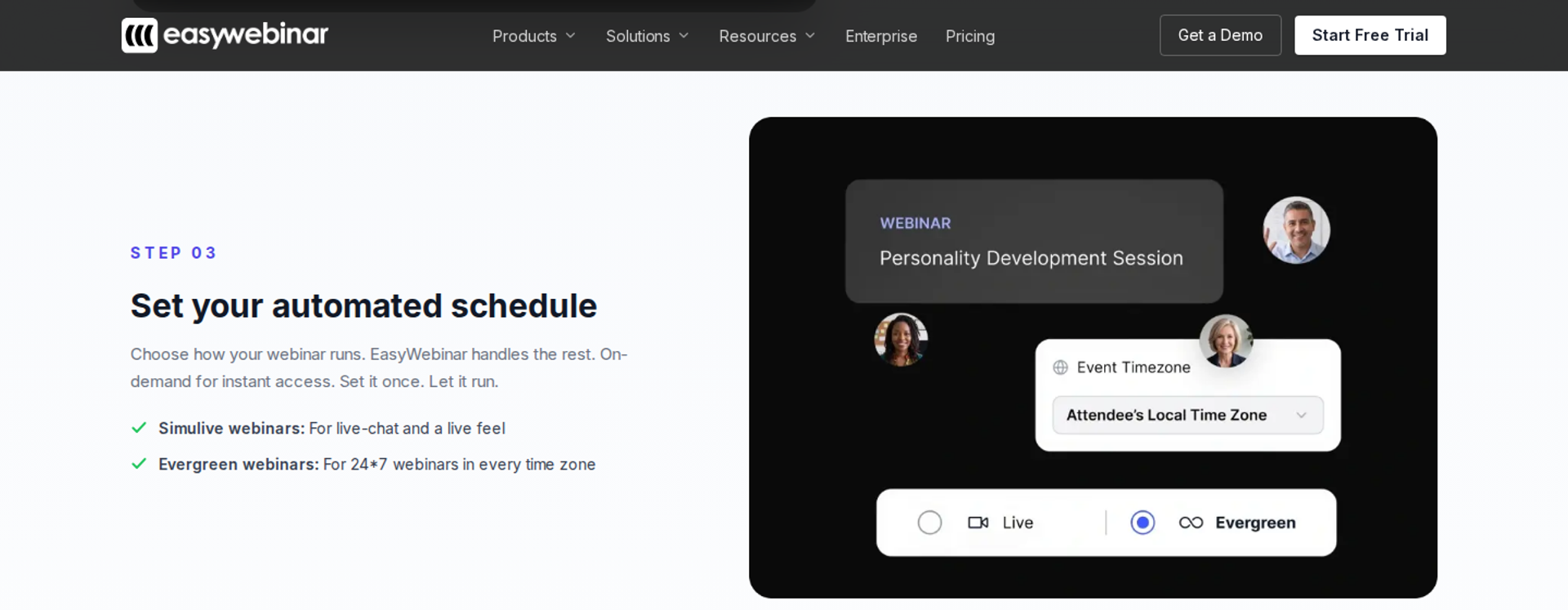
EasyWebinar is best for coaches, course creators, and marketing teams that need a proven live webinar to keep selling every day. It runs live and automated sessions on one subscription, with checkout and CRM built in. It may not fit buyers who want automation on the entry plan or need course lessons and certificates.
| Quick fit | - |
|---|---|
| Best for | Coaches, course creators, consultants, and marketing teams with a live webinar that already converts |
| Skip if | You need lessons, progress tracking, and certificates (pair EasyWebinar with a course platform instead) |
| Strongest edge | The live session that converts becomes the automated session, on one login and one subscription |
| Biggest trade-off | Automated, simulive, and evergreen formats start at Growth; Launch is live only |
| Pricing snapshot | Launch at $44/month (live only, 50 attendees), Growth at $116/month (adds automation and 1,000 automated viewers), Pro at $198/month, and Scale at $349/month. Annual billing gives 2 months free, and the 7-day full-access trial requires a card. Checked October 15, 2026, on the EasyWebinar pricing page . |
⭐ Why EasyWebinar ranks #1
EasyWebinar scores highest on the criterion that carries the most weight: live-to-automated workflow. The session you validated live becomes the automated session in one switch, with no second product. It also scores strong on CRM follow-up, in-room checkout, and attendee-level analytics. Those are the three places a pre-recorded funnel usually leaks revenue.
Reliability counts too, because a replay that drops during the offer loses the sale. EasyWebinar carries a 99.9% uptime guarantee, and attendees join from any browser with nothing to download. On cold paid traffic, EasyWebinar customer Rick Mulready runs a 166% ROI. His funnel posts a 30% registration rate at an $8 to $12 cost per lead.
✅ What EasyWebinar does well
- Live to automated in one switch. Rerun the exact session as simulive, evergreen, just-in-time, on-demand, or a recurring "Next Available" slot. You never rebuild a presentation that already converts.
- Just-in-Time scheduling. Sessions start minutes after registration, in the attendee's own time zone. You catch buyers while their intent is highest.
- Checkout inside the room. Built-in checkout and paid webinars arrive at Growth, so buyers pay without a redirect. Payments run through Stripe, PayPal, or PayU, so sale and attendee data stay together.
- Your CRM or ours. EasyCRM handles lead scoring, an auto-dialer, and call recording. Pro adds native HubSpot and Salesforce Pardot (Account Engagement) sync. Kit (formerly ConvertKit), ActiveCampaign, GoHighLevel, and Keap connect too.
- Follow-up that reacts to behavior. No-shows, early leavers, offer-clickers, and replay viewers each get their own sequence. More registrants attend, and more attendees buy.
- Moderated questions during recorded sessions. Attendees can type questions while the pre-recorded webinar plays, and a moderator can reply in real time. The session stays honest and still feels human.
❌ Where EasyWebinar falls short
- No automation on the entry plan. Launch covers live webinars only, and automated, simulive, and evergreen formats start at Growth.
- No free plan. Every plan begins with a 7-day full-access trial that requires a card.
- Recording comes first. A 2026 G2 reviewer wanted to open registration before uploading the presentation. Currently, the video must be uploaded before the automated webinar can be set up.
- Not a course platform. EasyWebinar has no lessons or certificates, so course hosting stays on Kajabi, Teachable, or Thinkific.
📊 Decision scorecard
| Evaluation criterion | EasyWebinar fit | Why it matters |
|---|---|---|
| Live webinars | Strong | Browser join with nothing to download raises show-up before the recording even exists. |
| Simulated live or automated webinars | Strong | Simulive and automated sessions run from Growth on the same subscription. |
| Evergreen automation | Strong | Just-in-time, recurring, and scarcity dates keep every registrant's start time close. |
| Funnel pages | Strong | The AI Webinar Builder drafts the script, pages, emails, polls, and timed CTA. |
| Engagement | Strong | Chat, polls, and timed offers run, and moderators can answer during recorded sessions. |
| CRM and follow-up | Strong | EasyCRM or your existing CRM receives attendee behavior without extra middleware. |
| Monetization | Strong | In-room checkout and paid webinars keep the sale inside the funnel. |
| Analytics | Strong | Watch time, offer clicks, purchases, and a drop-off heatmap show where revenue leaks. |
| Integrations | Strong | 13 CRM and email integrations on Growth, with native HubSpot and Salesforce Pardot sync on Pro. |
| Pricing fit | Partial | Automation starts at Growth, so solo hosts testing evergreen pay more than the entry price. |
| Best-fit buyer | Strong | Coaches, course creators, and teams whose webinar already converts live. |
🎯 Best for / skip if
Choose EasyWebinar if a webinar already converts live and you want it running daily with checkout and follow-up attached. Skip it if you only run occasional internal meetings, or you need a course platform with certificates.
💬 Reviews
Laura C. stopped teaching live classes and sold 25 courses in 3 weeks on an evergreen webinar, versus 10 to 12 per live class. She noted that Just-in-Time sits on a higher-priced plan. - Laura C., Founder, January 28, 2025, EasyWebinar G2 - Verified Review
Ash A. converts well live and uses EasyWebinar to scale evergreen sessions as a solo operator. She would like to open registration before uploading the recording. - Ash A., Owner, March 13, 2026, EasyWebinar G2 - Verified Review
1.2 EverWebinar
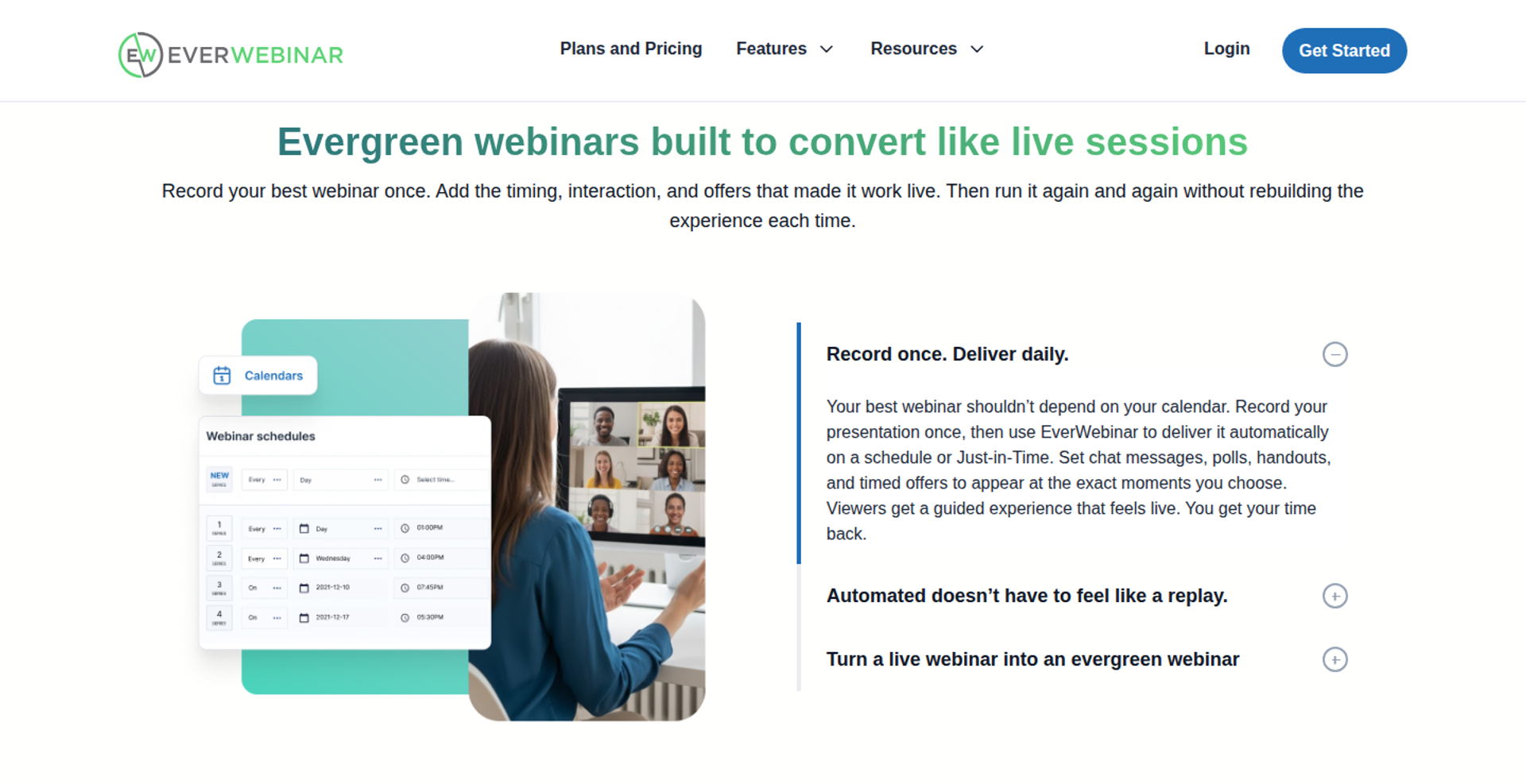
EverWebinar is best for marketers who already have a finished recording and never need to go live in the same tool. It focuses only on scheduling automated replays. It may not fit buyers who want to validate live and automate inside one product.
| Quick fit | - |
|---|---|
| Best for | Info-product sellers with a proven recording and a separate live tool |
| Skip if | You want live and automated on one subscription, or you need a built-in CRM and checkout |
| Strongest edge | A scheduling engine dedicated to automated replays |
| Biggest trade-off | Live hosting sits in WebinarJam, a separate product from the same company |
| Pricing snapshot | $199/month month-to-month, $99/month billed annually ($1,188 charged upfront), or $79/month billed every two years ($1,896 upfront) . A $1 trial runs 14 days, then bills monthly. Capterra still lists an older $499 yearly plan , so confirm on the live page. |
⭐ Why EverWebinar ranks #2
EverWebinar earns second place on evergreen scheduling depth, the criterion it was built for. It runs recorded sessions on just-in-time and recurring schedules without the clutter of live-event features. For a buyer whose offer is already proven, that focus is useful.
It ranks below EasyWebinar on live hosting, CRM follow-up, and in-room selling. Those are the criteria where EverWebinar depends on another product or an integration. EasyWebinar covers both the live and automated halves; EverWebinar covers the automated half.
✅ What EverWebinar does well
- Built only for automated replays. The platform turns pre-recorded presentations into scheduled evergreen sessions, so setup stays focused on one job.
- Just-in-time sessions. Operators like Jon Penberthy configure session start times every 15 minutes, which cuts the drop-off between registration and showtime.
- No feature tiers. Every billing option includes the same features, so you never upgrade to reach a scheduling mode.
- Conversion-focused pages and reminders. It includes customizable registration pages, automated email reminders, and connections to common marketing automation tools.
- Moves between sister products. Reviewers note it is easy to switch between WebinarJam and EverWebinar, so a WebinarJam recording can become an automated session.
❌ Where EverWebinar falls short
- No native live hosting. Teams needing live and automated webinars must keep separate platforms or pick a more versatile tool. Some 2026 deal sites report automated replays bundled into WebinarJam plans, while a 2023 G2 reviewer paid extra. Confirm on both pricing pages.
- Simulated chat cannot answer. Attendees cannot ask spontaneous questions or get immediate personal replies, and some may feel misled on discovering the recording.
- Reviewer-reported setup issues. A 2021 G2 reviewer said cloned webinars produced duplicate chat messages, unsent emails, and broken pop-ups. A 2018 reviewer said support was email-only on event day.
- Upfront commitment for the low rate. The $79 and $99 monthly rates require paying one or two years in advance.
📊 Decision scorecard
| Evaluation criterion | EverWebinar fit | Why it matters |
|---|---|---|
| Live webinars | Weak | Live hosting needs WebinarJam, a separate product and login. |
| Simulated live or automated webinars | Strong | Automated replay is the product's core purpose. |
| Evergreen automation | Strong | Just-in-time and recurring schedules match how evergreen funnels convert. |
| Funnel pages | Partial | Registration templates exist, but a full funnel builder is not included. |
| Engagement | Partial | Scripted chat and timed offers run, but no one answers questions in real time. |
| CRM and follow-up | Partial | Email reminders are built in; CRM work depends on integrations. |
| Monetization | Not publicly disclosed | Confirm whether checkout happens inside the room or through an external page. |
| Analytics | Not publicly disclosed | Confirm attendee-level watch time and offer-click reporting on a trial. |
| Integrations | Partial | Common marketing automation tools connect, but there is no native CRM. |
| Pricing fit | Partial | Low effective rate on a two-year plan; $199 month-to-month is the costliest option. |
| Best-fit buyer | Strong | Sellers with a finished recording who never need live in the same tool. |
🎯 Best for / skip if
Choose EverWebinar if your recording is final and you only need a scheduler for automated replays. Skip it if you want to validate live and automate in one product, or you need CRM and checkout without extra tools.
💬 Reviews
Kaylen M. reported that cloning webinars caused duplicate chat messages, missed registrant emails, and broken pop-ups, and that support took many emails to resolve it. - Kaylen M., August 24, 2021, EverWebinar G2 - Verified Review
Tara G. valued the automated replay companion for relaunching one presentation repeatedly, but noted it cost extra on top of WebinarJam. - Tara G., June 23, 2023, WebinarJam G2 - Verified Review
1.3 Demio
Demio is best for marketing teams that run regular live webinars and want simple automated replays as a second step. It offers a clean browser-based room with fast setup. It may not fit buyers who need checkout inside the room, a built-in CRM, or deep evergreen scheduling.
| Quick fit | - |
|---|---|
| Best for | Marketing teams running scheduled live webinars that want occasional automated replays |
| Skip if | Your funnel depends on in-room checkout, a native CRM, or behavior-based follow-up |
| Strongest edge | A simple attendee room that joins from the browser |
| Biggest trade-off | Automated and evergreen webinars start at the Growth plan; Starter covers live webinars only |
| Pricing snapshot | Starter is $45/month billed annually or $63 monthly for one host, verified August 25, 2026. Growth and Premium are billed per host and only show a price after you choose an attendee room size. Pricing trackers list Growth from $99/month for 50 attendees. |
⭐ Why Demio ranks #3
Demio scores well on ease of setup and attendee experience. Joining from a browser removes the download step that costs show-ups. For a marketing team running live webinars on a calendar, that matters more than evergreen depth.
It ranks below EverWebinar because automation is a secondary layer, not the core product. It ranks below EasyWebinar on monetization and CRM. EasyWebinar sells inside the room and follows up from EasyCRM; Demio relies on integrations for both.
✅ What Demio does well
- Browser-based joining. Attendees click a link and enter the room, which protects show-up rates on cold traffic.
- Preloaded room assets. Hosts load polls, handouts, and resources before the event, so the presenter focuses on the pitch instead of the controls.
- Fast registration pages. Reviewers report spinning up registration pages quickly, which shortens the gap between idea and first event.
- Built-in reminder sequences. Demio prompts hosts through confirmation and reminder emails, so registrants get the details they need to attend.
- Automated events on higher plans. Growth and Premium plans include automated events, so a team can replay a strong session without changing tools.
❌ Where Demio falls short
- Replays can lose engagement. A 2024 G2 reviewer reported that replays did not show the live polls and CTAs.
- CRM gaps. Reviewers describe partial CRM sync and fragile Zapier connections, so follow-up depends on middleware.
- Per-host pricing. Growth and Premium multiply by host, so two people running sessions at once means two subscriptions.
- Reported audio issues. A 2023 G2 reviewer described delays, echo, and mute problems across two webinars.
| Evaluation criterion | Demio fit | Why it matters |
|---|---|---|
| Live webinars | Strong | Browser joining and a clean room suit regular live events. |
| Simulated live or automated webinars | Partial | Automated events exist but start at Growth. |
| Evergreen automation | Partial | Scheduling depth is lighter than automation-first tools. |
| Funnel pages | Partial | Registration pages are quick; replay and checkout pages are limited. |
| Engagement | Partial | Polls and handouts work live; a reviewer saw them missing in replays. |
| CRM and follow-up | Weak | No native CRM, so follow-up runs through integrations. |
| Monetization | Weak | No checkout inside the room is documented. |
| Analytics | Not publicly disclosed | Confirm attendee-level watch time and offer-click data in a trial. |
| Integrations | Partial | Common tools connect, but reviewers report Zapier friction. |
| Pricing fit | Partial | Starter is affordable; automation and extra hosts raise the bill. |
| Best-fit buyer | Strong | Marketing teams running occasional live webinars. |
Choose Demio if your team runs live webinars on a calendar and wants a simple room. Skip it if your funnel needs checkout, a native CRM, or automated sessions on an entry plan.
Saana K. likes Demio's simple interface, camera views, and preloaded polls and handouts, but struggles with Zapier connections. - Saana K., August 6, 2024, Demio G2 - Verified Review
Ivanhoe S. found the options clearly placed, but Demio did not fully sync with GoHighLevel, and replays lacked the live polls and CTAs. - Ivanhoe S., August 5, 2024, Demio G2 - Verified Review
1.4 Zoom Webinars Plus
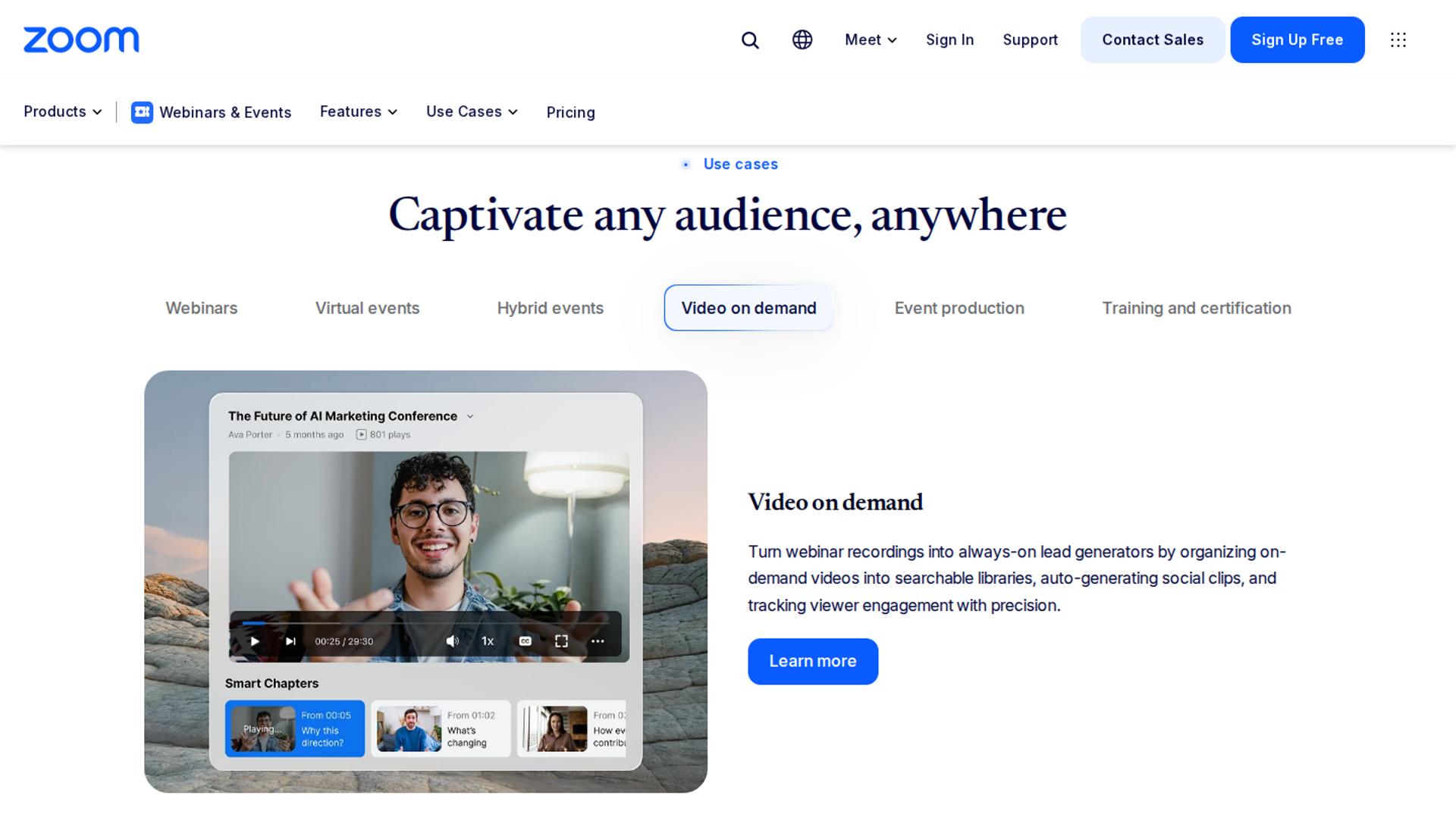
Zoom Webinars Plus is best for teams already standardized on Zoom that want to play a pre-recorded file at a scheduled time. It offers a familiar room and simulive playback (a recording streamed at a set time, like a TV broadcast). It may not fit funnel builders who need evergreen scheduling, checkout, or behavior-based follow-up.
| Quick fit | - |
|---|---|
| Best for | Teams already running meetings on Zoom that host scheduled webinars |
| Skip if | You need just-in-time sessions, recurring evergreen schedules, or checkout inside the room |
| Strongest edge | Attendee familiarity and simulive playback of a pre-recorded video |
| Biggest trade-off | Built as a meeting product first, so funnel pages and follow-up live elsewhere |
| Pricing snapshot | Webinars Plus for 100 attendees is listed at $99/month, or $82.50/month billed annually, and needs a Zoom Workplace Pro license. Zoom renamed and restructured its webinar tiers several times between May and July 2026. |
⭐ Why Zoom Webinars Plus ranks #4
Zoom ranks on reliability and attendee familiarity. Most attendees already know the interface, so few get stuck at the door. Simulive mode lets a team play a finished recording at a set time with backstage controls.
It ranks below Demio on funnel workflow. It also ranks below EasyWebinar on every revenue criterion: pages, checkout, CRM follow-up, and evergreen scheduling. EasyWebinar positions itself as the step up from Zoom: Zoom runs the meeting, and EasyWebinar runs the webinar that has to sell.
✅ What Zoom Webinars Plus does well
- Familiar attendee experience. Many attendees already know Zoom, which reduces confusion at join time.
- Simulive playback. Hosts schedule a pre-recorded video to stream at a set time, so the presenter does not repeat the talk.
- Production controls. Webinars Plus adds a backstage area for co-hosts and a practice mode for rehearsals, according to operator Betsy Sabatini.
- Broad integrations. A G2 reviewer notes connections to most marketing automation and CRM tools, which helps teams with an existing stack.
- Flexible pricing options. Zoom offers pay-per-attendee pricing on Webinars Plus and Events, which suits irregular event volume.
❌ Where Zoom Webinars Plus falls short
- No evergreen engine. Simulive runs at set times; just-in-time and recurring evergreen schedules are not part of the product.
- Limited branding. A 2023 G2 reviewer found almost no options to customize look and feel.
- CRM sync gaps. A 2021 G2 reviewer reported registrations not syncing to Marketo and slow ticket responses.
- Changing price structure. Tier names and price ranges changed across 2026 snapshots, which complicates budgeting.
| Evaluation criterion | Zoom Webinars Plus fit | Why it matters |
|---|---|---|
| Live webinars | Strong | Familiar, stable live delivery at scale. |
| Simulated live or automated webinars | Partial | Simulive plays a recording at a set time only. |
| Evergreen automation | Weak | No just-in-time or recurring evergreen scheduler. |
| Funnel pages | Partial | Branded registration forms exist; funnel pages do not. |
| Engagement | Partial | Chat, polls, and Q&A work in live and simulive rooms. |
| CRM and follow-up | Partial | Integrations exist, but reviewers report sync gaps. |
| Monetization | Weak | No checkout inside the webinar room. |
| Analytics | Partial | Attendee and drop-off analytics are available on Webinars Plus. |
| Integrations | Strong | Connects to most marketing and CRM tools. |
| Pricing fit | Partial | License prerequisite and frequent changes raise total cost. |
| Best-fit buyer | Strong | Teams already standardized on Zoom. |
Choose Zoom Webinars Plus if your company already runs on Zoom and needs scheduled events. Skip it if your webinar has to sell every day in every time zone.
Gabor F. calls Zoom Webinars stable and scalable, with a familiar interface, but missed options to customize the look and feel. - Gabor F., February 23, 2023, Zoom G2 - Verified Review
Pavel P. found basic functions fine, but registrations did not sync to Marketo, and support replies were slow. - Pavel P., January 12, 2021, Zoom G2 - Verified Review
1.5 Riverside
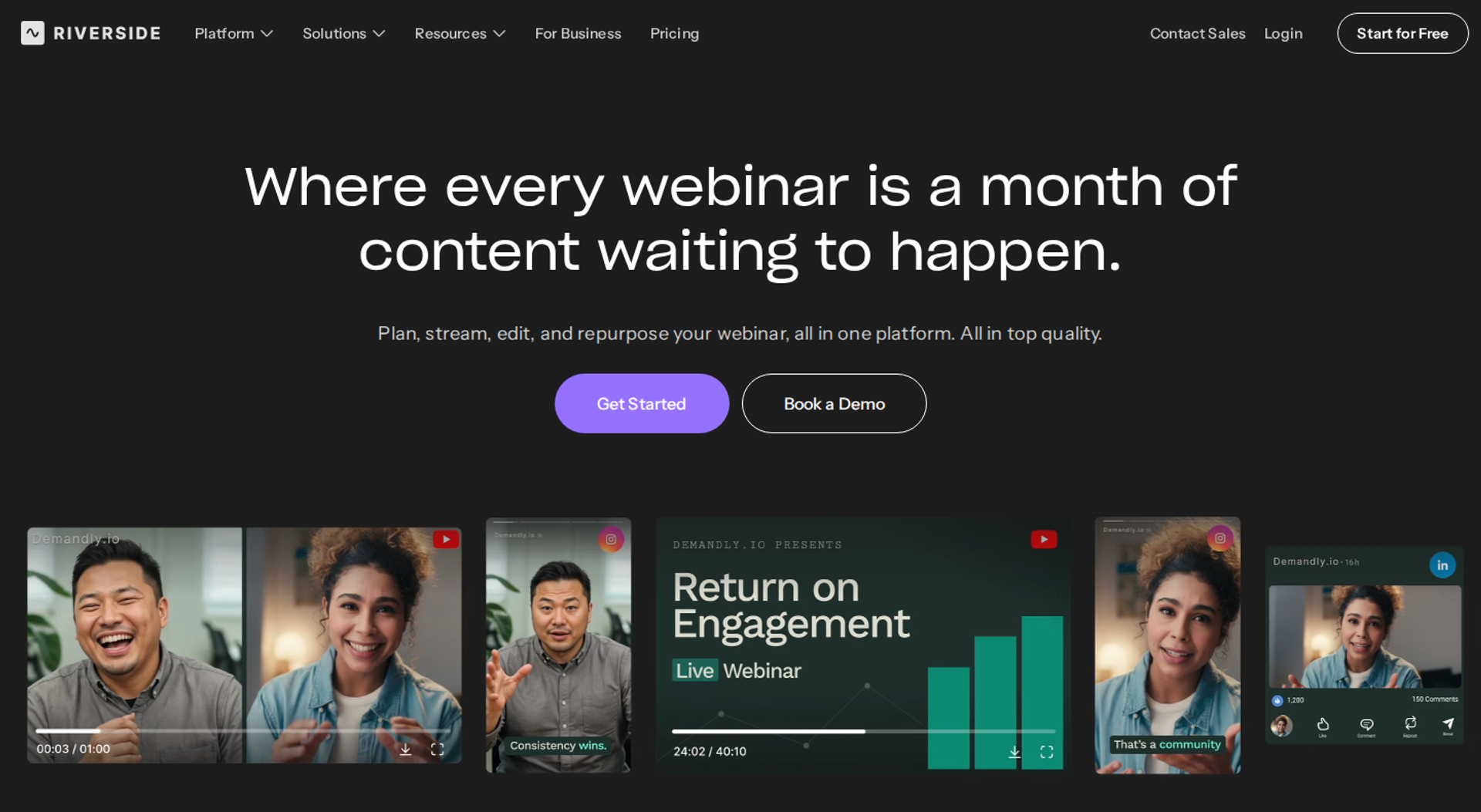
Riverside is best for hosts who care most about studio-quality recording and want to stream that file as a scheduled session. It records locally in 4K and multi-track. It may not fit evergreen funnels that need hundreds of registrants per session, checkout, or CRM-driven follow-up.
| Quick fit | - |
|---|---|
| Best for | Podcasters, educators, and marketers who record polished sessions before publishing them |
| Skip if | Your evergreen funnel needs more than 100 registrants or checkout inside the room |
| Strongest edge | Local multi-track recording that does not degrade with internet dips |
| Biggest trade-off | The Webinar plan covers up to 100 registrants, and larger volume moves to quote-based Business |
| Pricing snapshot | Free plan available. Pro costs $29/month or $288/year. Live costs $39/month, and Webinar costs $99/month; Business is quote-based. Annual billing lowers paid tiers to $24 to $79 per month, verified August 20, 2026. |
⭐ Why Riverside ranks #5
Riverside ranks on production quality, which helps the recording itself. A clean, well-edited presentation is the asset every evergreen funnel runs on. Its Webinar plan adds scheduled streaming of that recording plus recurring sessions.
It ranks below Zoom on capacity and below EasyWebinar on funnel workflow. Riverside's own blog says it isn't a traditional pre-recorded webinar platform. EasyWebinar handles the opposite half of the job: scheduling, selling, and following up after the recording exists.
✅ What Riverside does well
- Local 4K multi-track recording. Each speaker records on their own device, so a weak connection does not ruin the master file.
- Scheduled streaming of a recording. The Webinar plan streams pre-recorded sessions as scheduled events and supports recurring webinars.
- CRM sync for leads. The Webinar plan includes a HubSpot integration that syncs leads and tracks performance.
- Multistreaming. The Live plan streams to YouTube, Facebook, LinkedIn, Instagram, X, Twitch, and custom RTMP, which widens reach.
- Repurposing tools. Text-based editing and AI Magic Clips turn one session into short promotional clips.
❌ Where Riverside falls short
- Low registrant cap. The Webinar plan stops at 100 registrants, which is small for paid-traffic funnels.
- Recording-first design. Evergreen scheduling features like just-in-time sessions are not part of the product.
- No checkout inside the room. Selling happens on an external page.
- Seat add-ons. Extra editor seats are add-ons on Pro, Grow, and Webinar; only Business includes them.
| Evaluation criterion | Riverside fit | Why it matters |
|---|---|---|
| Live webinars | Partial | Live streaming works, but webinar capacity is small below Business. |
| Simulated live or automated webinars | Partial | Recordings stream as scheduled events. |
| Evergreen automation | Weak | No just-in-time or evergreen scheduler. |
| Funnel pages | Weak | Custom registration forms are a Business feature. |
| Engagement | Partial | Chat and call-ins work in live sessions. |
| CRM and follow-up | Partial | HubSpot sync on the Webinar plan; no native CRM. |
| Monetization | Weak | No in-room checkout. |
| Analytics | Not publicly disclosed | Confirm attendee-level engagement reporting in a trial. |
| Integrations | Partial | HubSpot and streaming destinations; few others documented. |
| Pricing fit | Strong | Low entry price with a free plan for testing. |
| Best-fit buyer | Strong | Hosts who need studio-quality recording. |
Choose Riverside if your priority is recording a polished session and streaming it to a small audience. Skip it if your funnel needs scale, checkout, and automated follow-up in one place.
1.6 GoHighLevel
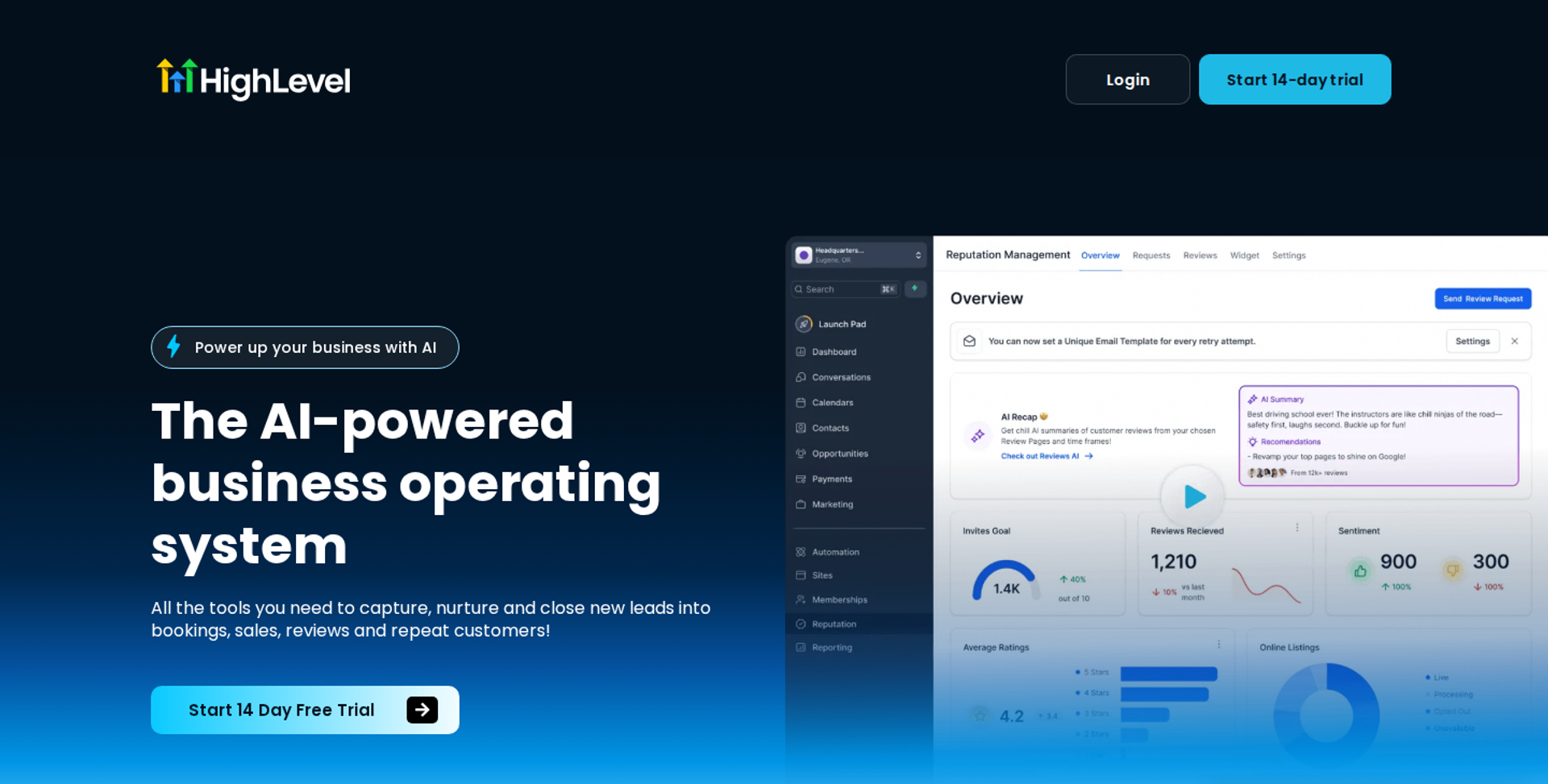
GoHighLevel is best for agencies that already run client CRMs, pipelines, and funnels inside GoHighLevel. It combines CRM, email, SMS, and a funnel builder in one account. It may not fit buyers who need a dedicated webinar room with evergreen scheduling and in-session engagement.
| Quick fit | - |
|---|---|
| Best for | Agencies managing CRM and marketing automation for several clients |
| Skip if | You need just-in-time sessions, timed offers inside the room, and attendee watch-time data |
| Strongest edge | CRM, pipelines, email, SMS, and funnel pages under one login |
| Biggest trade-off | Webinar delivery is a funnel feature, not a dedicated webinar engine |
| Pricing snapshot | Starter costs $97/month or $970/year with three sub-accounts. Unlimited costs $297/month or $2,970/year. The SaaS Mode plan is $497/month , and usage charges for SMS, email, calls, and AI typically add $30 to $300 per month . |
⭐ Why GoHighLevel ranks #6
GoHighLevel ranks on CRM and follow-up, where it is strong. Pipelines, workflows, and SMS give an agency every step after the webinar. That makes it a credible home for the post-event half of a funnel.
It ranks lower on format coverage and engagement because the webinar room itself is thin. EasyWebinar integrates natively with GoHighLevel. Agencies can keep GoHighLevel as the CRM and let EasyWebinar run the webinar, so the two cover different jobs.
✅ What GoHighLevel does well
- One CRM for everything. Every plan includes unlimited users and contacts, so teams never pay per seat for the CRM.
- Workflow automation. Pipelines and triggers move leads between stages without manual tagging.
- Funnel builder. Landing pages and funnel steps live beside the CRM, which removes a separate page tool.
- Agency structure. Unlimited adds unlimited sub-accounts and at-cost rebilling of phone and email to clients.
- Round-the-clock support. 24/7 support is included on every plan.
❌ Where GoHighLevel falls short
- Usage fees stack up. SMS, email, phone, and AI usage are billed on top of the plan.
- Thin webinar layer. Operator Bri Leever warns that suites promising CRM, email, and video together often trade depth for breadth.
- Engagement unverified. Confirm just-in-time scheduling, timed offers, and watch-time data in a trial before building a funnel on it.
| Evaluation criterion | GoHighLevel fit | Why it matters |
|---|---|---|
| Live webinars | Not publicly disclosed | Confirm native live webinar capacity before relying on it. |
| Simulated live or automated webinars | Partial | Recorded video can run inside funnel pages. |
| Evergreen automation | Not publicly disclosed | Confirm just-in-time and recurring scheduling. |
| Funnel pages | Strong | The funnel builder is core to the product. |
| Engagement | Not publicly disclosed | In-room chat, polls, and timed offers are not documented here. |
| CRM and follow-up | Strong | Pipelines, workflows, email, and SMS are native. |
| Monetization | Partial | Order forms live on funnel pages, not inside a webinar room. |
| Analytics | Partial | Strong CRM reporting; webinar watch-time data is unclear. |
| Integrations | Strong | Connects natively to EasyWebinar and many other tools. |
| Pricing fit | Partial | Fair for agencies; usage fees add up for solo operators. |
| Best-fit buyer | Strong | Agencies running client CRMs. |
Choose GoHighLevel if your agency already runs client CRMs there and needs a funnel builder. Skip it as your only webinar tool if the webinar itself has to engage and sell.
1.7 meetn
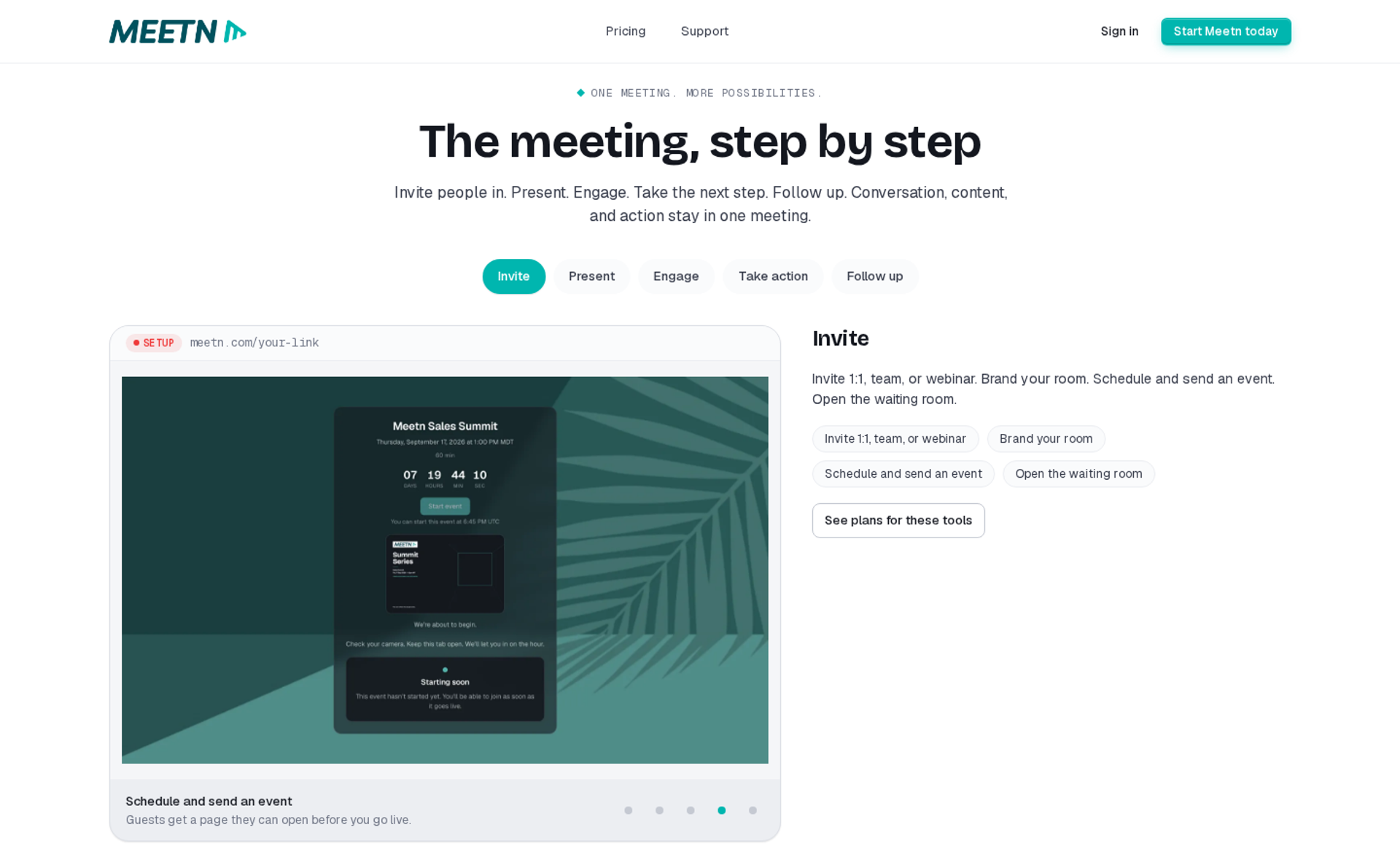
meetn is best for sales teams that want low-cost meetings plus webcasts with recorded video playback. Its higher plan adds webinar settings and capacity up to 1,000 attendees. It may not fit evergreen funnels that need automated scheduling, funnel pages, or CRM-driven follow-up.
| Quick fit | - |
|---|---|
| Best for | Sales teams and small businesses running meetings and occasional webcasts |
| Skip if | You need evergreen schedules, registration funnels, or checkout |
| Strongest edge | One-click video, audio, and slide playback inside a meeting room |
| Biggest trade-off | A meeting tool with webcast features, not an automated webinar engine |
| Pricing snapshot | Pro costs $9.95/month after a 14-day free trial. Ultimate costs $49.95/month and adds webinar settings, sales tools, and up to 1,000 attendees. Operator reviewer Erin reports one-time lifetime tiers at $79 for 100 attendees and $198 for 1,000. |
⭐ Why meetn ranks #7
meetn ranks on price and simplicity. A sales team gets meetings, webcasts, and recorded playback for a low monthly fee. That suits teams whose webinars are occasional and not the main funnel.
It ranks low on evergreen automation, funnel pages, and follow-up. EasyWebinar scores higher on those because it schedules, sells, and follows up without extra tools.
✅ What meetn does well
- Recorded playback in the room. Ultimate includes one-click video playback, audio playback, and slide sharing, so a host can play a prepared segment on cue.
- Capacity at low cost. Up to 1,000 attendees on Ultimate keeps cost per seat low.
- Sales tools. Ultimate adds sales tools and a call-now button, which helps reps move attendees to a conversation.
- Replay hosting. Event replays are hosted on the platform, according to operator reviewer Erin.
❌ Where meetn falls short
- Limited styling. Operator reviewer Erin notes limited custom UI styling and a basic waiting room design.
- No evergreen scheduler. Just-in-time and recurring automated sessions are not part of the product.
- Thin funnel layer. Registration funnels, checkout, and CRM follow-up need other tools.
| Evaluation criterion | meetn fit | Why it matters |
|---|---|---|
| Live webinars | Partial | Webcasts up to 1,000 attendees on Ultimate. |
| Simulated live or automated webinars | Weak | Video playback is manual, not scheduled. |
| Evergreen automation | Weak | No automated scheduling engine. |
| Funnel pages | Weak | No documented funnel page builder. |
| Engagement | Partial | Meeting-style chat and call-now tools. |
| CRM and follow-up | Weak | Follow-up needs an outside CRM. |
| Monetization | Weak | No in-room checkout. |
| Analytics | Not publicly disclosed | Confirm attendee reporting in a trial. |
| Integrations | Not publicly disclosed | Integration list is not published in sources reviewed. |
| Pricing fit | Strong | Among the lowest monthly costs on this list. |
| Best-fit buyer | Strong | Sales teams needing meetings plus webcasts. |
Choose meetn if you need inexpensive meetings and webcasts for a sales team. Skip it if your webinar must run on autopilot as a funnel.
1.8 Circle
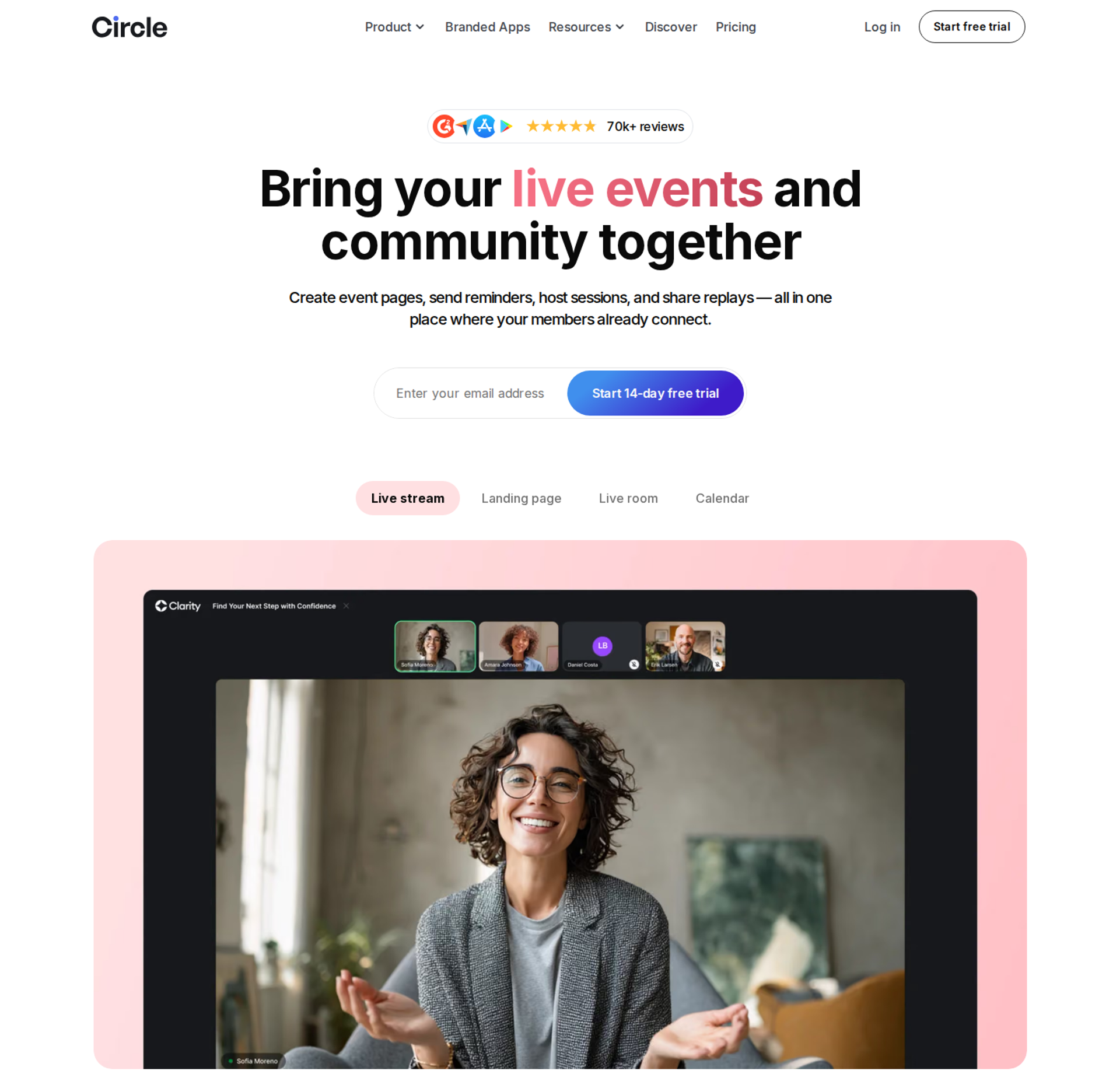
Circle is best for community-led programs that host live events and recordings for existing members. It puts community, courses, and events in one branded home. It may not fit cold-traffic evergreen funnels, because public registrants must create an account.
| Quick fit | - |
|---|---|
| Best for | Membership communities hosting events for people who already joined |
| Skip if | Your webinar needs to convert strangers from ads |
| Strongest edge | Events, discussions, courses, and recordings in one member space |
| Biggest trade-off | Public event RSVPs require a full Circle account |
| Pricing snapshot | Professional costs $89/month and Business $199/month, both billed yearly; Circle Plus has no published price. Paywall sales carry a 2%, 1%, or 0.5% transaction fee by plan. Live attendee capacity is an add-on at $20/month per 100 attendees. |
⭐ Why Circle ranks #8
Circle ranks on the member experience after the sale. Recordings, discussions, and events sit where members already spend time, which supports retention. For a membership business, that matters.
It ranks low for this article's intent because acquisition events need low-friction registration. EasyWebinar's stance here is partnership. Host the community on Circle, and sell the membership with a webinar.
✅ What Circle does well
- One home for members. Community, courses, and events sit together, so members do not hunt across tools.
- Event calendar and RSVPs. Members find and join upcoming sessions from one calendar.
- Branded apps. Circle Plus adds fully branded mobile apps and launch support.
- Room to grow. Business adds unlimited workflows, APIs, and deeper customization.
❌ Where Circle falls short
- Registration friction. Operator Bri Leever notes public event RSVPs force outsiders to create a full account.
- Fees on sales. Transaction fees apply on top of Stripe processing.
- Capacity costs extra. Live attendee capacity and streaming hours are paid add-ons.
- No evergreen scheduler. Just-in-time and recurring automated sessions are not part of the product.
| Evaluation criterion | Circle fit | Why it matters |
|---|---|---|
| Live webinars | Partial | Live events work for members; capacity is an add-on. |
| Simulated live or automated webinars | Weak | No scheduled replay engine. |
| Evergreen automation | Weak | No just-in-time or recurring scheduling. |
| Funnel pages | Weak | Account creation slows cold registrants. |
| Engagement | Strong | Discussion threads keep members talking after events. |
| CRM and follow-up | Partial | Workflows exist on Business; no sales CRM. |
| Monetization | Partial | Paywalls sell memberships, with transaction fees. |
| Analytics | Not publicly disclosed | Confirm event attendance reporting in a trial. |
| Integrations | Partial | Zapier and APIs on Business and above. |
| Pricing fit | Partial | Fair for communities; fees and add-ons raise cost. |
| Best-fit buyer | Strong | Membership communities. |
Choose Circle if your events serve members who already joined. Skip it as a webinar platform when the goal is converting cold traffic.
1.9 Stan Store
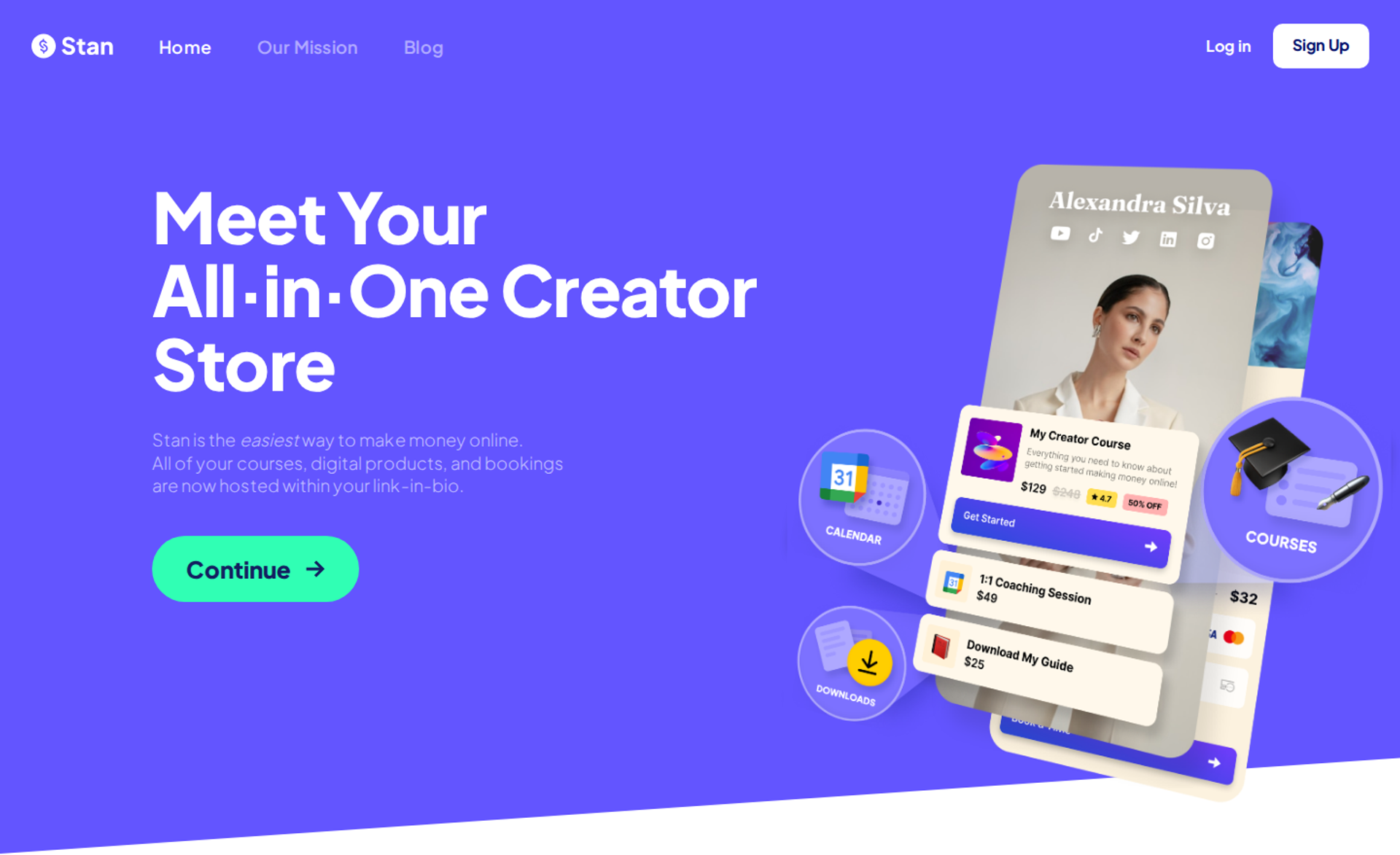
Stan Store is best for social creators selling low-ticket digital products from a link-in-bio store. It sends checkout links through Instagram DMs when followers comment a keyword. It may not fit anyone who needs a webinar room, scheduling, or multi-speaker sessions.
| Quick fit | - |
|---|---|
| Best for | Instagram and TikTok creators selling workshops, guides, or courses from a bio link |
| Skip if | You need to host webinars, schedule replays, or run a sales presentation |
| Strongest edge | Comment-to-DM checkout delivery |
| Biggest trade-off | A storefront, not a webinar platform |
| Pricing snapshot | Creator costs $29/month or $300/year. Creator Pro costs $99/month or $948/year. Stan takes no platform fee on sales. A 14-day free trial is available. |
⭐ Why Stan Store ranks #9
Stan Store earns a spot because many creators sell recorded workshops through it. The DM trigger turns social comments into checkout clicks with no funnel build. For a $27 workshop, that can be enough.
It ranks last because it does not host, schedule, or run webinars. EasyWebinar runs the presentation that sells higher-priced programs, a job Stan Store does not attempt.
✅ What Stan Store does well
- DM-triggered checkout. Instagram AutoDM is included on Creator, so a comment becomes a checkout link.
- Many product types. Creator covers the storefront, courses, bookings, memberships, and analytics.
- Sales tools on Pro. Creator Pro adds upsells, order bumps, payment plans, affiliates, email flows, and ad pixel tracking.
- No platform fee. Creators keep revenue beyond payment processing.
❌ Where Stan Store falls short
- No webinar engine. There is no scheduling, room, or multi-speaker stage.
- Fixed store URL. Store URLs stay on stan.store with your username on every plan.
- Branding on Creator. Removing the Stan referral banner requires Creator Pro.
| Evaluation criterion | Stan Store fit | Why it matters |
|---|---|---|
| Live webinars | Weak | No webinar hosting. |
| Simulated live or automated webinars | Weak | Sells recordings; does not schedule them. |
| Evergreen automation | Weak | No scheduler. |
| Funnel pages | Partial | Product pages and checkout, not registration funnels. |
| Engagement | Weak | No in-session engagement. |
| CRM and follow-up | Partial | Email flows on Creator Pro. |
| Monetization | Strong | Checkout, upsells, and payment plans with no platform fee. |
| Analytics | Partial | Store analytics and pixels on Pro. |
| Integrations | Not publicly disclosed | Confirm integration list in a trial. |
| Pricing fit | Strong | Low cost for solo creators. |
| Best-fit buyer | Strong | Social creators selling low-ticket products. |
Choose Stan Store if you sell low-ticket products to a social audience through DMs. Skip it if you need a webinar to present, pitch, and follow up.
⚠️ Reading this list as a shortlist
Most buyers should shortlist two or three tools, not nine. EasyWebinar's view is that the shortlist depends on one question: does your webinar already convert live? If yes, you need a tool that keeps that exact session selling. If no, you need a live room first, and automation comes later.
I learned this by running live webinars for a year before automating anything. EasyWebinar customer Rick Mulready later ran an automated funnel on cold Facebook traffic at a 166% ROI. That result followed live validation, not the other way around.
EasyWebinar ranks first because it covers both halves of this job. You run the webinar live, then turn the session that converts into an automated webinar on the same subscription. Checkout happens inside the room, and attendee behavior flows to EasyCRM or your existing CRM. Carla Biesinger generated $5M from one evergreen funnel built this way.
Q2: How Did We Select and Score These Platforms?
Each platform was scored out of 100 across five weighted criteria. Live-to-automated workflow counts 30%. Evergreen scheduling and in-session interactivity count 25%. In-room selling and CRM follow-up count 20%. Verified user reviews count 15%. Attendee transparency, meaning no faked live elements, counts 10%. Scores convert to stars in 20-point bands: 0 to 20 is one star, 21 to 40 two, 41 to 60 three, 61 to 80 four, and 81 to 100 five.
💸 Why a feature checklist was not enough
In EasyWebinar's consulting work on more than 100 webinars, feature checklists rarely predicted which funnel survived cold traffic. A course creator once showed me a comparison sheet with 40 green rows. Every tool had chat, polls, and replays. None of those rows told her which tool would turn ad spend into buyers.
So EasyWebinar scored this list on the funnel, not the room. Each criterion asks what happens before the recording runs, while it runs, and after the attendee leaves. The weights favor the steps where revenue leaks most often.
✅ The five weighted criteria
| Criterion | Weight | What earns full marks |
|---|---|---|
| Live-to-automated workflow | 30% | The session that converts live becomes the automated session, with no rebuild or second product |
| Evergreen scheduling and interactivity | 25% | Just-in-time, recurring, and time-zone scheduling, plus chat, polls, and offers in recorded sessions |
| In-room selling and CRM follow-up | 20% | Checkout inside the room and behavior-based follow-up in a native or connected CRM |
| Verified user reviews | 15% | Dated G2 and Capterra reviews that confirm or contradict vendor claims |
| Attendee transparency | 10% | Engagement that does not depend on fake attendee counts or scripted chat |
Transparency gets its own weight because trust compounds. EasyWebinar's rule is simple: never tell attendees an automated session is live, and make sure nobody feels duped. A funnel that tricks people may convert once, but it erodes refunds, reviews, and repeat buyers.
⭐ Final scores
| Rank | Platform | Score | Stars |
|---|---|---|---|
| 1 | EasyWebinar | 94 | ⭐⭐⭐⭐⭐ |
| 2 | EverWebinar | 74 | ⭐⭐⭐⭐ |
| 3 | Demio | 62 | ⭐⭐⭐⭐ |
| 4 | Zoom Webinars Plus | 58 | ⭐⭐⭐ |
| 5 | Riverside | 55 | ⭐⭐⭐ |
| 6 | GoHighLevel | 52 | ⭐⭐⭐ |
| 7 | meetn | 44 | ⭐⭐⭐ |
| 8 | Circle | 38 | ⭐⭐ |
| 9 | Stan Store | 34 | ⭐⭐ |
Review evidence was weighted by sample size and date. Capterra shows Demio at 4.7 from 244 reviews, while EverWebinar sits at 3.9 from 8 reviews. A small sample counted for less, even when the average looked strong.
⚠️ What this scoring does not capture
These scores fit one job: running a pre-recorded webinar as a selling funnel. For internal all-hands or member-only community events, Zoom or Circle would rank higher. Circle and Stan Store score low here because they were not built for cold-traffic webinars, not because they are weak products.
One more honest note. EasyWebinar wrote this guide and scored its own platform. Every claim carries a source, so you can check the reasoning instead of trusting the ranking.
EasyWebinar scored 94 mainly on the live-to-automated criterion. The session that converts live becomes the automated session on one login and one subscription. Checkout in the room and follow-up through EasyCRM or your existing CRM added most remaining points. Its review score was not perfect: one G2 reviewer notes that Just-in-Time sits on a higher-priced plan.
Q3: What's the Difference Between Automated, Evergreen, Simulive, Just-in-Time and On-Demand Webinars?
A pre-recorded webinar platform runs a recorded presentation as a scheduled or on-demand event, with registration, reminders, chat, and offers. Automated and evergreen webinars replay on a recurring schedule. Simulive streams once at a set time. Just-in-time starts minutes after registration, in the attendee's own time zone. On-demand plays the moment someone clicks. Scheduled formats keep the commitment of an event. On-demand trades that urgency for convenience.
⏰ Why the format choice changes conversions
A Demio host described a week of emails from registrants asking which time zone her session used. Her dropdown did not say the times were local. That confusion is a format problem, not a design problem.
Format decides when a session starts relative to the moment someone registers. That gap drives show-up. EasyWebinar treats format as a conversion decision, not a hosting setting.
✅ The five formats compared
| Format | How it runs | Scheduling | Best funnel |
|---|---|---|---|
| Automated | Umbrella term for any recording that runs on its own | Any of the options below | Any repeatable presentation |
| Evergreen | A recording built to stay relevant, rerun indefinitely | Daily, weekly, or continuous | Course and coaching funnels on paid traffic |
| Simulive | A recording streamed once at a fixed time, like a TV broadcast | One set date and time | Launches with a hard start |
| Just-in-time | Starts minutes after registration, shown in local time | Rolling slots, often every 15 minutes | Cold ad traffic, where intent fades fast |
| On-demand | Plays the instant someone clicks | None | Customer education and onboarding |
🔁 Are evergreen and automated webinars the same?
Not quite. EasyWebinar explains that every evergreen webinar is automated, but not every automated webinar is evergreen. "Automated" describes the mechanism. "Evergreen" describes the content's lifespan.
LearnyBox draws the line differently: automated sessions often run in recurring calendar slots, while evergreen ones are usually available instantly. Vendors use the terms loosely, so check the actual scheduling options before you buy.
⚠️ The on-demand trap
Demand for on-demand viewing is real. In ON24's 2025 benchmark report, 45% of attendees chose on-demand viewing. That makes on-demand right for training and onboarding.
Selling is different. Ad agency owner Jeremy Haynes warns that moving a proven funnel from live to on-demand forces you to rework the whole thing. In EasyWebinar's experience, removing the start time removes the reason to show up. "Watch later" often becomes "never."
💬 What operators say
"I also had many people connecting with me asking what time zone the event was in. The drop down feature didnt specify that the times were shown in their time zone which caused some confusion." - Trina P., January 22, 2023, Demio G2 - Verified Review
"I would like my registrants to be able to see their own time zone when they register on the plan that I am paying for. I think it's important in improving the "show-up" rate." - Jennifer B., Web Designer, April 15, 2025, EasyWebinar G2 - Verified Review
EasyWebinar runs all five formats from one recording: simulive, evergreen, just-in-time, on-demand, and instant replay. It adds recurring "Next Available" slots and "Wait For It" scarcity dates for urgency. Just-in-Time sessions start minutes after registration, in each attendee's own time zone. That way, a registrant from Tokyo and one from Berlin both get a start time that fits.
Q4: When Should You Automate a Webinar, and Will It Convert on Cold Paid Traffic?
Automate a webinar only after it converts live. Casey Zeman's Webinar Sprint Method runs 5 to 10 live sessions and records the winner once at least 10% of attendees buy. EasyWebinar turns that recorded session into an automated webinar on the same platform and subscription. On cold Facebook traffic, Rick Mulready's automated EasyWebinar funnel converts 30% of registration page visitors at an $8 to $12 cost per lead, for a 166% ROI.
⏰ Why live still matters
EasyWebinar's story starts with live webinars. In my first year running them, I built a 14,000-person email list and sold $245,000 of my online course. Live creates intent, because people know it happens once.
Live also wears you down. You repeat the same pitch, fight the same tech issues, and hope your child does not throw ketchup on your face mid-offer. That fatigue is why every operator eventually asks about automation.
❌ The old way: two bad extremes
Most operators pick one of two extremes. Some stay live forever, so their revenue is capped by their calendar. Others record an untested pitch and push ad money at it on day one.
The second mistake is costlier. Automating a webinar that does not convert just automates the failure. On cold traffic, Haynes sees show-up rates as low as 10% to 15%, so a weak pitch burns budget fast.
⚠️ What changed: the experts disagree
Jeremy Haynes reports live webinars beating automated versions on cold paid traffic. For one $10,000 offer, nearly half of buyers watched two or three live sessions first. Yuri Elkaim argues the opposite: his evergreen funnel, recorded once, hit seven figures in seven weeks.
Both are right under different conditions. Elkaim automated a pitch his team had already proven. So the real question is not live or automated. It is whether the offer has been validated yet.
✅ EasyWebinar's answer: sprint first, then one switch
EasyWebinar is built around the Sprint Method:
- Run 5 to 10 live sessions and refine the offer each time.
- Track your attendee-to-buyer rate until it holds at 10% or higher.
- Turn the winning session into an automated webinar with one switch, from the Growth plan.
- Send paid traffic to Just-in-Time sessions, which start minutes after registration in the attendee's local time.
- Keep an occasional live session for high-ticket buyers who want more than one touch.
💰 Proof from the funnels
SegMetrics found that leads who registered for EOFire's automated webinar, powered by Easy Webinar, were worth $81.05 each, 243% more than leads who did not. Laura C. went from 10 to 12 sales per live class to 25 sales in three weeks of evergreen.
"With my live class I used to sell 10-12 courses. With EasyWebinar I sold 25 courses within 3 weeks of my evergreen "launch"." - Laura C., Founder, January 28, 2025, EasyWebinar G2 - Verified Review
"EasyWebinar gives me the ability to multiply my efforts and offer a human touch, without having to be everywhere at once." - Ash A., Owner, March 13, 2026, EasyWebinar G2 - Verified Review
I could be off on the exact threshold for every niche. EasyWebinar's data still points one way: validate live, then automate.
EasyWebinar is built for the webinar that already works. Run it live, find the version that converts, then turn that exact session into an automated webinar that runs every day. Carla Biesinger followed that path from small live events to a fully automated system. She generated $5M from one evergreen funnel.
Q5: How Do You Keep an Automated Webinar Interactive Without Faking 'Live'?
Keep chat and timed offers running in automated sessions, but never present a recording as live. Casey Zeman's rule for EasyWebinar is to never say an automated session is live, and never let attendees feel duped. Some platforms lose interactivity in replays; a 2024 Demio reviewer reported replays without the live polls and CTAs. EasyWebinar runs chat and timed offers in automated sessions, and a moderator can answer questions while the recording plays.
⚠️ The moment viewers stop trusting a webinar
Picture a buyer who watches your replay on Tuesday and again on Thursday. Both times, "Sarah from Ohio" buys at minute 42. That buyer now doubts every claim in your pitch, including the true ones.
EasyWebinar has seen this pattern sink funnels that converted well for months. Cynicism spreads through comments, refund requests, and reviews. Once trust drops, no timer or badge brings it back.
❌ The old way: fake counts and scripted chat
For years, automated tools sold illusion as a feature. One vendor still markets pre-scripted chat that fires on a timeline, scarcity timers, and "live" badges. The chat looks busy, but nobody is there to answer.
The cost shows up later. A review of EverWebinar notes that attendees cannot ask spontaneous questions, and some feel misled when they discover the recording. The other failure runs the opposite way: replays that drop polls and offers entirely, which leaves just a video.
⏰ What changed: audiences can tell
LearnyBox's 2026 guide says audiences now demand transparency and advises never faking live elements or using bot chat. Thinkific names the "fake" or "canned" perception as a main challenge, and recommends software that sends an automated reply when the host cannot respond right away.
So the job changed. A recorded session is now judged on whether a real person can still answer. Engagement has to be honest to work at all.
✅ EasyWebinar's answer: honest automation
EasyWebinar handles this with a few specific mechanisms:
- The integrity rule. EasyWebinar never presents an automated session as live, and the room never claims a fake attendee count.
- Moderated chat. Attendees type questions while the pre-recorded webinar plays, and a moderator can reply in real time.
- Timed offers. Your best session runs on schedule with the chat and offers still working, timed to the same minute that converted live.
- AI Moderator. From the Pro plan, the AI Moderator answers attendee questions using PDFs and files you upload.
My read is that honest automation converts longer, because buyers come back to it. I could be wrong for one-time launches. For an evergreen funnel running for years, EasyWebinar's experience says trust is the asset.
💬 What operators report
"It didn't fuly integrated with my CRM (Highlevel) and the replay didn't show the live polls and CTAs" - Ivanhoe S., August 5, 2024, Demio G2 - Verified Review
"I love the built-in countdown offers and polls as well." - Annette S., Owner, October 29, 2024, EasyWebinar G2 - Verified Review
EasyWebinar keeps automated sessions human without pretending they are live. A moderator answers questions as the recording plays, and the offer appears at the minute it worked live. Nobody in the room is told a recording is happening in real time. That honesty matters for funnels that run for years, like Carla Biesinger's evergreen funnel, which generated $5M.
Q6: What Should Happen After the Webinar: Follow-Up and CRM Handoff?
Many evergreen funnels pass registrants through Zapier into a separate CRM and dialer, and each connection can fail. Ad agency owner Jeremy Haynes caught a Zapier plan cap four hours before a launch, after a couple hundred opt-ins went missing from the CRM. A linear follow-up works best: a 72-hour replay with one email on day 1, one on day 2, and two on day 3. EasyWebinar connects to HubSpot, Salesforce Pardot (Account Engagement), and Kit (formerly ConvertKit), or uses its built-in EasyCRM with an auto-dialer.
⏰ Where funnels quietly break
Haynes's team noticed the gap only because sales reps were calling a list that looked short. The team went into Zapier and found the plan had hit its limit; the fix was simply upgrading billing. Four more hours, and hundreds of warm leads would never have heard from a rep.
EasyWebinar sees the same weak point in many funnels. The webinar works. The handoff between the webinar, the email tool, and the CRM is where leads disappear.
❌ The old way: tool chains and monster funnels
Jon Penberthy's team once mapped a "monster funnel" across their office floor, with dozens of branching email sequences. It took months to build, broke constantly, and lost to a simple four-step replay sequence. I have watched coaches do the same thing with five tools and ten Zaps.
Each extra tool adds a login, a bill, and a failure point. I've described this as a complex spaghetti funnel that can take more than two months to perfect. Complexity does not raise conversions. It mostly raises stress.
⚠️ What changed: sales wants the signal today
Buyers cool fast after a webinar ends. The useful data is who stayed, who left early, and who clicked the offer. That signal has to reach a rep the same day, not after a nightly sync.
EasyWebinar customer Rick Mulready tags registrants by watch time in Keap. Leads who clicked the offer get one sequence, and early leavers get another. That is behavior-based follow-up, and it beats blasting everyone the same email.
✅ EasyWebinar's answer: your CRM or ours
EasyWebinar keeps the handoff inside the platform or connects it directly:
- EasyCRM, built in from Growth, with lead scoring, sequences, and an auto-dialer for early leavers.
- Native sync with HubSpot and Salesforce Pardot (Account Engagement) from the Pro plan, plus GoHighLevel, ActiveCampaign, and Kit.
- Separate sequences for no-shows, early leavers, offer-clickers, and replay viewers.
| Day | Message | |
|---|---|---|
| 1 | One | Here is the replay, available for 3 days |
| 2 | One | Checking you saw it; it comes down tomorrow |
| 3 | Two | "Coming down today" in the morning, "final hours" at night |
One rule from Haynes: never put the webinar link in an SMS. Phone viewing lowers buying intent.
💬 What operators report
"I also love that I can trigger emails directly from EasyWebinar as soon as someone registers. It keeps the whole funnel cohesive and hands-free." - Jennifer B., Web Designer, April 15, 2025, EasyWebinar G2 - Verified Review
"The integrations with 3rd party software such as mailchimp is inconsistent on both the pushing the registrants over and the custom form field population." - Tara G., June 23, 2023, WebinarJam G2 - Verified Review
EasyWebinar sends attendee behavior to EasyCRM or the CRM you already run, with no middleware required for native connections. Early leavers can get an automatic call from the EasyCRM auto-dialer the same day. Rick Mulready's watch-time tagging is one example of this workflow, and it supports his 166% ROI on cold traffic.
Q7: What Does a Pre-Recorded Webinar Platform Really Cost Once You Add the Funnel?
The sticker price of a webinar tool rarely matches what an evergreen funnel costs. Many setups pay separately for live hosting, automation, pages, email, CRM, and checkout; EverWebinar, for example, relies on WebinarJam for live sessions. EasyWebinar uses flat monthly pricing with no per-attendee fees within a plan, and a webinar does not stop at the plan limit. Automation, EasyCRM, and checkout start at EasyWebinar's Growth plan.
💸 The bill nobody adds up
A coach signs up for a $49 webinar tool and calls it cheap. Six months later, her card statement shows a page builder, an email tool, a CRM, a checkout app, and Zapier. The webinar tool is now the smallest line on the bill.
EasyWebinar's pricing page lists this pattern directly. It estimates a typical eight-tool webinar stack at $495 to $1,550 per month.
❌ The old way: stacked subscriptions
The classic evergreen setup splits live and automated across products. EverWebinar costs $199 per month month-to-month, or $99 per month billed annually. WebinarJam's Starter plan lists at $49 per month for live sessions. Some 2026 deal sites report automation bundled into WebinarJam, so check both pages before you buy.
Then come the extras. Pages, email, CRM, and checkout each add a login and a failure point. The result is more cost and more breakage.
⚠️ What changed: pricing by head, not by job
More vendors now charge by attendee or by host. Zoom offers pay-per-attendee pricing on Webinars Plus and requires a Zoom Workplace license. Demio bills Growth and Premium per host, so two people running sessions at once means two subscriptions.
For an evergreen funnel, that model punishes success. The more people your ads bring in, the higher the bill climbs. So the real question becomes total cost at your expected volume.
✅ EasyWebinar's answer: one subscription, flat pricing
| Job | Split-stack approach | EasyWebinar |
|---|---|---|
| Live sessions | WebinarJam or Zoom | Included on every plan |
| Automated sessions | EverWebinar or a Demio upgrade | Included from Growth |
| Pages, email, CRM | Separate tools | Registration pages, emails, and EasyCRM included |
| Checkout | External cart | In-room checkout from Growth |
| Attendee limit | Hard caps or per-attendee fees | Overage billed under the terms; the webinar never stops at the limit |
Two honest caveats belong here. EasyWebinar has no free plan, and the 7-day full-access trial requires a card. Automation also starts at Growth, not the Launch plan.
💬 What operators report
"The only downside is that to have the "just in time" feature you have to pay a premium that is about double the price of the basic subscription. However, it has been worth it for me to invest in that." - Laura C., Founder, January 28, 2025, EasyWebinar G2 - Verified Review
"After canceling, I was shocked to find out I couldn't export the list unless I subscribed again." - Sheida M., May 12, 2025, Demio G2 - Verified Review
My read is that cost matters less than what the webinar earns. EasyWebinar's pricing makes sense the moment your webinars have to produce revenue. If they don't yet, start with live validation first.
EasyWebinar puts live, automated, pages, email, CRM, and checkout on one subscription. Growth adds automated, simulive, and evergreen webinars with 1,000 automated viewers, built-in checkout, and EasyCRM. Pricing is flat monthly with no per-attendee fees within your plan. Laura C. sold 25 courses in three weeks on that plan, after selling 10 to 12 per live class.
Frequently Asked Questions

Casey Zeman
Founder of EasyWebinar
About Author
Over the past decade, I've helped thousands of entrepreneurs, coaches, and consultants turn webinars into a predictable, powerful way to grow their audience, build trust, and scale, without the constant hustle. I created EasyWebinar because I couldn't find a system that combined authenticity, engagement, and automation the way I needed. So, I built one.
Related Posts

10 Best Community Engagement Platforms in 2026
Compare the 10 best community engagement platforms in 2026. Course creators, evaluate live hosting, analytics, and replay to pick your winner today.

10 Best Online Coaching Tools in 2026: Live Session Quality, Scheduling, Recording, and Client Engagement Analytics
Compare the 10 best online coaching tools of 2026 on session quality, scheduling, and analytics. Discover the right fit for your coaching revenue model.

10 Best Webinar Hosting Platforms Ranked by Uptime, Streaming Quality & Cost
Compare 10 webinar hosting platforms ranked by uptime, streaming quality, and cost. Discover which tool actually turns attendees into revenue.
Turn every webinar into a revenue stream
Launch your first paid event in just a few clicks - and start monetizing your expertise.
Book a Call