10 Best Interactive Webinar Platforms with Polls, Chat & Live Q&A (2026)

Casey Zeman
Published on Jul 18, 2026 • 55 min read

TL;DR
- EasyWebinar ranks first among 10 interactive webinar platforms, scored on engagement depth, replay interactivity, attendee access and latency, follow-up data, and reviews, support, and pricing fit.
- Interaction only works if attendees get in with one click and see the poll in real time. Downloads and lag cost attendance and conversion.
- On-demand viewing now matches live attendance at 51%, so judge what still works after the live hour, and never present an automated session as live.
- Prompt interaction every 4 to 5 minutes and run a diagnostic poll early. Use open chat for momentum and a Q&A tab for buying questions.
- Poll answers, questions, and offer clicks are first-party intent data. Platforms that score leads and trigger behavior-based follow-up turn engagement into revenue.
- Choose by situation: EasyWebinar for live-then-automated selling, WebinarJam for one-off launches, Zoom for Zoom-standardized teams, GoTo for formal training, and BigMarker for summits.
Q1. What Are the 10 Best Interactive Webinar Platforms with Polls, Chat & Live Q&A in 2026?
The 10 best interactive webinar platforms in 2026 are EasyWebinar, WebinarJam, Demio, Livestorm, GoTo Webinar, Zoom Webinars, BigMarker, Contrast, Webex Webinars, and ProProfs WebinarNinja. Each was scored on engagement depth, replay interactivity, attendee access, follow-up, and pricing model. EasyWebinar runs live webinars that attendees join from any browser, and it delivers polls and offers over Dolby OptiView WebRTC at sub-500ms. It then turns the proven session into an automated webinar on the same subscription.
- EasyWebinar
- WebinarJam
- Demio
- Livestorm
- GoTo Webinar
- Zoom Webinars
- BigMarker
- Contrast
- Webex Webinars
- ProProfs WebinarNinja
⏰ Why this choice carries real stakes
At minute 22 of a Tuesday sales webinar, a coach watches the chat go quiet with 140 people still on the call. That silence predicts the close rate, so an interactive webinar platform is a revenue decision, not an IT purchase. This guide evaluates 10 vendors against seven defined criteria. It is written for the host or webinar marketer who runs sessions every week.
It also serves the buying committee. That includes the CFO checking total stack cost, the IT Director checking reliability and security, and the Marketing Head judging funnel results. It also includes the RevOps Lead checking whether attendee data reaches the CRM (customer relationship management system).
Our Evaluation Criteria
The next section shows how each criterion is weighted into a score out of 100.
Real-Time Engagement Depth 💬
We assess chat, polls, moderated Q&A (question and answer), reactions, and timed offers, and how quickly each one reaches attendees.
Interactivity on Replay and Automation 🔁
We assess whether polls, chat, and offers keep working in simulated live (a recording streamed on a set schedule), automated, and on-demand sessions. This matters because ON24 reports that on-demand viewing now matches live attendance, at 51%.
Attendee Access and Latency ⚡
We assess whether attendees join from a browser or must download an app, and how much delay sits between host and viewer.
Webinar Format Coverage 🎥
We assess which formats are supported: live, simulated live, automated, evergreen (a recorded session that runs on a recurring schedule), replay, and on-demand.
Engagement Data and Follow-up 📊
We assess whether each poll answer, question, and offer click reaches a CRM and triggers a different follow-up for each attendee.
Monetization in the Room 💰
We assess paid registration, in-webinar offers, and checkout that does not send the buyer to another site.
Reliability, Support, and Pricing Model 💸
We assess streaming stability, the support model, and whether cost scales by attendee, by host, or by flat tier.
Who This Guide Is For
- Coaches and course creators who turn a teaching webinar into a repeatable sales funnel and need the chat to stay active up to the pitch.
- Marketing teams that use webinars for lead generation and need poll answers and questions to reach the CRM the same day.
- Revenue operators who are checking whether engagement data can drive lead scoring and segmented follow-up.
- Founders and consultants replacing separate tools for hosting, landing pages, email, checkout, and follow-up.
- Buying-committee readers, such as CFOs validating consolidation, IT leaders checking uptime and security, and marketing heads assessing conversion.
📋 The 10 interactive webinar platforms compared
Star ratings come from the weighted scoring method in the next section.
| Provider | Best For | Standout Strength | Known Limitation | Replay & Automated Interactivity | Support Model | Pricing Model |
|---|---|---|---|---|---|---|
| EasyWebinar ⭐⭐⭐⭐⭐ | Coaches, creators, and marketing teams selling with live and automated webinars | Turns the session that converted live into an automated webinar on one subscription | Automated webinars need the presentation uploaded before setup | Live, Simulive, Evergreen, Just-in-Time, and On-Demand from one platform | Support team with setup help; Account Manager from Pro | Flat monthly tiers, no per-attendee fees |
| WebinarJam ⭐⭐⭐⭐ | One-off live launches | Live-room urgency tools, attendee spotlight, and a Panic Button on upper plans | Automation runs in EverWebinar, a separate product ( G2, Jun 2023 ) | Automated replays through EverWebinar, bundled from Basic | Email and ticket support with a help center | Flat tiers by attendee cap |
| Demio ⭐⭐⭐⭐ | Occasional live marketing webinars | Clean, browser-based attendee experience | A reviewer found replays did not show live polls and CTAs ( G2, Aug 2024 ) | Automated and on-demand sessions; replay interactivity varies | Chat and email | Tiered monthly plans by attendee capacity |
| Livestorm ⭐⭐⭐⭐ | Meetings and webinars in one tool, for irregular volume | Browser-first joining for hosts and attendees | Billing by attendee credit means higher show-up raises cost | On-demand and automated sessions with workflows | Chat and email; dedicated CSM on Enterprise | Free plan, then attendee-credit billing; Enterprise by quote |
| GoTo Webinar ⭐⭐⭐⭐ | Formal corporate training and compliance sessions | Structured polls, surveys, and post-session reports | A reviewer reports outsourced support and recurring speaker audio issues ( G2, Oct 2025 ) | Simulive and recorded sessions | Phone, chat, and ticket | Per organizer per month, tiered by attendee capacity |
| Zoom Webinars ⭐⭐⭐⭐ | Teams already standardized on Zoom | Familiar interface, with backstage controls for panelists | A reviewer calls polling rudimentary and notes no waiting room ( G2, Mar 2021 ) | Simulive (pre-recorded) sessions | Ticket and chat; premium support sold separately | License tiered by attendee capacity |
| BigMarker ⭐⭐⭐⭐ | Branded multi-room summits | Deep HubSpot and Salesforce integration for event programs | Every tier is quote-based , so cost needs a sales call | Automated and on-demand webinars | Support included on all plans; sales-led onboarding | Quote-based (Basic, Enterprise, Enterprise+) |
| Contrast ⭐⭐⭐⭐ | Teams wanting a free entry plan and a polished studio | Polls and Q&A that reviewers say work well, plus HubSpot data sync | No anonymous Q&A submission box ( G2, Feb 2026 ) | On-demand replay experience | Email support; priority support on paid plans | Free plan, then usage-based by active contacts |
| Webex Webinars ⭐⭐⭐ | Organizations standardized on Cisco Webex | Enterprise collaboration infrastructure | A reviewer reports lag and delayed audio even on stable internet ( G2, Jun 2025 ) | Recorded and on-demand playback | Cisco tiered support by plan | Tiered by attendee capacity; larger tiers through sales |
| ProProfs WebinarNinja ⭐⭐⭐ | Solo educators running occasional live and series webinars | Live, automated, series, and hybrid formats in one tool | A reviewer reports product instability and poor value ( G2, Apr 2025 ) | Automated and hybrid sessions | Chat and email | Tiered monthly plans by attendee capacity |
1.1 EasyWebinar
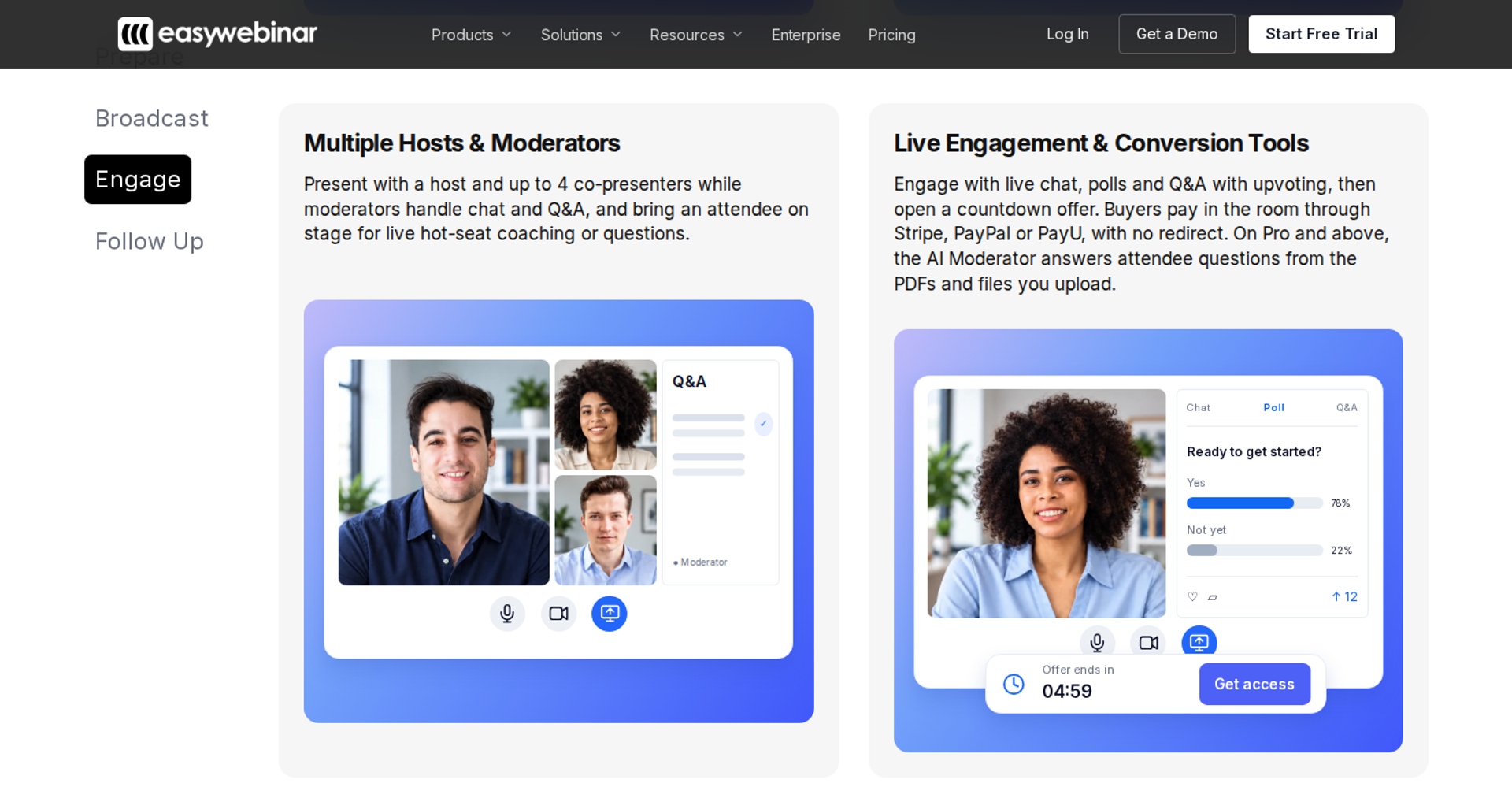
EasyWebinar is best for coaches, course creators, and marketing teams who need webinars to keep selling after the live hour. It runs live webinars and automated versions of the same session on one subscription. It may not fit teams that need breakout rooms, multi-track summits, or courses with lessons and certificates.
| Quick fit | EasyWebinar |
|---|---|
| Best for | Coaches, course creators, and marketing teams selling with live and automated webinars |
| Skip if | You need breakout rooms, multi-track summits, or course hosting with certificates |
| Strongest edge | The session that converts live becomes an automated webinar on the same platform and subscription |
| Biggest trade-off | Automated setup needs the recorded presentation first, and the Launch plan is live only |
| Pricing snapshot | Launch $44/mo (live only), Growth $116/mo (automation, 200 live and 1,000 automated attendees), Pro $198/mo (500 attendees, HubSpot and Salesforce Pardot sync), Scale $349/mo. 7-day trial, no credit card required . |
Why EasyWebinar ranks #1
EasyWebinar scores highest on the two criteria that decide an interactive webinar: real-time engagement and format coverage. Attendees join from any browser with nothing to download. Chat, polls, Q&A, timed offers, and countdowns then reach them over Dolby OptiView WebRTC at sub-500ms.
🎥 Format coverage is where the ranking is won
EasyWebinar turns one live session into Simulive, Evergreen, Just-in-Time, On-Demand, or Instant Replay with one switch. Just-in-Time starts a session minutes after someone registers, in that person's own time zone. Most tools in this list make you pick live or automated, or buy a second product to get both.
EasyWebinar's read is that the standard advice gets interactivity backwards. Hosts add polls for energy, but a poll is only worth the data it leaves behind. I learned this in my own first year of webinars, which built a 14,000-person list and $245,000 in course sales. The webinars that sold were the ones where I knew who answered, who asked, and who clicked.
💰 Revenue mechanics, not only room features
EasyWebinar records every poll answer, question, and offer click against the attendee who made it. Checkout happens inside the room through Stripe, PayPal, or PayU, so the buyer never leaves. Carla Beisinger built $5M in sales on one EasyWebinar evergreen funnel.
My own working model is hybrid. I pre-record the core 30 to 40 minutes for clean delivery, then join live for Q&A at the end. EasyWebinar never labels an automated session as live, because an audience that feels misled stops trusting you.
What EasyWebinar does well
- Live to automated on one subscription: the presentation that proved your offer runs every day, so you never rebuild it for automation.
- One-click browser join: attendees reach the room without an app, plugin, or account, which protects show-up rate.
- Real-time delivery: polls and offers land while you are still on the slide, through Dolby OptiView WebRTC at sub-500ms, backed by a 99.9% uptime guarantee.
- AI Webinar Builder: it drafts the script, registration page, thank-you page, email sequence, poll questions, and timed call to action (CTA), which shortens time to launch.
- Follow-up that reacts: no-shows, early leavers, offer-clickers, and replay viewers each get their own sequence, through EasyCRM or your existing CRM.
- Drop-off heatmap: it shows the exact minute attendees leave, so you can fix that segment before the next session.
Where EasyWebinar falls short
- Automated setup order: you upload the recorded presentation before building the automated webinar, which slows teams that promote far ahead of recording.
- No breakout rooms or multi-track agendas: multi-room summits fit BigMarker better.
- Automation is not on the entry plan: Launch covers live webinars only, and automation starts at Growth.
- Email reporting gaps: one reviewer moved post-webinar emails to another tool to track open and click rates.
EasyWebinar decision scorecard
| Evaluation criterion | EasyWebinar fit | Why it matters |
|---|---|---|
| Live webinars | Strong | Browser join and sub-500ms delivery keep polls in sync with the presenter. |
| Simulated live or automated webinars | Strong | Simulive, Just-in-Time, and On-Demand run from the proven live session. |
| Evergreen automation | Strong | Recurring "Next Available" and "Wait For It" dates add scheduled scarcity. |
| Funnel pages | Strong | Registration, thank-you, and replay pages are built in and drafted by AI. |
| Engagement | Strong | Chat, polls, Q&A, timed offers, and countdowns run in the room. |
| CRM and follow-up | Strong | Use EasyCRM, or sync to HubSpot and Salesforce Pardot (Account Engagement) on Pro and above. |
| Monetization | Strong | Paid webinars and in-room checkout keep the buyer in the session. |
| Analytics | Strong | Attendee-level watch time, questions, poll answers, clicks, and purchases are recorded. |
| Integrations | Partial | It covers ActiveCampaign, Mailchimp, Kit (formerly ConvertKit), Keap, and Zapier , but has no native Marketo. |
| Pricing fit | Partial | Flat tiers avoid per-attendee fees, but automation requires Growth. |
| Best-fit buyer | Strong | Webinar sellers who need live and automated sessions on one subscription. |
Should you shortlist EasyWebinar?
Choose EasyWebinar if your webinar has to sell live and then keep selling automatically, with attendee data feeding your follow-up. Skip it if you need breakout rooms, multi-track summits, or a course platform that issues certificates.
What EasyWebinar reviewers say
One reviewer calls EasyWebinar their pick for evergreen webinars, but wants to add the video after creating the event.
"Would love to be able to add the video later!" - Ash A., 5/5, March 2026, EasyWebinar G2 - Verified Review
Another reviewer valued having a poll, an offer, and a countdown in the event, but saw video pixelate when switching from slides to camera.
"I love that we can have a poll, offer and countdown right in the event!" - Verified User in Photography, 4.5/5, August 2025, EasyWebinar G2 - Verified Review
1.2 WebinarJam
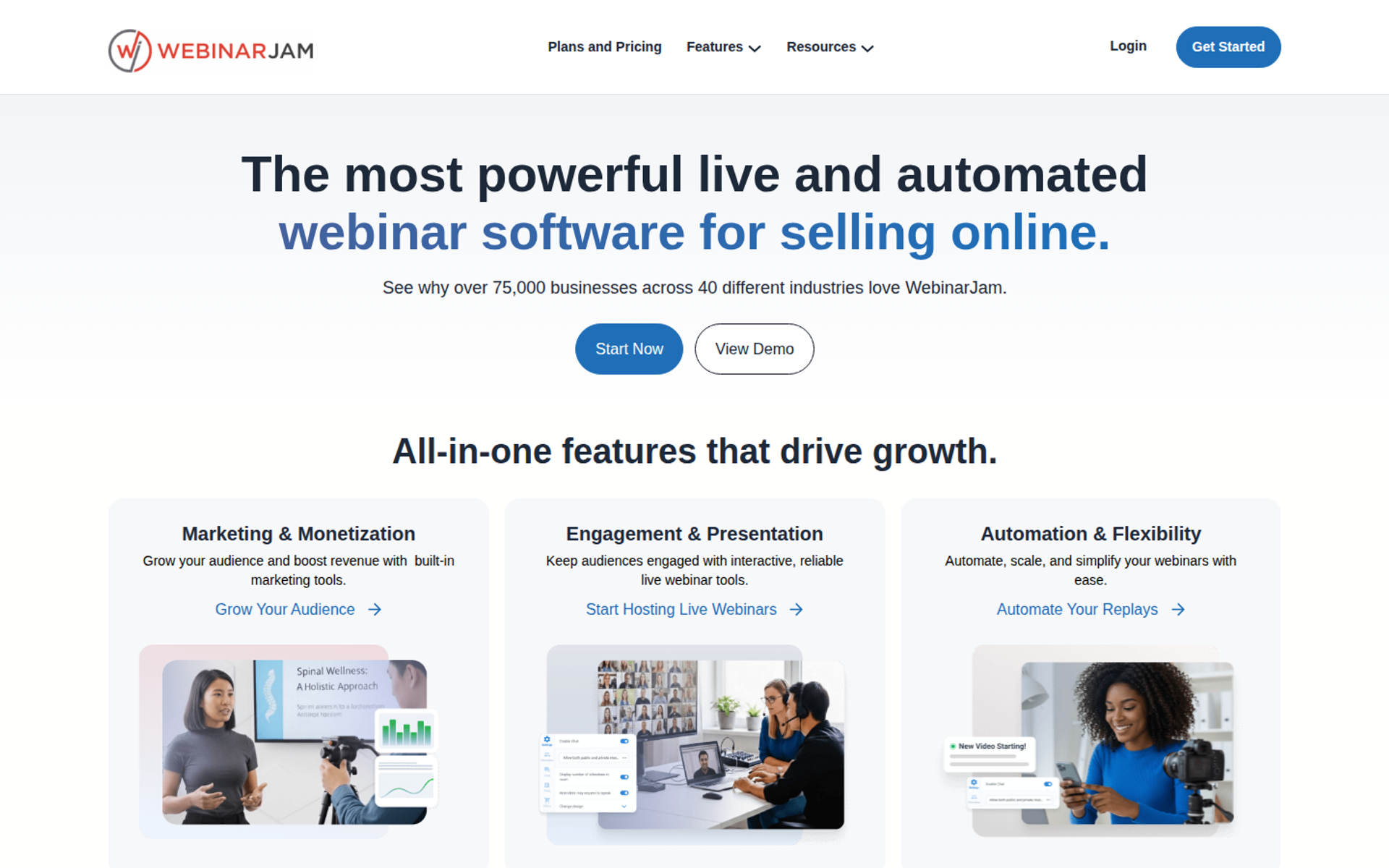
WebinarJam is best for marketers running one-off live launches who need urgency in the room, with live chat, offers, countdowns, and attendee spotlight. It may not fit teams that want live and automated webinars inside one product, because automation runs in its sister product, EverWebinar.
| Quick fit | WebinarJam |
|---|---|
| Best for | Marketers running high-energy live launches to large audiences |
| Skip if | You want live and automated sessions in one product, or a built-in CRM |
| Strongest edge | Live-room urgency tools, attendee spotlight, and a Panic Button on Professional and Enterprise |
| Biggest trade-off | Automation lives in EverWebinar, and lower tiers cap session length and host count |
| Pricing snapshot | Starter $49/mo (100 attendees, 1 host, 1 hour), Basic $99/mo (500 attendees, EverWebinar included), Professional $299/mo (2,000 attendees), Enterprise $499/mo (5,000 attendees). Annual billing cuts these to $39, $79, $229, and $379 per month . |
Why WebinarJam ranks #2
WebinarJam ranks second because its live room is built for selling. Chat, Q&A, polls, offer pop-ups, and countdown timers sit in one interface, and attendees join from a browser. It can also bring an attendee on screen, which turns a viewer's question into a live moment.
⚠️ Where the ranking stops short of first
WebinarJam drops points on format coverage and follow-up. Automated sessions run through EverWebinar, a separate product that is bundled from the Basic plan upward. That means two setups to manage, and no native CRM to score the leads the room produces.
EasyWebinar's experience with operators switching from this stack is consistent. The live room was never the problem. The friction came from moving a proven session into a second product and stitching the data back together afterward.
What WebinarJam does well
- Live urgency tools: offer pop-ups and countdown timers create the "doors close tonight" pressure that live launches depend on.
- Attendee spotlight: hosts can bring an attendee on screen, which deepens engagement during Q&A.
- Panic Button: on Professional and Enterprise, it moves a failing live session to a fresh room, protecting the pitch.
- Large live capacity: Enterprise supports 5,000 attendees per session, which suits big launches.
- Wide marketing integrations: it connects with ClickFunnels, ActiveCampaign, AWeber, Mailchimp, PayPal, Leadpages, and Kartra.
Where WebinarJam falls short
- Split automation: evergreen and replay sessions run in EverWebinar, so live and automated funnels are managed in two places.
- Tier caps: Starter limits sessions to one hour and one host, and four hosts require Professional.
- Integration consistency: one reviewer reported inconsistent Mailchimp syncing and email sends to registrants.
- No built-in CRM: lead scoring and follow-up depend on the email or CRM tool you connect.
WebinarJam decision scorecard
| Evaluation criterion | WebinarJam fit | Why it matters |
|---|---|---|
| Live webinars | Strong | Chat, Q&A, polls, offers, and spotlight run in a browser room. |
| Simulated live or automated webinars | Partial | Automation runs through EverWebinar, bundled from Basic. |
| Evergreen automation | Partial | Evergreen depth sits in a second product with its own setup. |
| Funnel pages | Strong | A built-in page builder covers registration and thank-you pages. |
| Engagement | Strong | Urgency tools and spotlight keep live attendees active. |
| CRM and follow-up | Partial | Email and SMS reminders exist, but CRM work depends on integrations. |
| Monetization | Partial | Offer pop-ups drive sales, while payment runs through connected tools. |
| Analytics | Not publicly disclosed | Attendance and engagement reports exist; revenue attribution depth needs a demo check. |
| Integrations | Strong | Common funnel and email tools connect natively. |
| Pricing fit | Strong | Attendee capacity per dollar is generous at upper tiers. |
| Best-fit buyer | Strong | Launch-driven marketers who sell mostly live. |
Should you shortlist WebinarJam?
Choose WebinarJam if your revenue comes from scheduled live launches to large audiences and you are comfortable running automation in a second product. Skip it if you want one product for live and automated sessions, with attendee data scored in a built-in CRM.
What WebinarJam reviewers say
One reviewer valued EverWebinar's replays but found WebinarJam's Mailchimp sync inconsistent and the presenter interface hard to manage.
"The presenter has to toggle between videos, slides, files, etc." - Tara G., 0/5, June 2023, WebinarJam G2 - Verified Review
Another reviewer flagged limited presenter control over audience audio and a three-hour cap on live sessions.
"Cannot enable or disable speak of audience by presenter." - Verified User in Investment Management, 0/5, August 2020, WebinarJam G2 - Verified Review
1.3 Demio
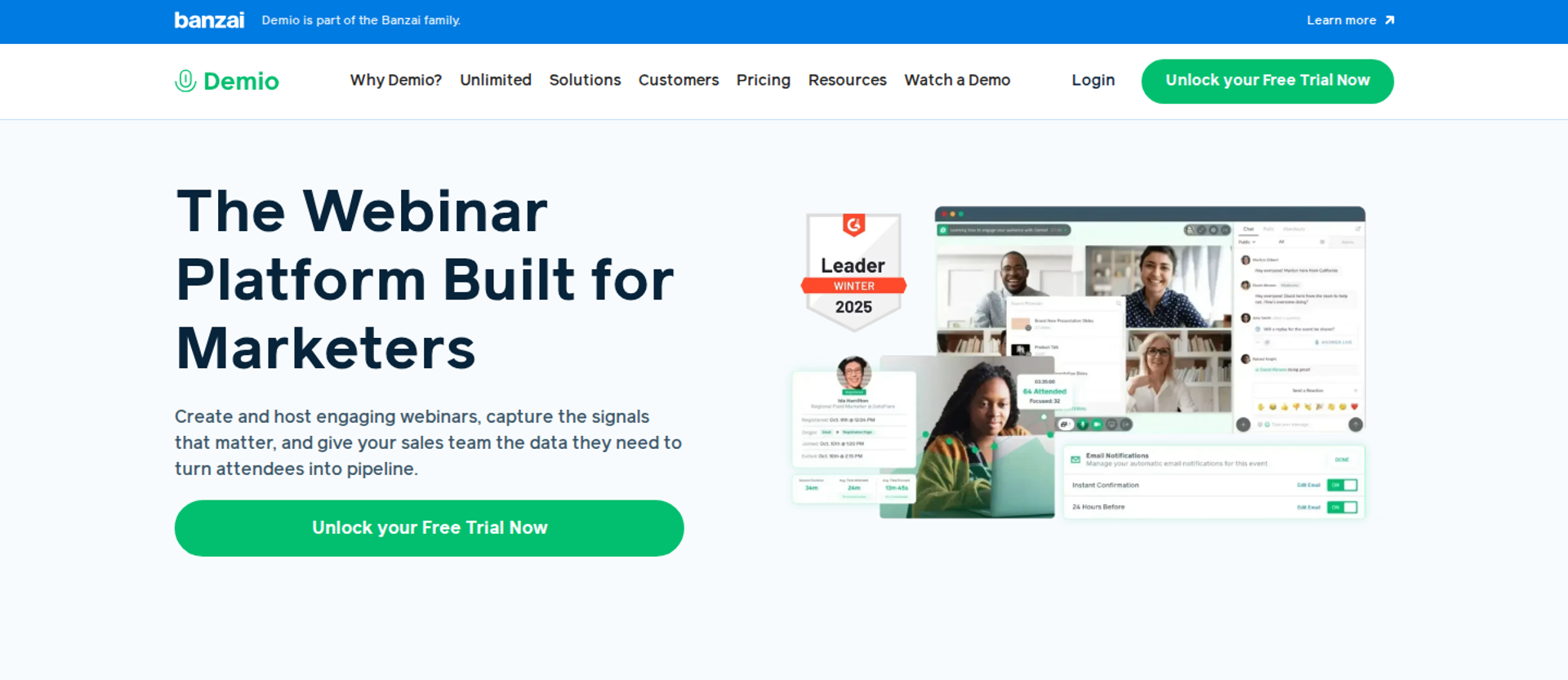
Demio is a browser-based webinar platform best for marketing teams running occasional live webinars. It offers a clean attendee room with polls, handouts, and resources. It may not fit buyers who need replays that keep the live polls and CTAs, or deep CRM sync on the entry plan.
| Quick fit | Demio |
|---|---|
| Best for | Marketing teams running occasional live webinars that need a clean attendee experience |
| Skip if | You need replays that carry live interactions, or premium CRM integrations on a starter budget |
| Strongest edge | A simple browser room where hosts preload polls, handouts, and resources before going live |
| Biggest trade-off | Growth and Premium are billed per host, so a second simultaneous host means a second subscription |
| Pricing snapshot | Starter is $45/mo billed annually or $63 monthly , for 1 host, a 50-attendee room, and 3-hour sessions. Growth and Premium are priced per host by room size, with no figure shown until a room size is selected. |
Why Demio ranks #3
Demio earns third place on attendee access and live engagement. Attendees join from a browser, can stay anonymous, and cannot see one another. Hosts can preload polls, handouts, and resources so the room is ready before minute one.
⚠️ Where it loses points against EasyWebinar
Demio drops points on replay interactivity and follow-up. One G2 reviewer reported that the replay did not show the live polls and CTAs. Demio's Starter plan also excludes premium CRM integrations, custom domains, and Demio AI.
EasyWebinar handles the same job differently. It turns the proven live session into Simulive, Evergreen, or On-Demand on one subscription, and it syncs with HubSpot and Salesforce Pardot (Account Engagement) from Pro. Operators who switch to EasyWebinar from Demio usually cite the replay, not the live room.
What Demio does well
- Preloaded room assets: polls, handouts, and resources can be staged in advance, which cuts the scramble at go-live.
- Anonymous attendance: attendees cannot see each other, which helps coaches whose audiences prefer privacy.
- Fast registration pages: reviewers note that registration pages are quick to publish, which shortens time to launch.
- Flexible camera views: hosts can switch between layouts, which keeps a solo presentation visually varied.
Where Demio falls short
- Replay interactivity: a reviewer found that live polls and CTAs did not appear on the replay.
- Per-host billing above Starter: teams running parallel sessions pay for each host.
- Audio reliability reports: one reviewer described delays, echo, and attendees unable to come off mute.
Demio decision scorecard
| Evaluation criterion | Demio fit | Why it matters |
|---|---|---|
| Live webinars | Strong | Browser join and a clean room keep live attendees focused. |
| Simulated live or automated webinars | Partial | Automated sessions exist, but replay interactivity varies by report. |
| Evergreen automation | Partial | Evergreen scheduling depth needs a demo check against your funnel. |
| Funnel pages | Strong | Registration pages are quick to publish and customize. |
| Engagement | Strong | Polls, handouts, and resources run inside the room. |
| CRM and follow-up | Partial | Premium CRM integrations sit above the Starter plan. |
| Monetization | Not publicly disclosed | Confirm in-room checkout and payment options in a demo. |
| Analytics | Partial | Attendance reporting exists; revenue attribution depth needs checking. |
| Integrations | Partial | One reviewer reports difficulty with Zapier connections. |
| Pricing fit | Partial | Starter is published, but Growth and Premium are not shown upfront. |
| Best-fit buyer | Strong | Marketing teams running occasional live webinars. |
Should you shortlist Demio?
Choose Demio if you run a few live marketing webinars each quarter and value a clean attendee room. Skip it if your replays must carry the live polls and offers, or if parallel hosts would multiply your bill.
What Demio reviewers say
One reviewer liked staging polls and handouts in advance but found Zapier connections difficult.
"I like the polls, resources, and handouts you can upload to get the room ready for you as well." - Saana K., 4/5, August 2024, Demio G2 - Verified Review
Another reviewer found Demio easy to use, but the replay dropped the live interactions.
"The replay didn't show the live polls and CTAs." - Ivanhoe S., 4/5, August 2024, Demio G2 - Verified Review
1.4 Livestorm
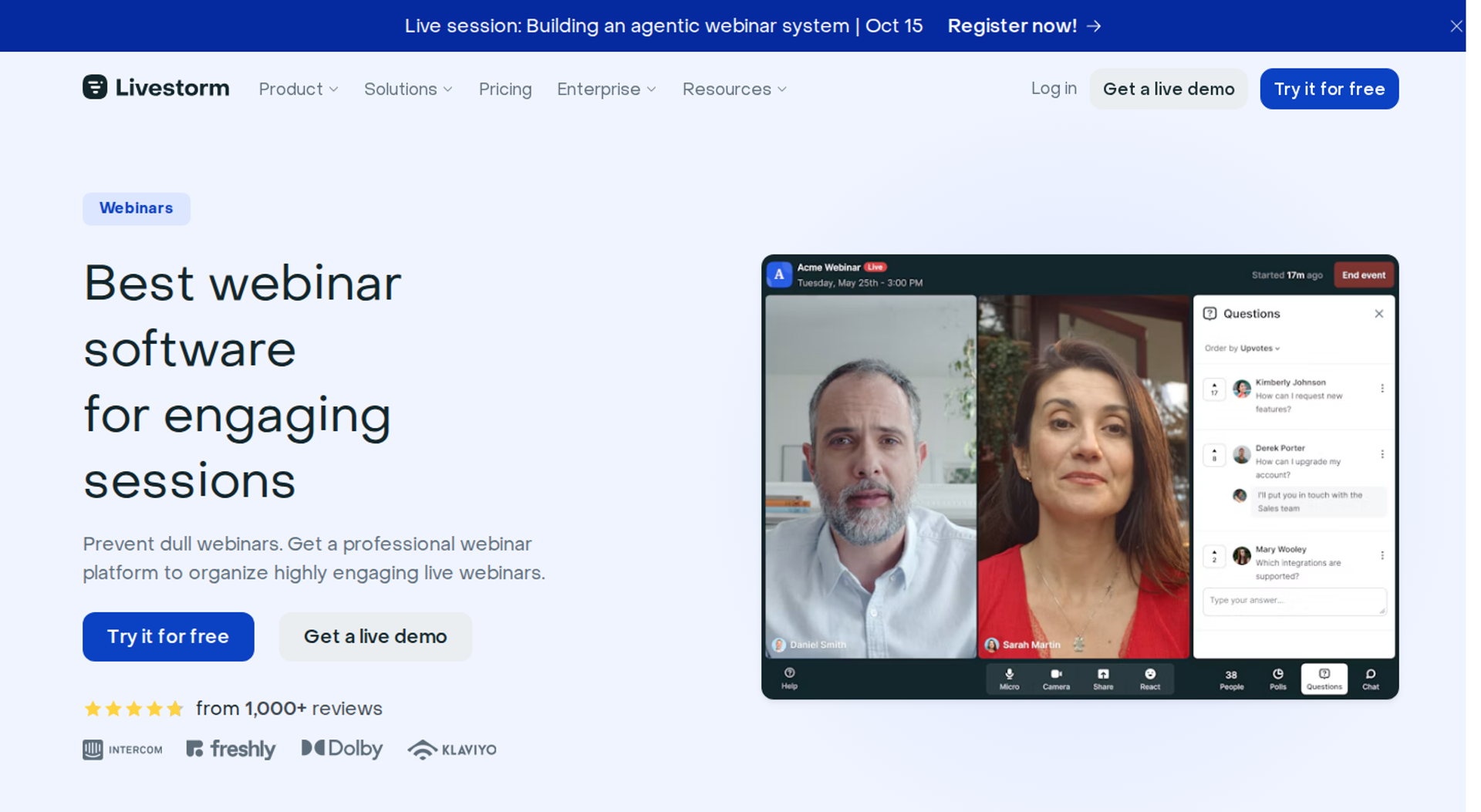
Livestorm is a browser-based platform best for teams that want meetings and webinars in one tool, with usage-based pricing for irregular volume. It may not fit sellers whose costs need to stay flat as show-up rates climb.
| Quick fit | Livestorm |
|---|---|
| Best for | Teams running meetings and webinars in one browser tool, at irregular volume |
| Skip if | You need a flat monthly bill that does not rise as attendance grows |
| Strongest edge | Browser-first joining for both hosts and attendees, with nothing to install |
| Biggest trade-off | Paid plans scale with attendee usage, so a better show-up rate raises the invoice |
| Pricing snapshot | A free plan covers 30 attendees per session. Pro is usage-based, listed from €105 per month for 3,000 active contacts . Business and Enterprise are quote-based. |
Why Livestorm ranks #4
Livestorm ranks fourth on attendee access and workflow automation. Both hosts and attendees join from a browser. The platform pairs live and on-demand sessions with automated workflows and integrates with 37 tools.
💸 How the pricing model changes the decision
Livestorm bills by usage (active contacts or attendee credits) rather than by seat. That suits teams with uneven volume, but it works against sellers who are trying to raise show-up rates.
EasyWebinar takes the opposite approach, with flat monthly tiers and no per-attendee fees. Operators who move from Livestorm to EasyWebinar usually make the switch once attendance becomes predictable.
What Livestorm does well
- Browser-first joining: neither hosts nor attendees install anything, which protects show-up rate.
- Meetings and webinars together: one tool covers demos, team calls, and webinars, which simplifies the stack for small teams.
- Automated workflows: actions after registration or attendance reduce manual follow-up.
- Enterprise options: Business adds SSO and API access, and Enterprise adds a dedicated customer success manager (CSM).
Where Livestorm falls short
- Usage-based cost: higher attendance raises the bill, which makes budgets hard to forecast for growing programs.
- Free-plan limits: short session caps and a 30-attendee limit restrict real testing on the free tier.
- Feature gating: users report that advanced branding and customization sit on higher tiers.
Livestorm decision scorecard
| Evaluation criterion | Livestorm fit | Why it matters |
|---|---|---|
| Live webinars | Strong | Browser join for hosts and attendees reduces friction. |
| Simulated live or automated webinars | Partial | On-demand and automated sessions exist, with plan-dependent limits. |
| Evergreen automation | Partial | Evergreen scheduling depth needs a demo check. |
| Funnel pages | Strong | Registration pages and emails are built in. |
| Engagement | Strong | Polls, Q&A, and chat run in the browser room. |
| CRM and follow-up | Strong | Workflows and integrations route attendee actions. |
| Monetization | Weak | Paid webinars and in-room checkout are not a core strength. |
| Analytics | Partial | Engagement reporting deepens on higher tiers. |
| Integrations | Strong | 37 integrations cover common marketing stacks. |
| Pricing fit | Partial | Usage-based billing rises with attendance. |
| Best-fit buyer | Strong | Teams mixing meetings and webinars at irregular volume. |
Should you shortlist Livestorm?
Choose Livestorm if your team needs meetings and webinars in one browser tool and your volume swings month to month. Skip it if you are pushing show-up rates higher and need costs to stay flat.
1.5 GoTo Webinar
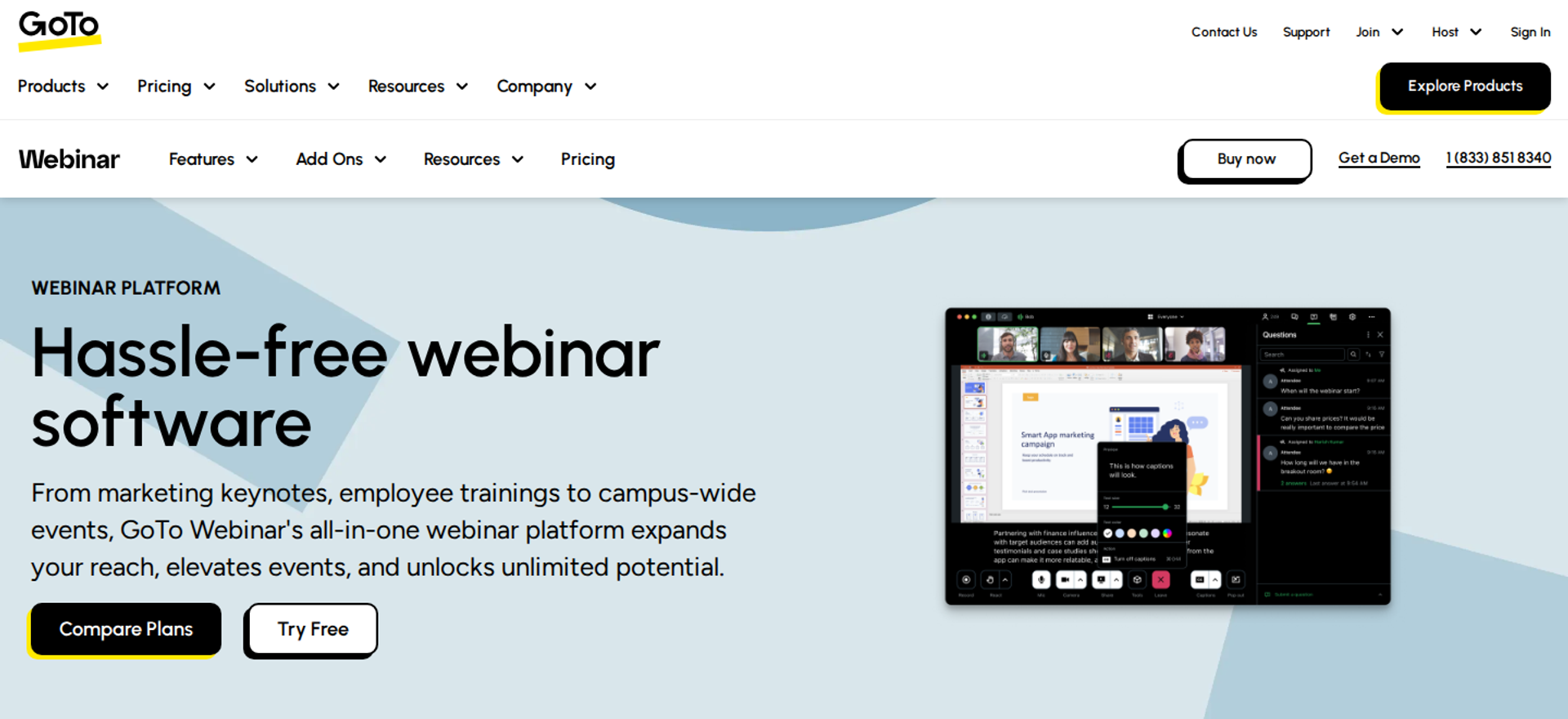
GoTo Webinar is a long-running platform best for formal corporate training and compliance sessions. All its plans include polls, Q&A, handouts, and simulive events. It may not fit sellers who need in-room checkout or a fast, browser-only join for every attendee.
| Quick fit | GoTo Webinar |
|---|---|
| Best for | Training and compliance teams running structured sessions with polls and reports |
| Skip if | You sell during the webinar and need checkout without a redirect |
| Strongest edge | Polls, Q&A, handouts, reporting, and simulive events included on every tier |
| Biggest trade-off | Reviewers report support delays and recurring speaker audio issues |
| Pricing snapshot | Reach starts at $69 per organizer per month with 1 seat . Elevate is $299 per organizer per month with 3 seats. Complete is quote-based. Flex costs $29 monthly plus $149 to $499 per live event. |
Why GoTo Webinar ranks #5
GoTo Webinar ranks fifth on engagement basics and reporting. Every current tier includes reporting, automated emails, polls, Q&A, handouts, integrations, and simulive events. A senior marketing manager at Wiley University Services praised its polling and post-session reports on TrustRadius.
⚠️ Where the ranking stops
GoTo Webinar loses points on reliability reports and revenue mechanics. A 2025 G2 reviewer described outsourced support and speakers whose microphones produced no sound. There is no native in-room checkout for selling during the session.
EasyWebinar covers the selling side of the same job. Buyers pay through Stripe, PayPal, or PayU inside the room, and a 99.9% uptime guarantee covers the live pitch.
What GoTo Webinar does well
- Polls and surveys included: every tier engages the live audience and captures feedback instantly.
- Detailed reporting: attendee, registrant, question, poll, and survey data support compliance records.
- Simulive on every plan: a recorded session runs on a schedule without the presenter live.
- Flex per-event option: occasional hosts pay per event instead of a full subscription.
Where GoTo Webinar falls short
- Support and audio reports: a recent reviewer cites slow escalation and speakers whose microphones produced no sound.
- Retired tiers cause confusion: many published guides still list old plans, so budgets are often built on stale numbers.
- No in-room checkout: selling requires sending buyers to an outside page.
GoTo Webinar decision scorecard
| Evaluation criterion | GoTo Webinar fit | Why it matters |
|---|---|---|
| Live webinars | Strong | A mature platform with structured host controls. |
| Simulated live or automated webinars | Partial | Simulive is included, but evergreen depth is limited. |
| Evergreen automation | Weak | There is no recurring evergreen scheduling engine. |
| Funnel pages | Partial | Reviewers describe limited registration page customization . |
| Engagement | Strong | Polls, Q&A, surveys, and handouts are on every tier. |
| CRM and follow-up | Partial | Automated emails and integrations exist without a native CRM. |
| Monetization | Weak | There is no native in-room checkout. |
| Analytics | Strong | Post-session reports cover polls, questions, and surveys. |
| Integrations | Partial | Integrations are included; API documentation draws complaints . |
| Pricing fit | Partial | Per-organizer pricing multiplies across team seats. |
| Best-fit buyer | Strong | Training and compliance teams. |
Should you shortlist GoTo Webinar?
Choose GoTo Webinar if you run formal training or compliance sessions that need polls and audit-ready reports. Skip it if you sell during the webinar or need attendees to convert without leaving the room.
What GoTo Webinar reviewers say
A senior marketing manager valued GoTo's polling and post-webinar analytics for large-scale sessions.
"I specifically like features such as polling to engage the live audience and gather feedback instantly." - Khyati Doshi, Senior Marketing Manager, 6/10, December 2023, GoTo Webinar TrustRadius - Verified Review
A marketing reviewer reported that speakers' microphones failed and support was hard to reach.
"Most recently, their microphones will not work." - Forrester S., 0/5, October 2025, GoTo Webinar G2 - Verified Review
1.6 Zoom Webinars
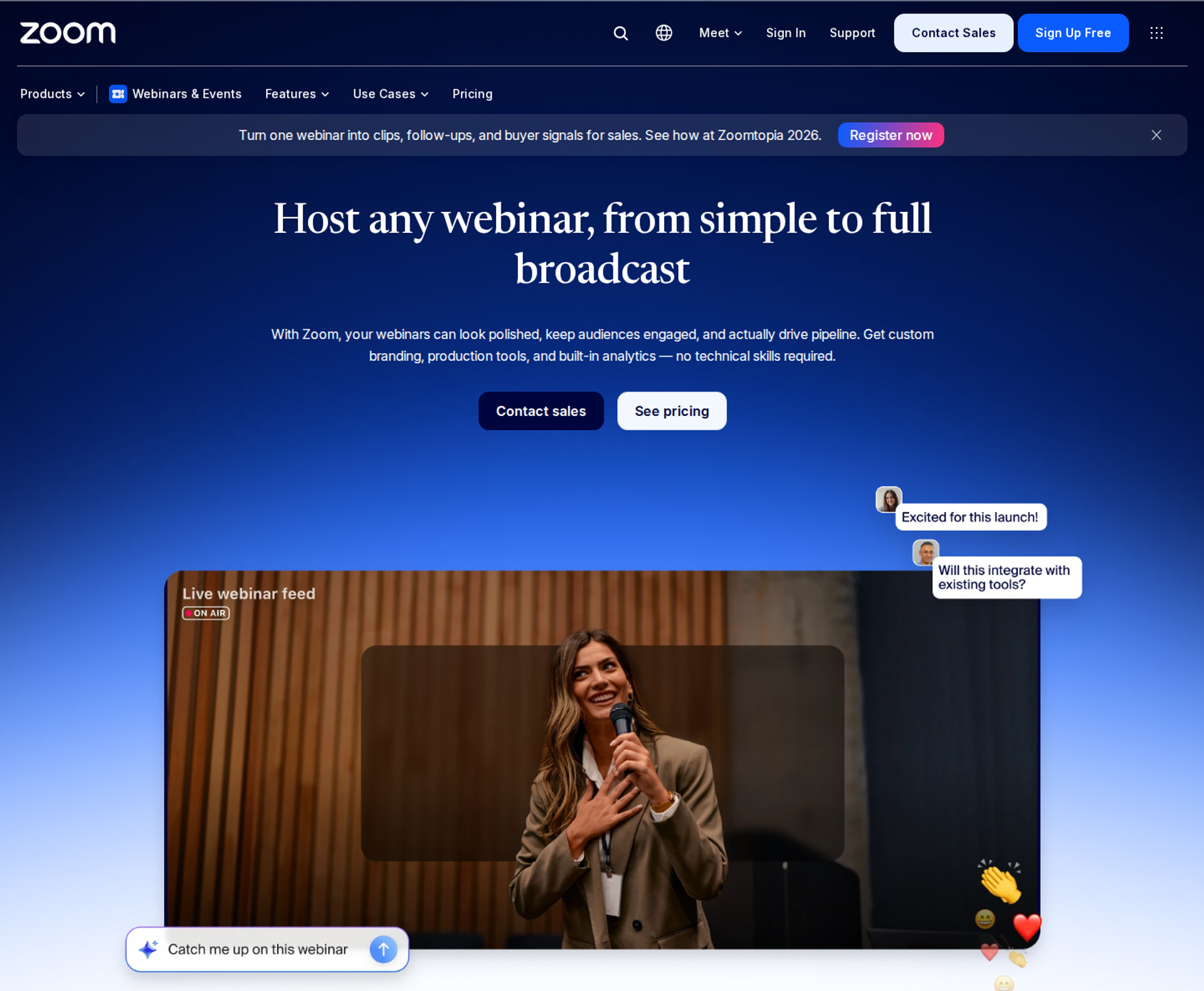
Zoom Webinars is best for teams already standardized on Zoom who want a familiar interface and backstage controls for panelists. It may not fit sellers who need deep polling, branded pages, or checkout in the room.
| Quick fit | Zoom Webinars |
|---|---|
| Best for | Teams already standardized on Zoom, running panels and internal or member events |
| Skip if | Your webinar has to sell, with offers, checkout, and per-attendee follow-up |
| Strongest edge | A familiar interface, plus backstage and practice sessions for panelists |
| Biggest trade-off | Webinars are an add-on to a paid Zoom license, with basic engagement tools |
| Pricing snapshot | Zoom's pricing page listed Webinars from $83.33 to $415.83 per month in July 2026 . A paid Zoom Workplace license is also required. Monthly, annual, one-month, and single-use plans are available. |
Why Zoom Webinars ranks #6
Zoom Webinars ranks sixth on familiarity and scale. Many attendees already know the interface, and Zoom Webinars supports sessions up to 30 hours. Zoom's backstage lets hosts and panelists talk privately before and during the event without the audience hearing.
💬 Why the engagement score is lower
Zoom loses points on engagement depth and funnel tooling. One reviewer called its polling rudimentary and noted there was no waiting room or exit page. Another found it frustrating to need two computers to be in the backstage and the webinar at once.
EasyWebinar's position here is direct. Zoom runs the meeting, and EasyWebinar runs the webinar that has to sell. That means attendee-level poll answers, questions, and offer clicks, plus follow-up that reacts to each one.
What Zoom Webinars does well
- Familiar interface: attendees recognize Zoom, which reduces confusion at join time.
- Backstage and practice sessions: panelists rehearse and coordinate privately, which keeps multi-speaker events tidy.
- Flexible purchase options: single-use and one-month plans suit occasional large events.
- Broad integrations: reviewers note integrations with most marketing automation and CRM tools.
Where Zoom Webinars falls short
- Basic engagement tools: reviewers describe rudimentary polls and confusing chat for attendees.
- Limited branding: one reviewer says look-and-feel customization is almost absent.
- Stacked cost: the webinar license sits on top of a paid Zoom Workplace license.
Zoom Webinars decision scorecard
| Evaluation criterion | Zoom Webinars fit | Why it matters |
|---|---|---|
| Live webinars | Strong | Familiar, scalable, and long-running sessions are supported. |
| Simulated live or automated webinars | Partial | Simulive exists, but without evergreen scheduling depth. |
| Evergreen automation | Weak | There are no recurring automated funnels. |
| Funnel pages | Weak | Reviewers cite minimal landing page customization. |
| Engagement | Partial | Polls and Q&A exist, but reviewers call them basic. |
| CRM and follow-up | Partial | Integrations exist; follow-up runs in outside tools. |
| Monetization | Weak | There is no in-room checkout. |
| Analytics | Partial | Reviewers describe reporting as hard to navigate. |
| Integrations | Strong | Broad marketing and CRM connections are available. |
| Pricing fit | Partial | A webinar add-on plus a base license increases total cost. |
| Best-fit buyer | Strong | Teams already standardized on Zoom. |
Should you shortlist Zoom Webinars?
Choose Zoom Webinars if your organization already runs on Zoom and your webinars inform rather than sell. Skip it once a webinar has to drive revenue with offers, checkout, and segmented follow-up.
What Zoom Webinars reviewers say
A membership association found Zoom easy to implement, but disliked needing two computers for backstage.
"It's frustrating to have to log in on two different computers in order to be in the backstage and webinar at the same time." - Rob K., 4/5, February 2024, Zoom Webinars G2 - Verified Review
A marketing reviewer found core webinar features missing for 200 to 500 attendee events.
"The polling and survey functions are rudimentary." - Casey S., 1.5/5, March 2021, Zoom Webinars G2 - Verified Review
1.7 BigMarker
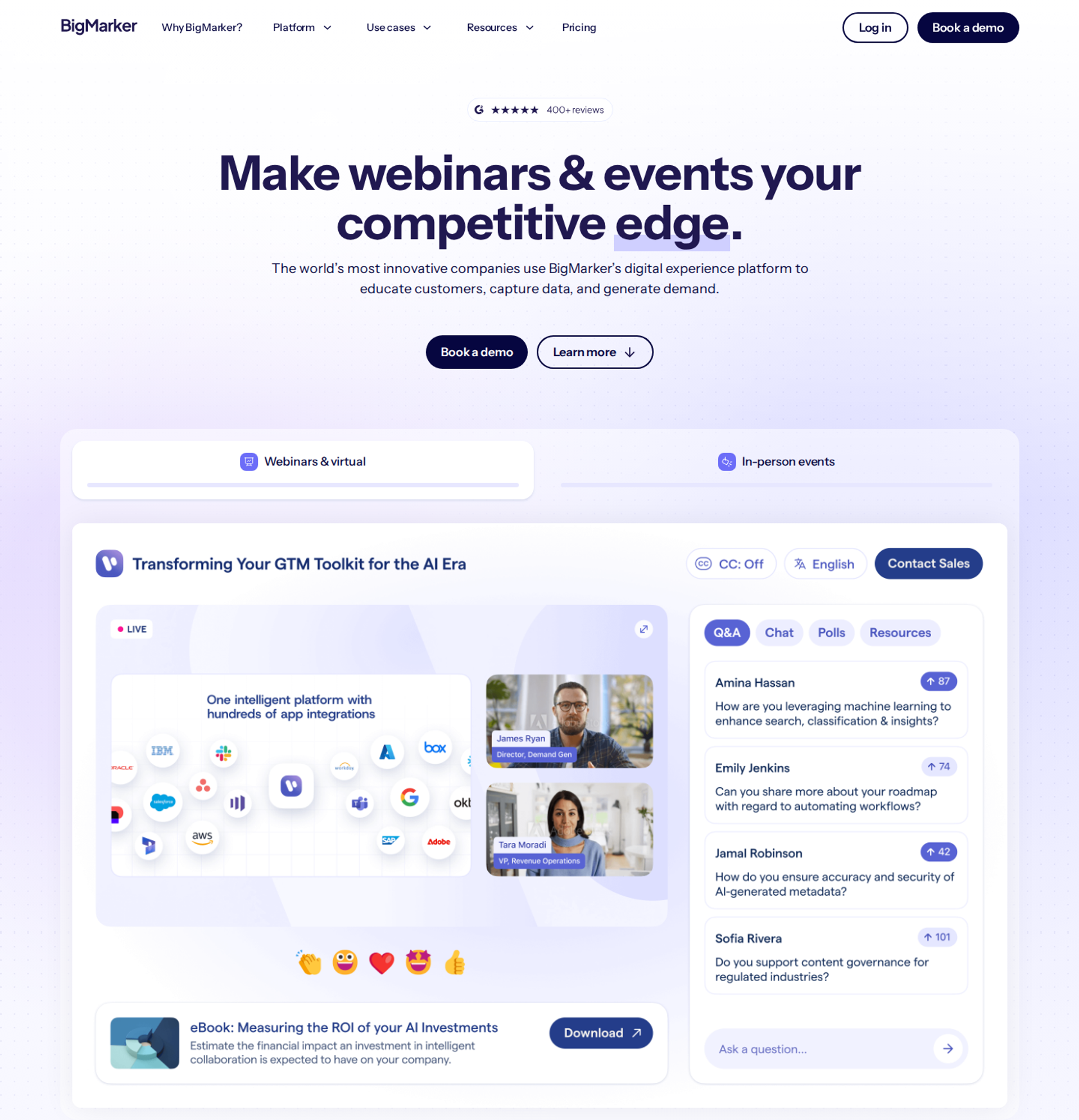
BigMarker is best for marketing teams running branded multi-room summits and virtual events. It offers on-demand webinars, multiple webcams on stage, and CRM integrations bundled by plan. It may not fit buyers who need published pricing or a lightweight setup for one sales webinar.
| Quick fit | BigMarker |
|---|---|
| Best for | Event teams running branded summits and multi-session virtual events |
| Skip if | You want published pricing and a simple single-webinar sales funnel |
| Strongest edge | Summit and event scope, with up to 9 webcams on stage and white-label options |
| Biggest trade-off | Every tier is quote-based, so cost requires a sales conversation |
| Pricing snapshot | Basic, Enterprise, and Enterprise+ are all by custom quote . Basic covers up to 1,000 live attendees. Enterprise includes 4 host licenses and 1 CRM/MAS integration. Enterprise+ includes 6 hosts and 2 integrations. A free trial requires no card. |
Why BigMarker ranks #7
BigMarker ranks seventh because its strength sits in a segment most of this list does not serve: branded summits. Its plans bundle host licenses, CRM or marketing automation (MAS) integrations, and landing page templates. Capterra reviewers rate it 4.8 out of 5 across 378 reviews.
🎥 Where the fit narrows
BigMarker is built for event programs, which adds weight for a single sales webinar. Pricing is not published, so a solo operator cannot budget without a call.
EasyWebinar concedes multi-room summits with breakouts to platforms like BigMarker on purpose. EasyWebinar focuses on the webinar that leads to a sale, with flat published tiers.
What BigMarker does well
- Summit and event scope: multi-session events and white-label options suit large branded programs.
- Multiple presenters on camera: up to 9 webcams supports panel-heavy formats.
- CRM integrations in plan: Enterprise tiers bundle CRM/MAS integrations, which helps event data reach marketing systems.
- Around-the-clock webinars: Enterprise includes 24/7 webinars for always-on programs.
Where BigMarker falls short
- Quote-only pricing: buyers cannot compare cost without engaging sales.
- Weight for simple funnels: event-grade setup is more than a single sales webinar needs.
BigMarker decision scorecard
| Evaluation criterion | BigMarker fit | Why it matters |
|---|---|---|
| Live webinars | Strong | Multi-presenter rooms with up to 9 webcams. |
| Simulated live or automated webinars | Strong | On-demand and 24/7 webinars are included at Enterprise. |
| Evergreen automation | Partial | Always-on webinars exist; check scheduling logic in a demo. |
| Funnel pages | Strong | Landing page templates are bundled by plan. |
| Engagement | Strong | Built for interactive events and summits. |
| CRM and follow-up | Strong | CRM/MAS integrations are included per plan. |
| Monetization | Not publicly disclosed | Confirm paid events and checkout options with sales. |
| Analytics | Partial | Event reporting exists; confirm attendee-level revenue data. |
| Integrations | Strong | CRM/MAS integration counts are set by plan. |
| Pricing fit | Weak | Quote-only pricing blocks quick budgeting. |
| Best-fit buyer | Strong | Event teams running branded summits. |
Should you shortlist BigMarker?
Choose BigMarker if you run branded summits or multi-session virtual events with a marketing team behind them. Skip it if you need a published price and a single webinar that sells.
1.8 Contrast
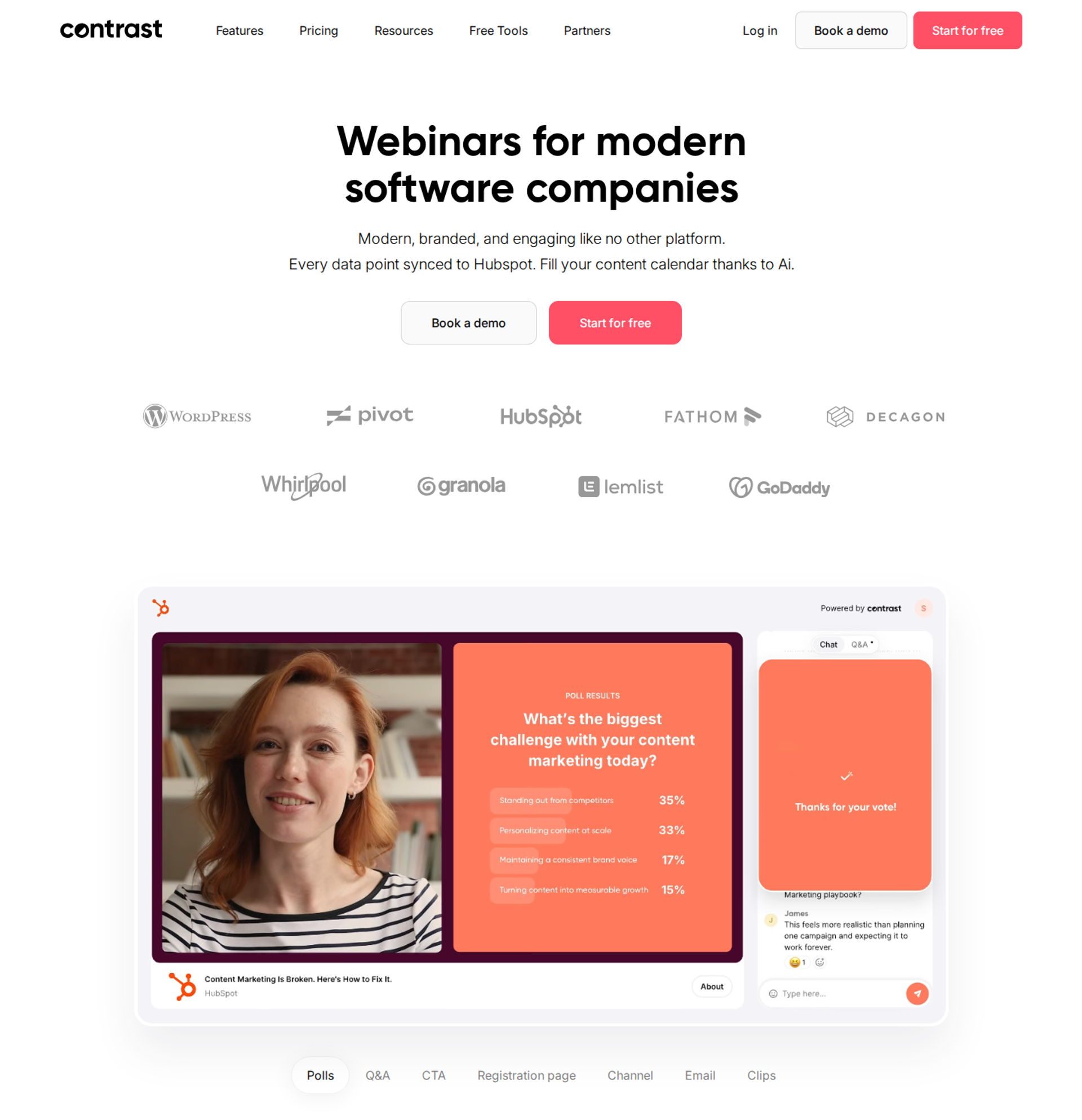
Contrast is best for teams that want a free entry plan, a polished studio, and video snippets cut from each webinar. Reviewers say its polls and Q&A work well. It may not fit hosts who need anonymous questions or checkout inside the session.
| Quick fit | Contrast |
|---|---|
| Best for | Marketing teams wanting a free start, a clean studio, and content snippets from every session |
| Skip if | You need anonymous Q&A or in-room checkout |
| Strongest edge | Polls and Q&A, HubSpot sync, and in-platform video snippets, subtitles, and transcripts |
| Biggest trade-off | Recordings are final, so names and chapters cannot be edited after the event |
| Pricing snapshot | A free plan covers up to 50 active contacts per month, with unlimited team members . Paid plans are usage-based on active contacts, with 20% off yearly billing. |
Why Contrast ranks #8
Contrast ranks eighth on engagement and content reuse. A 2026 G2 reviewer called the hosting experience easy to manage at scale. Another reviewer described HubSpot syncing registrations, attendance, and engagement directly.
📊 What Contrast's own data adds
Contrast publishes engagement benchmarks: an average of 87 poll responses and 13 Q&A questions per webinar. Top performers reach 375 and 43. Those numbers are useful targets whichever platform you choose.
EasyWebinar handles the follow-up side through behavior-based sequences. No-shows, early leavers, offer-clickers, and replay viewers each get their own message.
What Contrast does well
- Polls and Q&A: reviewers say both work well, which keeps live participation steady.
- HubSpot sync: registrations, attendance, and engagement flow into HubSpot, which cuts manual follow-up.
- Content repurposing: video snippets, automatic subtitles, and transcripts come out of each webinar.
- Free entry plan: teams can test real webinars before paying.
Where Contrast falls short
- No anonymous Q&A box: one reviewer wanted attendees to submit questions without their names.
- Final recordings: names, chapters, and on-screen elements cannot be edited after the event.
- Usage-based pricing: costs grow with unique registrants.
Contrast decision scorecard
| Evaluation criterion | Contrast fit | Why it matters |
|---|---|---|
| Live webinars | Strong | A clean studio that reviewers say scales without stream issues. |
| Simulated live or automated webinars | Partial | On-demand replay is a focus; confirm automated scheduling. |
| Evergreen automation | Weak | There is no evergreen scheduling engine. |
| Funnel pages | Strong | Branded registration pages and email sequences are included. |
| Engagement | Strong | Polls, Q&A, and live chat run well, per reviewers. |
| CRM and follow-up | Strong | HubSpot sync covers registrations, attendance, and engagement. |
| Monetization | Weak | There is no in-room checkout. |
| Analytics | Partial | Engagement data syncs out; confirm revenue attribution. |
| Integrations | Partial | HubSpot is strong; check other CRMs. |
| Pricing fit | Strong | A free plan lowers the cost of starting. |
| Best-fit buyer | Strong | Marketing teams focused on content reuse. |
Should you shortlist Contrast?
Choose Contrast if you want a free start, HubSpot sync, and video snippets from every webinar. Skip it if you sell inside the session or need attendees to ask questions anonymously.
What Contrast reviewers say
A 2026 reviewer praised Contrast's clean hosting experience but wanted more ways for attendees to interact.
"I think it's missing a Q&A box feature for individuals to anonymously submit their questions." - Angelo M., 4.5/5, February 2026, Contrast G2 - Verified Review
An HR team valued the HubSpot sync and snippets, but noted that recordings cannot be edited afterward.
"The only real limitation we've found is that the recording is final." - Verified User in Human Resources, 5/5, May 2025, Contrast G2 - Verified Review
1.9 Webex Webinars
Webex Webinars is best for organizations already standardized on Cisco Webex that need secure, large-group sessions. It may not fit buyers who need deep interactivity tools, low-latency delivery, or a published price above 1,000 attendees.
| Quick fit | Webex Webinars |
|---|---|
| Best for | Organizations standardized on Cisco Webex running secure, large internal or external sessions |
| Skip if | You need sales-grade interactivity, checkout, or published pricing at scale |
| Strongest edge | Secure enterprise infrastructure, with registration and event content in one place |
| Biggest trade-off | Reviewers report lag and dated interactivity tools |
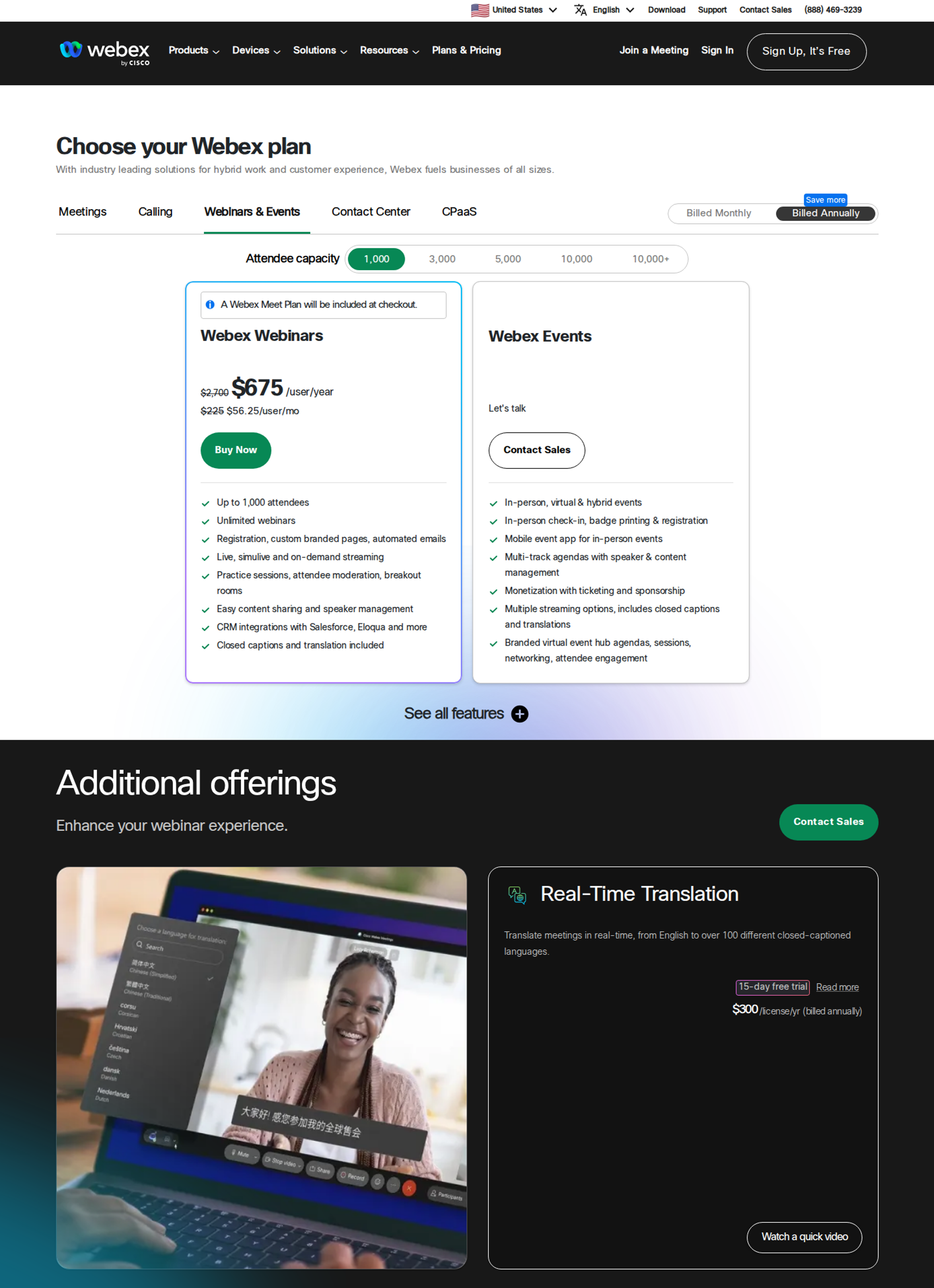
| Pricing snapshot | The 1,000-attendee license lists at $2,700 per license per year , currently discounted to $675 ($56.25/mo), with a Webex Meet plan added at checkout. Capacity above 1,000 is quote-only. Billing is per host license. |
Why Webex Webinars ranks #9
Webex Webinars ranks ninth on security and consolidation. One 2022 reviewer called it secure and stable for large groups. A 2025 reviewer valued having registrations and event content in one place.
⏰ Why latency costs it points
Webex loses points on real-time delivery. A 2025 G2 reviewer reported lag, connectivity problems, and delayed audio even on stable internet. When a stream lags, a poll arrives after the presenter has moved on.
EasyWebinar streams on Dolby OptiView WebRTC at sub-500ms, so polls and offers land while you are still on the slide.
What Webex Webinars does well
- Secure, stable infrastructure: reviewers describe a professional connection suited to large groups.
- One place for registration and content: teams avoid juggling separate event tools.
- Responsive chat support: a 2025 reviewer praised step-by-step help through chat.
- Attendees are not billed: pricing is per host license, not per attendee.
Where Webex Webinars falls short
- Lag reports: delayed audio and freezing during screen share appear in recent reviews.
- Interactivity depth: a reviewer said its webinar interactivity tools left much to be desired.
- Quote-only above 1,000 attendees: larger programs cannot budget from the pricing page.
Webex Webinars decision scorecard
| Evaluation criterion | Webex Webinars fit | Why it matters |
|---|---|---|
| Live webinars | Partial | Stable for large groups, but lag reports affect timing. |
| Simulated live or automated webinars | Weak | Built mainly for live sessions. |
| Evergreen automation | Weak | There is no evergreen scheduling engine. |
| Funnel pages | Partial | Registration pages exist, with limited funnel design. |
| Engagement | Partial | A reviewer describes the interactivity tools as limited. |
| CRM and follow-up | Partial | Follow-up depends on outside tools. |
| Monetization | Weak | There is no in-room checkout. |
| Analytics | Partial | Standard event reporting is available. |
| Integrations | Partial | Strongest inside the Cisco ecosystem. |
| Pricing fit | Partial | Low per-license cost at 1,000 attendees, but quote-only beyond. |
| Best-fit buyer | Strong | Cisco-standardized organizations. |
Should you shortlist Webex Webinars?
Choose Webex Webinars if your organization already runs on Cisco Webex and needs secure sessions for large groups. Skip it if your webinars must hold attention with real-time interaction and convert attendees into buyers.
What Webex Webinars reviewers say
One reviewer valued Webex's security for large events but found its interactivity tools lacking.
"It's interactivity tools for webinars left much to be desired, unfortunately." - Jonathan S., 1/5, January 2022, Webex Webinars G2 - Verified Review
A 2025 reviewer praised Webex's chat support, but disliked switching between the interface and the live page while building agendas.
"The support team is very responsive and takes a step-by-step approach to help you resolve issues you may encounter." - Verified User in Information Technology and Services, 4.5/5, April 2025, Webex Webinars G2 - Verified Review
1.10 ProProfs WebinarNinja
ProProfs WebinarNinja is best for solo educators running occasional live and series webinars. It offers live, automated, hybrid, series, and on-demand formats with built-in payments for paid webinars. It may not fit hosts who depend on high-stakes live launches or detailed watch-time analytics.
| Quick fit | ProProfs WebinarNinja |
|---|---|
| Best for | Solo educators running occasional live, series, and paid webinars |
| Skip if | Your revenue depends on stable, high-attendance live launches |
| Strongest edge | Five formats (live, automated, hybrid, series, and on-demand) with built-in payment processing |
| Biggest trade-off | Reviewers report live stability issues and limited attendance analytics |
| Pricing snapshot | ProProfs WebinarNinja sells one Pro plan at $0.30 per attendee per month, billed annually . Above 1,000 attendees is quote-only. |
Why ProProfs WebinarNinja ranks #10
ProProfs WebinarNinja ranks tenth on format range for a low-complexity setup. It covers live, automated, hybrid, series, and on-demand webinars, with registration pages and email reminders included. Paid webinars run with built-in payment processing.
❌ Where it loses points
ProProfs WebinarNinja drops points on reliability and analytics. One reviewer reported host connection failures during a live event. The same reviewer said the statistics did not show who attended the full webinar or when they left.
EasyWebinar's drop-off heatmap answers that exact question. It shows the minute attendees leave, so you can fix that segment before the next session.
What ProProfs WebinarNinja does well
- Wide format range: five webinar types fit teaching programs that mix live and recorded sessions.
- Paid webinars: built-in payment processing lets educators sell seats.
- Onboarding support: a reviewer credited the support team with helping configure the environment.
- Simple setup: registration pages and reminders are included, which shortens launch time.
Where ProProfs WebinarNinja falls short
- Live stability reports: reviewers describe connection failures and hosts unable to broadcast.
- Limited analytics: watch-time and exit-point data were missing for one reviewer.
- On-demand editing: recorded sessions cannot be trimmed or replaced after upload.
- Per-attendee billing: costs rise with attendance on the current plan.
ProProfs WebinarNinja decision scorecard
| Evaluation criterion | ProProfs WebinarNinja fit | Why it matters |
|---|---|---|
| Live webinars | Partial | Live rooms exist, with stability reports from reviewers. |
| Simulated live or automated webinars | Strong | Automated and hybrid formats are included. |
| Evergreen automation | Partial | Automated sessions run; scheduling depth varies. |
| Funnel pages | Strong | Registration pages and email sequences are built in. |
| Engagement | Partial | Standard chat, polls, and Q&A are available. |
| CRM and follow-up | Partial | Email sequences exist without a native CRM. |
| Monetization | Strong | Built-in payment processing supports paid webinars. |
| Analytics | Weak | A reviewer could not see full-session attendance or exit points. |
| Integrations | Partial | Check your CRM and email tool before buying. |
| Pricing fit | Partial | Per-attendee billing suits small audiences only. |
| Best-fit buyer | Strong | Solo educators running occasional sessions. |
Should you shortlist ProProfs WebinarNinja?
Choose ProProfs WebinarNinja if you teach through occasional live, series, and paid webinars with a modest audience. Skip it if a failed live session would cost you a launch, or if you optimize on watch-time data.
What ProProfs WebinarNinja reviewers say
One reviewer praised the support and value but found that on-demand recordings could not be edited.
"Excellent customer support, they assist on how to configure the environment." - Oscar A., 3/5, March 2022, ProProfs WebinarNinja G2 - Verified Review
Another reviewer reported live connection failures and analytics without exit data.
"Statistics were not helpful, you can not see how many of the attendees were actually attended the full webinar or when they leave." - David R., 0/5, November 2020, ProProfs WebinarNinja G2 - Verified Review
⭐ How to use this shortlist
EasyWebinar sits first because these criteria reward webinars that keep working after the live hour. Attendees join from any browser, polls and offers land in real time, and buyers pay inside the room. The session that converts live becomes an automated webinar on one subscription. Carla Beisinger built $5M on one EasyWebinar evergreen funnel. EasyWebinar is not built for multi-room summits or courses with certificates.
Q2. How Did We Score These Interactive Webinar Platforms?
EasyWebinar scored each platform on five weighted criteria that total 100%. Real-Time Engagement Depth carries 30%, Interactivity on Replay and Automation 20%, and Attendee Access and Latency 20%. Engagement Data and Follow-up carries 15%, and Reviews, Support, and Pricing Fit carries 15%. Each 20-point band adds one star, so 0 to 20 earns one star and 81 to 100 earns five.
⚠️ A disclosure before the numbers
EasyWebinar wrote this list, and EasyWebinar appears in it. That is a real bias, so the full rubric is published here for you to rescore any platform.
I built the weights around one question: does this tool help the pitch convert? Feature counts did not earn points on their own. A poll that nobody sees in time, or that leaves no data behind, scored low.
The five weighted criteria
The seven criteria in the buyer's guide above roll up into five scored groups.
| Criterion | Weight | What it tests |
|---|---|---|
| Real-Time Engagement Depth 💬 | 30% | Chat, polls, moderated Q&A (question and answer), reactions, timed offers, and in-room checkout |
| Interactivity on Replay and Automation 🔁 | 20% | Format coverage, and whether interaction survives in simulated live, automated, and on-demand sessions |
| Attendee Access and Latency ⚡ | 20% | Browser join versus app download, stream delay, and reliability reports |
| Engagement Data and Follow-up 📊 | 15% | Whether poll answers, questions, and clicks reach a CRM (customer relationship management system) and trigger follow-up |
| Reviews, Support, and Pricing Fit 💸 | 15% | Dated reviewer evidence, the support model, and whether cost scales by attendee, host, or flat tier |
⏰ Why replay carries 20%
Most guides score only the live room, which misses half the audience. ON24 reports that on-demand viewing now matches live attendance, at 51%.
If polls and offers vanish on replay, half your viewers never engage. EasyWebinar's scoring checks which interactions each platform documents in its automated formats, rather than trusting a feature list.
How the scores became stars
| Score band | Stars | What it means for a shortlist |
|---|---|---|
| 81 to 100 | ⭐⭐⭐⭐⭐ | Strong on every weighted criterion |
| 61 to 80 | ⭐⭐⭐⭐ | Strong in its segment, with one clear trade-off |
| 41 to 60 | ⭐⭐⭐ | Usable, but with gaps in engagement, replay, or reliability |
| 21 to 40 | ⭐⭐ | Major gaps for interactive selling |
| 0 to 20 | ⭐ | Not suited to interactive webinars |
✅ Where each platform landed
- Five stars: EasyWebinar
- Four stars: WebinarJam, Demio, Livestorm, GoTo Webinar, Zoom Webinars, BigMarker, and Contrast
- Three stars: Webex Webinars and ProProfs WebinarNinja
Rank order inside a band follows the weighted score.
What the rubric does not reward
The rubric gives no points for brand size, oversized attendee caps, or meeting features. It also ignores multi-track summit tools, which serve a buyer EasyWebinar does not compete for.
I could be weighting replay too heavily for teams that only run live events. If that is you, drop replay to 10% and move the difference to engagement. GoTo Webinar and Zoom Webinars rise under that weighting.
EasyWebinar was scored on the same rubric as every other platform, and it earned five stars on three facts. Attendees join from any browser, polls land over Dolby OptiView WebRTC at sub-500ms, and the proven live session becomes an automated webinar on one subscription. EasyWebinar's own limits, such as no breakout rooms, are listed in its entry.
Q3. What Makes a Webinar Platform Truly Interactive, and Why Do Latency and Browser Join Decide It?
Interactive webinar platforms are tools that let attendees take part in real time, through polls, chat, Q&A, reactions, and timed offers, rather than watching passively. Interaction only works if attendees are in the room and see the poll while the presenter is still on that slide. Downloads cost attendance before the session starts, and lag delivers the poll after the moment has passed.
⏰ The moment a poll fails
A course creator launches a poll at minute 14 and asks the room to vote. The results bar stays empty for several seconds. By the time votes arrive, she has moved to the next slide, and the moment is gone.
That is the hidden problem with interactivity. A poll button is only half the job. The other half is getting people into the room, and keeping the delay short enough that the poll feels like a conversation.
How webinars used to handle interaction
The old format was 45 minutes of teaching and 15 minutes of Q&A at the end. Jono Bacon has run hundreds of webcasts, and he noticed attendees doing their email in the background while they waited. The interaction came too late to hold their attention.
Access made it worse. Many platforms asked attendees to download an app or run a launcher first. A 2018 GoTo Webinar reviewer wrote that the launcher "decreased our attendance significantly." Every step between the link and the room costs you people.
❌ What lag does to a live pitch
Delay breaks the rhythm that selling depends on. A Webex Webinars reviewer reported lag and delayed audio even on stable internet. A Demio reviewer described delays and attendees unable to come off mute.
EasyWebinar's read is that lag costs more than it looks. The offer lands after the energy has peaked, and conversion drops with it.
What changed
Attendee experience now decides show-up and conversion. ON24 reports that on-demand viewing now matches live attendance, at 51%, and that audiences stay engaged for about 52 minutes per webinar. Buyers expect to click once and be in the room.
I learned the live risk the hard way. A child can throw ketchup on your face in the middle of a pitch. For me, reliability stopped being a technical detail and became a conversion feature.
What EasyWebinar does about it
EasyWebinar removes all three barriers:
- Friction: attendees join from any browser on desktop or mobile, with no app, plugin, or account.
- Latency: the stream runs on Dolby OptiView WebRTC (a real-time browser video protocol) at sub-500ms, so polls land while you are still on the slide.
- Reliability: a 99.9% uptime guarantee covers the live pitch, and the webinar never cuts off at the plan limit.
⭐ What reviewers report
"The platform consistently suffers from lag, connectivity problems, and delayed audio or video." - Verified User in IT and Services, 0/5, June 2025, Webex Webinars G2 - Verified Review
"There have been delays, feedback noise, echos, people not being able to come off mute." - Amanda P., 1.5/5, November 2023, Demio G2 - Verified Review
"The app is user-friendly and reliable, making it easy for us to host webinars and automate our processes." - Jo K., 5/5, March 2025, EasyWebinar G2 - Verified Review
EasyWebinar treats access and speed as the foundation of interactivity. Attendees join in one click, and polls and offers arrive in real time over Dolby OptiView WebRTC. The 99.9% uptime guarantee protects the minute that pays. That is the step up from a meeting tool to a webinar built for conversions.
Q4. How Often Should You Run Polls, Chat and Q&A, and Should Questions Stay in Chat?
Prompt interaction every 4 to 5 minutes, and run a diagnostic poll (a question that sorts the audience by need) in the first five. Contrast's benchmark data averages 87 poll responses and 13 Q&A questions per webinar, rising to 375 and 43 for top performers. Use open chat to build momentum and micro-commitments, and a dedicated Q&A tab so buying questions do not get buried.
💬 The quiet room at minute 22
A coach finishes a strong teaching block, looks at the chat, and sees nothing for six minutes. Nobody has left, but nobody is with her either. When the offer arrives, the room has gone passive.
Darius Benders, who has hosted $100K webinars, puts it bluntly. People who stay silent for an hour do not suddenly hand over their money at the end.
Benchmarks worth aiming for
| Metric | Average | Target | Source |
|---|---|---|---|
| Poll responses per webinar | 87 | 375 (top performers) | Contrast benchmarks |
| Q&A questions per webinar | 13 | 43 (top performers) | Contrast benchmarks |
| Direct questions asked by the host | Not tracked | 20 per hour | Darius Benders |
| Chat responses (micro-commitments) | Not tracked | 50 per hour | Darius Benders |
| Attendees who want Q&A | 92% | Pre-collect questions | Alex Cattoni |
⏰ A cadence plan by the minute
- Minutes 0 to 5: ask where people are tuning in from, then run a diagnostic poll.
- Every 5 minutes: add a chat prompt ("type 1 if this is you") or an open loop (a teaser for what comes next).
- Mid-session: answer one pre-collected question live, to show the Q&A is real.
- Before the pitch: ask permission ("drop a 1 if you want to hear how I can help").
- After the offer: move to Q&A and handle objections by name.
Jono Bacon's critique of the 45-minute teach and 15-minute Q&A format applies here. Interaction belongs throughout the session, not only at the end.
Open chat or a dedicated Q&A tab?
| Factor | Open chat | Dedicated Q&A tab |
|---|---|---|
| Best use | Energy, social proof, and quick yes answers | Buying questions and objections |
| Risk | Questions get buried in fast scrolling | Can feel quiet without chat beside it |
| Host load | High, unless a moderator helps | Lower, since questions queue in order |
✅ Three tactics that work together
- Pre-collect questions: add a "what is your number one question?" field to the thank-you page.
- Run both channels: use chat for momentum and the Q&A tab for anything a buyer needs answered.
- Assign a moderator: one person highlights strong questions so the presenter can keep teaching.
EasyWebinar's read is that hosts lean on polls and underuse chat. I could be off here, but a typed "1" seems to warm a room faster than a vote.
⭐ What reviewers say about interaction tools
"The live chat is really nice, but I want to have other options for attendees interacting with our live content." - Angelo M., 4.5/5, February 2026, Contrast G2 - Verified Review
"Reporting feature: attendees, registrants, and post-session questions, polls, and survey feedback." - Khyati Doshi, Senior Marketing Manager, 6/10, December 2023, GoTo Webinar TrustRadius - Verified Review
"The detailed analytics are great as they save me the hassle of calculating KPIs." - Eliza W., 4.5/5, February 2026, EasyWebinar G2 - Verified Review
EasyWebinar builds this cadence into setup. The AI Webinar Builder drafts poll questions and a timed call to action alongside the script. Moderators run Q&A and Spotlight during the session. Afterward, the drop-off heatmap shows the exact minute attendees left, so you know which five-minute block needs a stronger prompt.
Q5. Does Interactivity Survive When Your Webinar Runs on Autopilot?
Often, interactivity does not survive. Many platforms replay a recording with the polls and offers stripped out, and some simulate interaction with scripted chat. EasyWebinar takes a different route. A host runs the webinar live and finds the version that converts. EasyWebinar then turns that exact session into Simulive, Evergreen, Just-in-Time, or On-Demand on the same subscription. It does not present an automated session as live.
⏰ The replay nobody planned for
A marketing lead checks her dashboard the morning after a strong live webinar. Half the registrants watched the replay overnight. Her live poll got 140 answers, but the replay produced none.
That gap is now too big to ignore. ON24 reports that on-demand viewing matches live attendance, at 51%. If interaction ends with the live hour, half your audience never gets the chance to engage.
How automated webinars used to work
The old setup had three common problems. Each one cost viewers, money, or trust.
- Dead replays: a Demio reviewer found that the replay did not show the live polls and CTAs (calls to action).
- A second product: WebinarJam runs automation through EverWebinar, a separate product that is now bundled from the Basic plan upward.
- Fake chat: scripted messages pretend that other attendees are typing, which viewers eventually notice.
❌ Why fake chat backfires
I have a firm rule on this, and EasyWebinar is built around it. An automated webinar streams in real time with the look and feel of live, without being live. We never say it is live, but we also never let people feel duped.
Once an attendee spots a canned comment, every claim after it looks staged. The offer then has to fight that doubt.
What changed
Buyers now judge a replay by the same standard as the live room. They expect real offers, real follow-up, and honesty about what they are watching.
My working rule is the Webinar Sprint. Run 5 to 10 live sessions, then automate only the version that converts at around 10%. You nail it live first, and then you let it run.
What EasyWebinar does about it
EasyWebinar turns the proven live run into an automated webinar with one switch:
- Simulive: the recording streams on a set schedule.
- Evergreen: the session repeats on recurring dates, such as "Next Available."
- Just-in-Time: a session starts minutes after someone registers, in that person's own time zone.
- On-Demand: viewers start the session instantly.
For a human touch, I often use a hybrid model. The core 30 to 40 minutes is pre-recorded, and then I join live for Q&A at the end. The trade-off is cost, because automation starts on the Growth plan, not the entry plan.
⭐ What reviewers report
"The replay didn't show the live polls and CTAs." - Ivanhoe S., 4/5, August 2024, Demio G2 - Verified Review
"I love the partner service, everwebinar, (which you have to pay more for) that allows the participant to watch the webinar and feel as though it's a live webinar." - Tara G., 0/5, June 2023, WebinarJam G2 - Verified Review
"With my live class I used to sell 10-12 courses. With EasyWebinar I sold 25 courses within 3 weeks of my evergreen "launch"." - Laura C., 5/5, January 2025, EasyWebinar G2 - Verified Review
EasyWebinar is built for the webinar that already works. Run it live, prove the offer, then let that exact session run every day in every time zone. Carla Beisinger built $5M in sales on one EasyWebinar evergreen funnel. Automated sessions are never presented as live.
Q6. How Do Poll Answers and Q&A Questions Turn Into Revenue After the Webinar?
Every poll answer, question, and offer click is first-party intent data (buying signals a business collects directly from its own audience). ON24's 2026 benchmarks report a 60% conversion rate alongside an 18% rise in engagement. EasyWebinar attaches each action to the attendee who took it, and it scores leads as Hot, Warm, or Nurture. It then sends no-shows, early leavers, and offer-clickers their own follow-up sequences.
💸 The question nobody answered
A consultant ends a webinar with 31 unanswered questions in the Q&A tab. Three came from people asking about price. By Friday, nobody has followed up, and those three buyers have booked with someone else.
That is where webinar revenue quietly leaks. The interaction happened, but the data never reached anyone who could act on it.
How follow-up used to work
Many hosting tools stop at the attendance report. The host downloads a CSV (a spreadsheet export), uploads it to an email tool, and sends one recap to everyone. The early leaver and the buyer who clicked the offer get the same message.
A Zoom Webinars reviewer described reporting as "a bit of a maze." Meeting tools track who joined, not what each attendee wanted.
❌ What generic follow-up costs
Generic follow-up treats a hot lead like a cold one. Sales calls the wrong people first, and the warmest buyers wait days.
EasyWebinar's read is that meeting tools were built for meetings, so their analytics stop at attendance. A webinar that has to sell needs data at the attendee level.
What changed
Webinars are now judged on revenue, not head count. A marketing head wants to know which session produced pipeline, and a coach wants to know who clicked the offer.
My rule is simple: every question gets a follow-up, even after the session ends. An unanswered buying question is a sale handed to a competitor.
What EasyWebinar does about it
EasyWebinar turns each attendee's actions into the next step:
- Intent data: attendance, watch time, questions, poll answers, offer clicks, and purchases are recorded for each attendee.
- Lead scoring: attendees are sorted into Hot, Warm, or Nurture, with custom scoring from the Pro plan.
- Follow-up that reacts: no-shows, early leavers, offer-clickers, and replay viewers each get their own sequence, by email or by SMS through Twilio.
- Your CRM or ours: HubSpot and Salesforce Pardot (Account Engagement) sync from Pro. ActiveCampaign, Mailchimp, and Kit (formerly ConvertKit) also connect. EasyCRM, with an auto-dialer, is built in.
⭐ What reviewers report
"There are almost no integrations (excluding the recent Pardot addition) and reporting is a bit of a maze." - Casey S., 1.5/5, March 2021, Zoom Webinars G2 - Verified Review
"Setup was straightforward, and the data flow is smooth." - Verified User in Human Resources, 5/5, May 2025, Contrast G2 - Verified Review
"I also love that I can trigger emails directly from EasyWebinar as soon as someone registers." - Jennifer B., 5/5, April 2025, EasyWebinar G2 - Verified Review
EasyWebinar turns every attendee into first-party intent data, with revenue attributed back to the webinar. Sales gets the warmest leads first, and the next session is tuned on revenue, not attendance. Rick Mulready reported a 166% ROI on cold paid traffic using EasyWebinar.
Q7. Which Interactive Webinar Platform Fits Your Situation?
Choose EasyWebinar if your webinar has to sell live and then keep selling as an automated session. Choose Zoom Webinars if your organization is standardized on Zoom, and GoTo Webinar for formal corporate training. Choose WebinarJam for one-off live launches, and BigMarker for branded multi-room summits. Choose Livestorm for meetings and webinars in one tool, and Contrast for a free entry plan with video snippets.
⏰ The shortlist meeting
A marketing head opens a spreadsheet with ten vendor names and one question from the CFO: "Which two are we trialing?" Feature grids will not settle it, because most tools now have polls, chat, and Q&A.
The better filter is your situation. Match the platform to the job the webinar has to do, and the shortlist writes itself.
Match the platform to your situation
| Your situation | Platform to shortlist | Why it fits |
|---|---|---|
| Your webinar sells, live and then automated | EasyWebinar | Live and automated sessions on one subscription, with in-room checkout |
| One-off live launches to large audiences | WebinarJam | Live urgency tools, with up to 5,000 attendees on Enterprise |
| Occasional live marketing webinars | Demio | A clean browser room with preloaded polls and handouts |
| Meetings and webinars in one tool, at irregular volume | Livestorm | Browser-first, with usage-based pricing |
| Formal training and compliance sessions | GoTo Webinar | Polls, Q&A, and reporting on every tier |
| Your organization already runs on Zoom | Zoom Webinars | A familiar interface, with backstage for panelists |
| Branded multi-room summits | BigMarker | Event scope, with CRM integrations bundled by plan |
| A free start, plus video snippets from each session | Contrast | A free plan , HubSpot sync, and content repurposing |
| Your organization already runs on Cisco Webex | Webex Webinars | Per-host licensing inside the Cisco stack |
| Occasional live, series, and paid sessions by a solo educator | ProProfs WebinarNinja | Five formats, with built-in payments |
⚠️ When the honest answer is a different tool
EasyWebinar is not the right fit for every webinar-shaped job. It does not serve accredited courses with certificates, internal all-hands meetings, or investor-relations calls. Cohort classes and small-group language classes also belong on classroom tools.
In those cases, use your course platform, your meeting tool, or a regulated webcasting provider. EasyWebinar can still sit in front of a course platform as the place where the course gets sold.
Three tests to run in every demo
Test the parts that decide revenue:
- Join from your phone. Click the registration link on mobile and count the steps to the room. Every download or sign-in step costs attendees.
- Watch the replay. Ask the vendor to show the replay of a session that had live polls and an offer. Confirm what still appears.
- Open one attendee's record. Ask to see a single attendee's poll answers, questions, and clicks inside the CRM. If that takes an export, plan for manual work.
✅ What I would do with two trial slots
EasyWebinar's read is that buyers over-weight the live room and under-weight the replay and the follow-up. I would trial one platform built for your main situation, and one that covers live and automated together.
Run the same webinar on both, and compare show-up rate, poll responses, and offer clicks. I could be wrong about your situation, but the numbers from one real session will not be.
EasyWebinar fits the buyer whose webinar has to keep working after the live hour. Attendees join from any browser, polls and offers land in real time, and buyers pay inside the room. The session that converts becomes an automated webinar on one subscription, with flat monthly pricing and no per-attendee fees.
Frequently Asked Questions

Casey Zeman
Founder of EasyWebinar
About Author
Over the past decade, I've helped thousands of entrepreneurs, coaches, and consultants turn webinars into a predictable, powerful way to grow their audience, build trust, and scale, without the constant hustle. I created EasyWebinar because I couldn't find a system that combined authenticity, engagement, and automation the way I needed. So, I built one.
Related Posts

10 Best Community Engagement Platforms in 2026
Compare the 10 best community engagement platforms in 2026. Course creators, evaluate live hosting, analytics, and replay to pick your winner today.

10 Best Online Coaching Tools in 2026: Live Session Quality, Scheduling, Recording, and Client Engagement Analytics
Compare the 10 best online coaching tools of 2026 on session quality, scheduling, and analytics. Discover the right fit for your coaching revenue model.

10 Best Webinar Hosting Platforms Ranked by Uptime, Streaming Quality & Cost
Compare 10 webinar hosting platforms ranked by uptime, streaming quality, and cost. Discover which tool actually turns attendees into revenue.
Turn every webinar into a revenue stream
Launch your first paid event in just a few clicks - and start monetizing your expertise.
Book a Call