11 Best Automated Webinar Software 2026: Platforms Ranked by Revenue Fit

Casey Zeman
Published on May 11, 2026 • 55 min read

TL;DR
- EasyWebinar ranks first of 11 platforms because a session you validate live becomes a simulive, evergreen, or just-in-time webinar on the same subscription, with checkout inside the room.
- Most rivals cover half the job. EverWebinar needs WebinarJam for live, WebinarKit sells live separately, and eWebinar and StealthSeminar have no native live hosting.
- Never automate an unproven pitch. Run 5 to 10 live sessions, reach roughly a 10% attendee-to-buyer rate, then automate that exact session.
- Honest automation converts. Never present a recording as live, keep chat and timed offers working, and use a 72-hour replay window to create a real deadline.
- Zapier chains between webinar, checkout, and CRM drop registrants and sales. Native CRM sync and in-room checkout tie each purchase back to the session that drove it.
- Pick by job, not feature count: pre-recorded only suits EverWebinar or eWebinar, lowest cost suits WebinarKit, and teams standardized on Zoom can stay there.
Q1. What Are the 11 Best Automated Webinar Software Tools in 2026?
EasyWebinar ranks first in this 2026 evaluation of 11 automated webinar platforms. EasyWebinar runs live, simulive, evergreen, and just-in-time sessions on one subscription, with checkout inside the webinar room. Its automated formats start on the Growth plan at $116 per month, as listed on its pricing page in October 2026. EverWebinar ranks second for scheduling depth, but it needs WebinarJam, a separate product, for live sessions.
- EasyWebinar
- EverWebinar
- eWebinar
- WebinarKit
- StealthSeminar
- Demio
- Livestorm
- Zoom Webinars
- ProProfs WebinarNinja
- Riverside
- WebinarGeek
A course creator opens last month's numbers on a Sunday night. Her live webinar sold 12 seats, but she cannot keep presenting it every week. Picking the wrong automation platform here costs real money, through missed registrants, broken CRM syncs, and offers that never land. We evaluated 11 vendors against seven defined criteria. The daily operator is the creator, coach, or marketing manager who builds and runs the funnel. The shadow readers are the CFO checking total stack cost, the RevOps lead checking CRM data flow, and the IT director checking reliability and security. Use this guide to cut a long list down to two or three platforms for a trial or RFP.
Our Evaluation Criteria
Webinar format coverage 🎛️
Whether the platform runs live, simulive (a recording played at a set time), evergreen, just-in-time, and on-demand sessions natively.
Time to launch ⏰
How fast you can go from idea to a working funnel, including pages, emails, templates, and AI-assisted setup.
Engagement in automated rooms 💬
Whether chat, polls, Q&A, and timed offers still work when nobody is presenting.
Funnel and conversion workflow ✅
Whether registration, thank-you, and replay pages, offers, and checkout live inside one flow.
CRM and follow-up readiness 🔗
Whether attendee behaviour reaches your CRM (customer relationship management system) natively, or only through middleware such as Zapier.
Analytics and attribution 📊
Whether you can see watch time, offer clicks, and purchases per attendee, not just attendance counts.
Reliability, support, and pricing fit 💰
Whether streaming stays stable, support is reachable, and the pricing model fits your volume.
Who This Guide Is For
- Coaches and course creators turning a webinar that already sells live into a repeatable automated funnel.
- Marketing teams running evergreen webinars for lead generation, nurture, and pipeline.
- Revenue operators checking whether webinar data reaches CRM records, lead scores, and follow-up sequences.
- Founders and consultants replacing separate tools for hosting, pages, email, checkout, and follow-up.
- Buying-committee readers: CFOs validating consolidation, IT leaders checking reliability and security, and marketing heads assessing funnel performance.
Comparison Table
| Provider | Best For | Standout Strength | Known Limitation | Live + Automated Coverage | Support Model | Pricing Model |
|---|---|---|---|---|---|---|
| EasyWebinar ⭐⭐⭐⭐⭐ | Creators and coaches turning a proven live session into an automated webinar | Live session converts to simulive, evergreen, or just-in-time on the same subscription, with in-room checkout | Automation starts at the Growth plan, not the entry plan | Live, simulive, evergreen, just-in-time, on-demand, instant replay | Chat, email, and onboarding call; dedicated account manager from Pro | Flat monthly, four tiers |
| EverWebinar ⭐⭐⭐⭐ | Sellers with a proven recording who never need to present live | Deep scheduling with just-in-time sessions and a hybrid mode for real-time chat replies | Live hosting needs WebinarJam, a separate subscription | Automated, hybrid, just-in-time, on-demand replay | Helpdesk tickets | One feature set, billed monthly, annually, or every two years |
| eWebinar ⭐⭐⭐⭐ | Fully pre-recorded onboarding and training sessions | Interactive automated sessions with many interaction types | No native live hosting | Automated, recurring, on-demand | Not publicly disclosed | Tiered by active webinars |
| WebinarKit ⭐⭐⭐ | Buyers who need the lowest-cost option | Fixed cost with no restrictive viewer caps | Not publicly disclosed | Automated; live sold separately | Not publicly disclosed | Flat monthly |
| StealthSeminar ⭐⭐⭐ | Teams that keep their existing stack and add an automation engine | Fits beside ActiveCampaign, ClickFunnels, and Stripe stacks | No native live hosting | Automated and evergreen | Not publicly disclosed | Not publicly disclosed |
| Demio ⭐⭐⭐ | Teams running occasional live marketing webinars | Clean browser-based attendee experience | One G2 reviewer needed several Zapier zaps to sync data with HubSpot | Live-first; automated sessions with thinner evergreen tools | Not publicly disclosed | Tiered by attendee capacity |
| Livestorm ⭐⭐⭐ | Teams wanting meetings and webinars in one tool | Browser-first joining for B2B audiences | Live-first, with no full evergreen engine | Live, on-demand, automated | Not publicly disclosed | Plan plus attendee-based limits |
| Zoom Webinars ⭐⭐ | Teams already standardised on Zoom | Familiar, widely used streaming | One G2 reviewer reported buggy automated email sequences and no consistent support contact | Live, simulive on higher tiers | Not publicly disclosed | Attendee-capacity licences |
| ProProfs WebinarNinja ⭐⭐⭐ | Small teams wanting live and automated in one simple tool | All formats inside one interface | One Trustpilot reviewer reported automated notification emails landing in spam | Live, automated, hybrid, series | Not publicly disclosed | Per attendee |
| Riverside ⭐⭐ | Teams that need studio-quality recording | Local multi-track recording with simulive scheduling | Funnel depth such as in-room checkout is not publicly disclosed | Simulive, live streaming | Not publicly disclosed | Tiered plans |
| WebinarGeek ⭐⭐⭐ | Teams running automated and live webinars on one plan | Automated and live formats in one tool | One G2 reviewer reported a stream delay and quality drops with remote co-presenters | Live, automated, on-demand | Not publicly disclosed | Tiered by attendee volume |
1.1 EasyWebinar
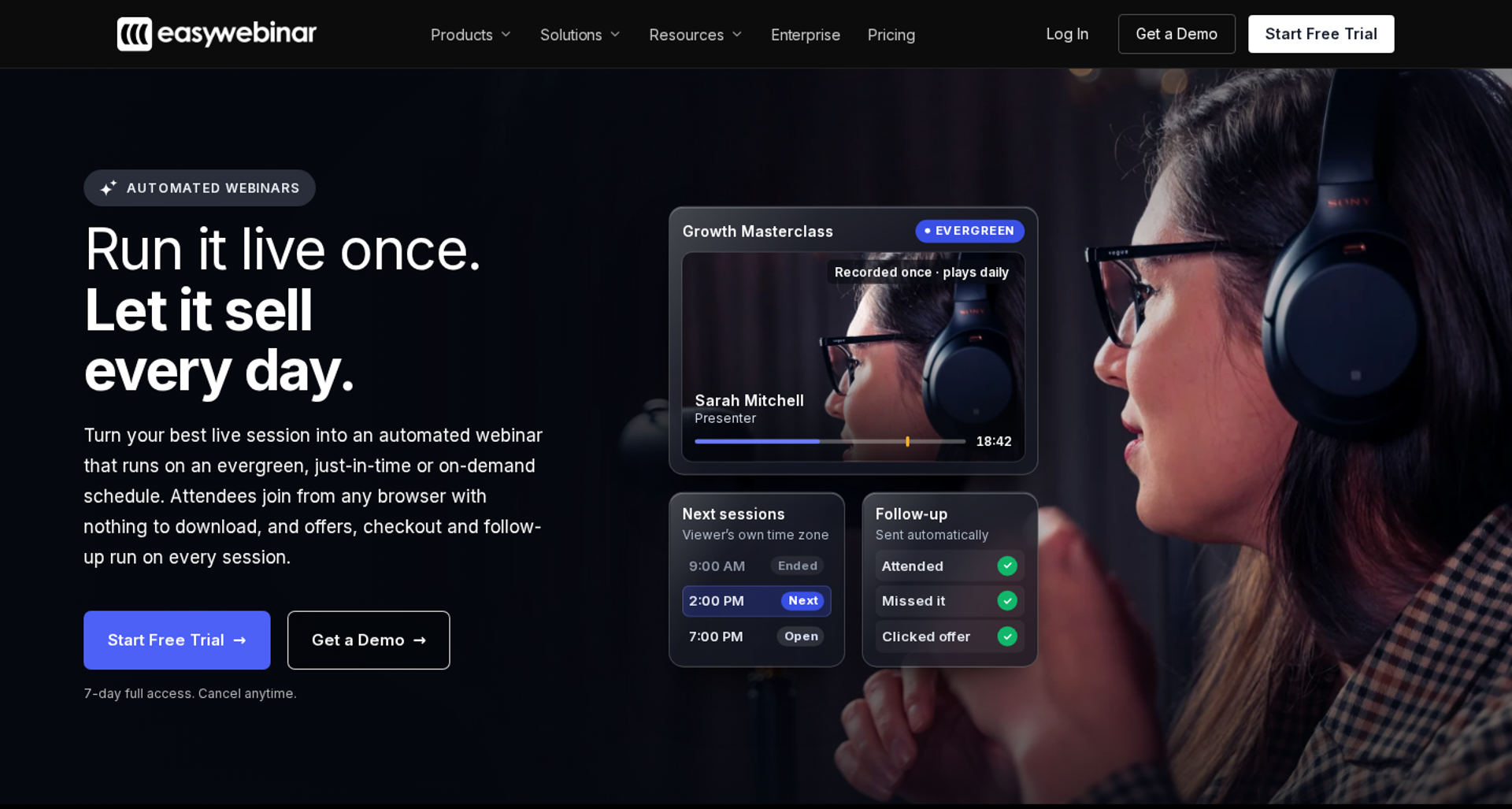
EasyWebinar is best for coaches, course creators, and marketing teams that need a proven live webinar to keep selling every day. It turns that exact session into a simulive, evergreen, or just-in-time webinar on one subscription, with checkout in the room. It may not fit buyers who want automation on the cheapest plan or need course lessons and certificates.
| Quick fit | - |
|---|---|
| Best for | Creators, coaches, and marketing teams turning a converting live session into a daily automated funnel |
| Skip if | You need lessons, quizzes, and certificates (pair EasyWebinar with a course platform), or you want automation on an entry-level budget |
| Strongest edge | Live to automated in one switch, with checkout inside the webinar room |
| Biggest trade-off | Automated webinars, EasyCRM, and checkout start on Growth, not Launch |
| Pricing snapshot | Launch $44/mo (live only, 50 live attendees). Growth $116/mo (adds automated webinars, 1,000 automated viewers). Pro $198/mo. Scale $349/mo. Flat monthly, 7-day full-access trial, no free plan. |
Why EasyWebinar ranks first
EasyWebinar scores highest because it covers the whole job this guide measures. You start live, find the version that converts, then automate that exact session. The other platforms on this list cover either live or automated well, but rarely both on one plan.
🎛️ The format gap it closes
EasyWebinar supports Simulive, Evergreen, Just-in-Time, On-Demand, Instant Replay, and scarcity dates such as "Wait For It." Just-in-time means a session starts minutes after someone registers, shown in their own time zone. Evergreen means the same recording runs on a recurring schedule indefinitely.
I learned the order of operations the hard way, selling a course nobody bought until I ran webinars. EasyWebinar's read is that the "record once, sell forever" advice gets it backwards. You validate live first, then automate. EasyWebinar is built around that sequence, so the winning session never gets rebuilt.
💸 Why revenue mechanics decide the ranking
EasyWebinar keeps the sale, the attendee, and the data in one place. Buyers pay inside the room without a redirect. Each attendee's watch time, offer clicks, and purchases flow to your CRM or to EasyCRM.
On ON24's 2026 benchmark data, 43% of attendees chose on-demand viewing. That makes the automated half of a webinar program carry real revenue weight. EasyWebinar's automation is where that share of buyers gets served.
What EasyWebinar does well
- Live to automated in one switch: EasyWebinar converts a recorded live session into Simulive or Evergreen without exporting files, so a proven pitch reaches every time zone without a rebuild.
- Checkout inside the room: EasyWebinar supports built-in checkout through Stripe, PayPal, and PayU, plus SamCart, ThriveCart, and others. Buyers pay at the peak of the pitch, which keeps conversion data intact.
- Behaviour-based follow-up: EasyWebinar sends no-shows, early leavers, offer-clickers, and replay viewers into separate sequences, by email or by SMS through Twilio. Each attendee gets the next message their behaviour earned.
- Your CRM or ours: EasyCRM includes lead scoring and an auto-dialer from Growth. Native HubSpot and Salesforce Pardot (Account Engagement) sync starts on Pro, and ActiveCampaign and Kit (formerly ConvertKit) connect too.
- AI Webinar Builder: you answer a short set of questions, and EasyWebinar drafts the script, registration and thank-you pages, emails, polls, and a timed CTA. That cuts the first funnel build from weeks to an afternoon.
- Reliable attendee access: attendees join from any browser with nothing to download. EasyWebinar carries a 99.9% uptime guarantee and keeps a session running past the plan limit, billing the overage.
Where EasyWebinar falls short
- Automation is not on the entry plan: Launch covers live webinars only, so evergreen funnels start at $116 per month on Growth.
- Automated setup needs the video first: one G2 reviewer wanted to open registration before recording, but setup requires an uploaded presentation.
- Limited email reporting: one G2 reviewer sends post-webinar sequences from another tool, because EasyWebinar emails did not show open and click rates.
- Page design limits: another G2 reviewer found landing page customisation limited in design flexibility.
Decision scorecard
| Evaluation criterion | EasyWebinar fit | Why it matters |
|---|---|---|
| Live webinars | Strong | Browser join and live rooms let you validate the offer before automating it. |
| Simulated live or automated webinars | Strong | The proven session converts to simulive in one switch on Growth and above. |
| Evergreen automation | Strong | Just-in-time, recurring, and scarcity scheduling cover every time zone. |
| Funnel pages | Strong | Registration, thank-you, and replay pages are built in, though design flexibility is moderate. |
| Engagement | Strong | Chat, polls, Q&A, and timed offers keep the room active. |
| CRM and follow-up | Strong | EasyCRM or native sync, plus behaviour-based sequences, cut out middleware. |
| Monetization | Strong | In-room checkout and paid webinars keep the sale inside the webinar. |
| Analytics | Strong | Attendee-level watch time, offer clicks, and a drop-off heatmap show where revenue comes from. |
| Integrations | Strong | HubSpot and Salesforce Pardot sync start on Pro; Zapier covers the rest. |
| Pricing fit | Partial | Flat monthly pricing is predictable, but automation starts above the entry tier. |
| Best-fit buyer | Strong | Creators, coaches, and marketing teams running webinar-led revenue funnels. |
Best for / skip if
Choose EasyWebinar if you already have a webinar that sells live and want it selling daily without rebuilding your stack. Skip it if you need a course platform with lessons and certificates, or a pre-recorded player at the lowest possible price.
Reviews
- One course creator sold 10 to 12 courses per live class, then 25 courses within three weeks of switching to an evergreen webinar on EasyWebinar. She also noted that just-in-time sessions required a pricier plan (Laura C., EasyWebinar G2 - Verified Review, January 2025).
- A solo entrepreneur who converts well live uses EasyWebinar to multiply that effort, though uploading the video before setup slowed her early promotion (Ash A., EasyWebinar G2 - Verified Review, March 2026).
1.2 EverWebinar
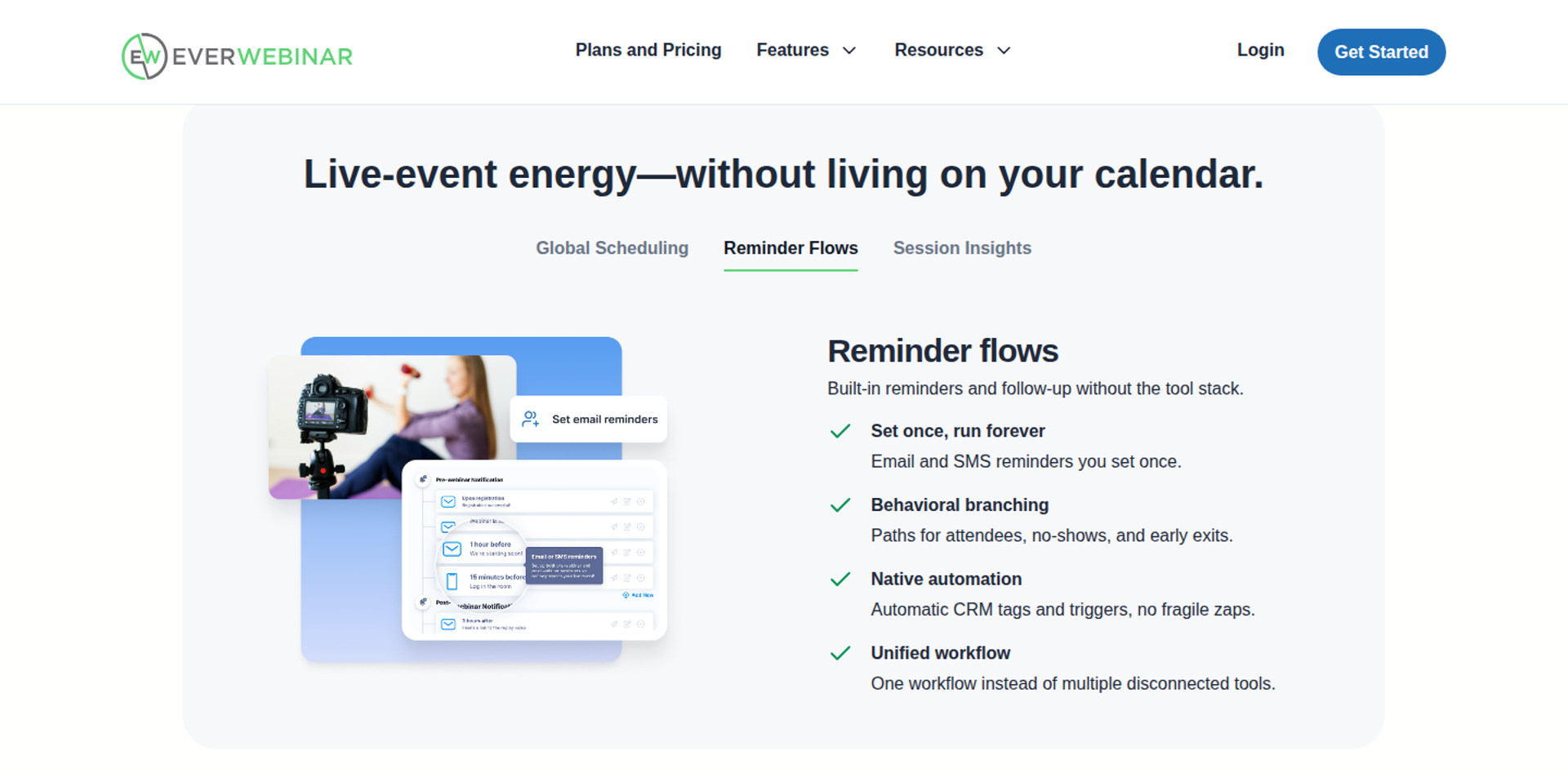
EverWebinar is best for marketers who already own a converting recording and want it to run on a schedule. It offers deep evergreen scheduling, just-in-time sessions, and a hybrid mode for answering chat in real time. It may not fit buyers who also need native live hosting, because that requires WebinarJam as a separate product.
| Quick fit | - |
|---|---|
| Best for | Info-product sellers with a proven recording who never need to present live |
| Skip if | You want live and automated webinars on one subscription, or a built-in sales CRM |
| Strongest edge | Scheduling depth: daily, weekly, and custom recurring sessions, just-in-time starts, and local time zone display |
| Biggest trade-off | Live webinars mean buying WebinarJam as a second product |
| Pricing snapshot | $199/mo month to month . $99/mo billed annually ($1,188 upfront). $79/mo billed every two years ($1,896 upfront). 14-day trial for $1, 30-day money-back guarantee. Every option includes the same features. |
Why EverWebinar ranks second
EverWebinar earns its place by doing one job well: automated delivery of a recording. It scores strongly on evergreen scheduling, engagement tools, and funnel pages. It loses points on format coverage and CRM depth.
⏰ Where the scheduling depth shows
EverWebinar offers daily, weekly, and custom recurring sessions, plus a just-in-time option. Session times display in each registrant's local time zone. Its hybrid mode lets your team answer chat in real time while the recording plays.
EasyWebinar's view is that EverWebinar's scheduling depth is genuinely good. If you live inside the WebinarJam world and never present live, it does the job. On G2, reviewers rated EverWebinar a better fit for their business needs than eWebinar.
⚠️ Where the split product costs you
The gap is structural, not cosmetic. EverWebinar does not host live webinars, so live sessions run in WebinarJam on a second subscription. EasyWebinar handles both inside one account, which is the main reason it ranks above EverWebinar here.
EverWebinar reports one customer whose automated conversion rate ran about 10% lower than live. That customer could run five times as many sessions, which raised total revenue. Treat that as a vendor-reported figure, but it matches what I see: automation trades some conversion rate for scale.
What EverWebinar does well
- Flexible scheduling: recurring, just-in-time, and on-demand options, shown in each viewer's time zone, capture registrants when intent is highest.
- Hybrid mode: your team can answer chat in real time while the recording plays, which keeps a human in the room without re-presenting.
- Built-in email and SMS: reminders and follow-up can branch on whether someone attended, missed the session, or left early.
- Timed offers and engagement: calls to action, polls, surveys, and handouts appear at set moments in the recording.
- Pages and testing: page templates and A/B testing (comparing two page versions to see which converts better) shorten launch time.
- One plan, all features: every billing option unlocks the full product, so you only choose the payment cadence.
Where EverWebinar falls short
- No native live hosting: live webinars need WebinarJam, adding a second product and bill.
- No built-in sales CRM: EverWebinar connects to email and CRM platforms and to Zapier, but it has no native lead-scoring CRM.
- Discounts require upfront payment: the $99 and $79 monthly rates are charged as $1,188 or $1,896 at checkout.
- Reported cloning and support issues: a 2021 G2 reviewer hit duplicate chats and unsent emails after cloning webinars, and needed 10 emails to resolve it.
Decision scorecard
| Evaluation criterion | EverWebinar fit | Why it matters |
|---|---|---|
| Live webinars | Weak | Live hosting needs WebinarJam on a separate subscription. |
| Simulated live or automated webinars | Strong | Automated and hybrid delivery are its core product. |
| Evergreen automation | Strong | Recurring, just-in-time, and time-zone scheduling are well developed. |
| Funnel pages | Strong | Templates and A/B testing are included in every plan. |
| Engagement | Strong | Timed offers, polls, surveys, and hybrid chat keep viewers active. |
| CRM and follow-up | Partial | Email and SMS are built in, but CRM sync relies on integrations. |
| Monetization | Not publicly disclosed | Dynamic offers are listed; confirm native checkout before shortlisting. |
| Analytics | Strong | Performance tracking is built in, per its pricing page. |
| Integrations | Partial | Email and CRM connectors plus Zapier, with no native CRM. |
| Pricing fit | Partial | Annual billing halves the monthly rate, but it is charged upfront. |
| Best-fit buyer | Strong | Evergreen-only sellers already using WebinarJam. |
Best for / skip if
Choose EverWebinar if you run only pre-recorded sessions and already own WebinarJam for live. Skip it if you want live validation and automation inside one subscription with a built-in CRM.
Reviews
- A TrustRadius reviewer credits EverWebinar with turning a proven webinar evergreen and walking users through the full automated setup (EverWebinar TrustRadius - Verified Review).
- A 2018 G2 reviewer found setup complex and support reachable only by email, which hurt on event day (Verified User in Market Research, EverWebinar G2 - Verified Review, January 2018).
1.3 eWebinar
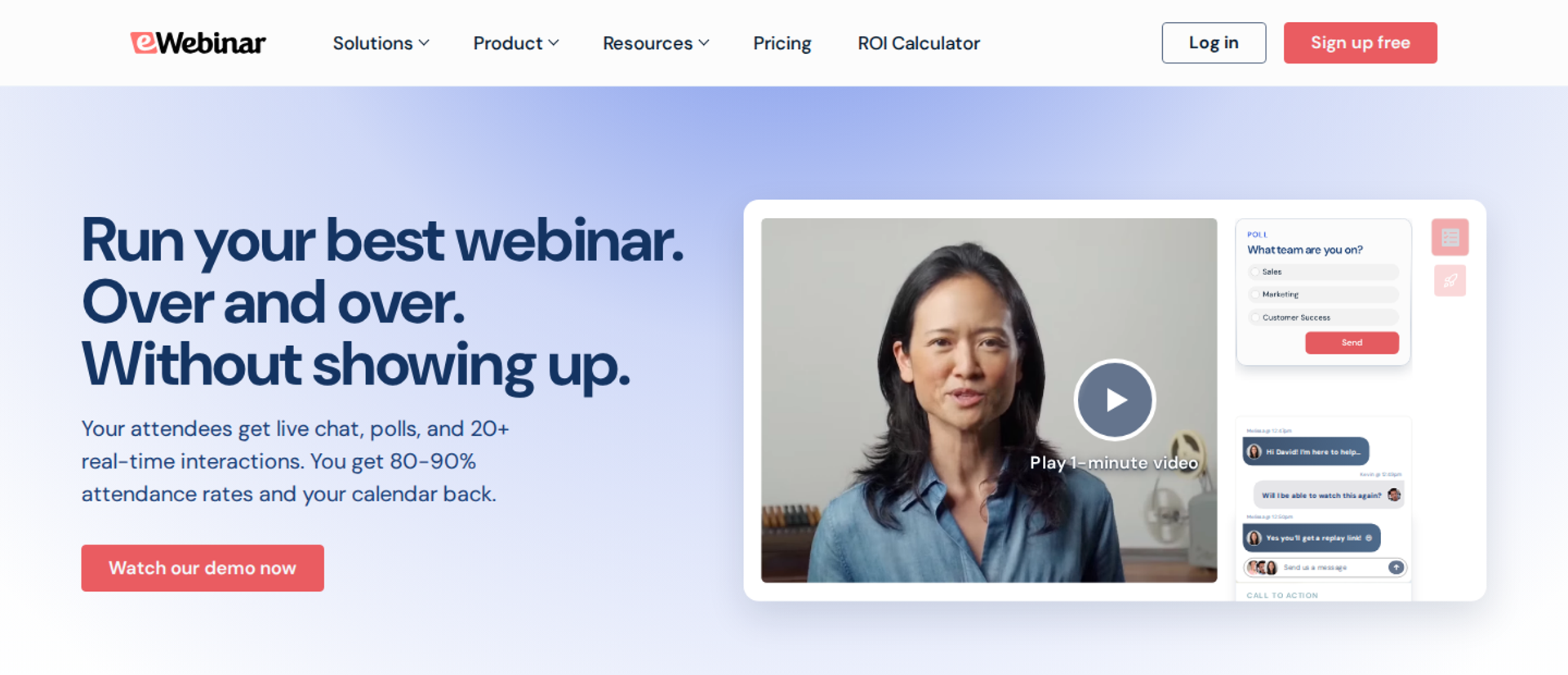
eWebinar is best for teams that run fully pre-recorded sessions and never need to present live. Its automated rooms stay interactive, with chat and timed interactions. It may not fit buyers who also want native live hosting, which eWebinar does not offer.
| Quick fit | - |
|---|---|
| Best for | Teams delivering fully pre-recorded sessions where live is never needed |
| Skip if | You want to validate an offer live before automating it on the same platform |
| Strongest edge | Interactive automated sessions, with unlimited recurring sessions per webinar |
| Biggest trade-off | No native live hosting, and pricing climbs with the number of active webinars |
| Pricing snapshot | Level 1 $99/mo (0 to 1 active webinars). Level 2 $199/mo (2 to 5). Level 3 $299/mo (6 to 15), plus $15/mo per extra active webinar. Annual billing lowers these to $84, $169, and $254 per month. Extra registrant packs (1,000 per month) cost $49/mo, and removing eWebinar branding is a paid add-on. 14-day free trial. |
Why eWebinar ranks third
eWebinar scores well on automated engagement and evergreen scheduling. A single active webinar can run thousands of recurring sessions each month, with unlimited team members on every level. On G2, reviewers preferred eWebinar's product roadmap over EverWebinar's.
⚠️ Where the ranking stops
eWebinar loses points on format coverage, because it has no native live room. EasyWebinar lets you run a session live first, then automate that exact recording on the same subscription. That sequence matters if your offer has not been proven yet.
What eWebinar does well
- Recurring sessions without extra cost per session: unlimited recurring sessions per active webinar keep a single pitch running on a fixed schedule.
- Interactive automated rooms: chat and timed interactions keep viewers active during a pre-recorded session, which supports engagement without a presenter.
- Unlimited team members: support and sales staff can join and answer chat without paying for extra seats.
- Fast first setup: eWebinar states that a first webinar can go live in under 20 minutes without instruction.
- Embeds and series: you can embed the full room on any web page and run multi-session series across time zones.
Where eWebinar falls short
- No live hosting: you need a separate tool to validate the pitch live before automating it.
- Monthly registrant limits: each level carries a registrant cap, and extra 1,000-registrant packs cost $49 per month.
- No built-in sales CRM: follow-up depends on the email or CRM tools you connect.
- Limited developer access: GetApp lists no public API for eWebinar, so custom data flows may be harder to build (GetApp listing).
Decision scorecard
| Evaluation criterion | eWebinar fit | Why it matters |
|---|---|---|
| Live webinars | Weak | There is no native live room for validating an offer first. |
| Simulated live or automated webinars | Strong | Automated delivery is the core of the product. |
| Evergreen automation | Strong | Unlimited recurring sessions per active webinar cover every time zone. |
| Funnel pages | Partial | Registration pages are included, but removing branding costs extra. |
| Engagement | Strong | Chat and timed interactions keep automated rooms active. |
| CRM and follow-up | Partial | Follow-up relies on connected tools, with no native CRM. |
| Monetization | Not publicly disclosed | Confirm native checkout support before shortlisting. |
| Analytics | Partial | Cross-webinar analytics are listed, but revenue attribution depends on your stack. |
| Integrations | Partial | Integrations exist, though GetApp lists no public API. |
| Pricing fit | Partial | Costs rise with active webinars and registrant volume. |
| Best-fit buyer | Strong | Teams running fully pre-recorded programs. |
Best for / skip if
Choose eWebinar if every session you run is pre-recorded and interactivity is the priority. Skip it if you want live validation and automation inside one subscription.
1.4 WebinarKit
WebinarKit is best for buyers who want the lowest-cost route to automated webinars, because it offers unlimited webinars, registrants, and attendees on a fixed plan. It may not fit buyers who want live and automated webinars inside one product, because live hosting is sold separately as WebinarKit Live.
| Quick fit | - |
|---|---|
| Best for | Cost-sensitive sellers running automated funnels at high attendee volume |
| Skip if | You need live and automated on one plan, or predictable list pricing without promotions |
| Strongest edge | Unlimited webinars, registrants, and attendees with no per-attendee fees |
| Biggest trade-off | Live webinars run in a separate product, and published prices shift with sales |
| Pricing snapshot | On October 17, 2026, the pricing section showed Automated Standard at $49/mo and Pro at $69/mo, with a 30% promotional coupon auto-applied. The same page's comparison table lists plans from $28/mo billed annually, with Pro at $97/mo monthly or $33/mo annually. Pro is also sold as a one-time payment ($1,997 list). Every plan starts with a 7-day trial for $1. |
Why WebinarKit ranks fourth
WebinarKit earns its place on price and volume. Unlimited attendees and webinars remove the capacity ceiling that hurts high-traffic ad funnels. Its builder also drafts a sales script and slide deck from your website or a short description.
⚠️ Where the ranking stops
WebinarKit's live product is a separate purchase, which splits the stack the same way EverWebinar and WebinarJam do. EasyWebinar keeps live and automated on one subscription, so the session you validate live is the one you automate. WebinarKit also markets AI chat that answers attendees, so check how those replies are disclosed before you rely on them.
What WebinarKit does well
- No capacity ceiling: unlimited registrants and attendees protect high-volume ad funnels from overage surprises.
- AI presentation builder: script and slide generation shortens the time from idea to first funnel.
- Watch-time segmentation: follow-up can branch on whether someone watched 25%, 50%, 75%, or 100%, or clicked the offer.
- Embeddable funnels: registration forms, thank-you pages, and watch rooms can sit on your own site.
- Paid webinars: you can collect payment before registration for ticketed trainings.
Where WebinarKit falls short
- Live sold separately: WebinarKit Live is its own product with its own plans.
- Moving price points: coupons, one-time deals, and annual discounts make the true list price hard to budget.
- Renewal surprises reported: one Trustpilot reviewer said a lifetime add-on renewed annually without a reminder, and WebinarKit replied publicly.
- Credit-based usage: emails, SMS, and AI building draw from monthly credits, so heavy users may pay top-ups.
Decision scorecard
| Evaluation criterion | WebinarKit fit | Why it matters |
|---|---|---|
| Live webinars | Weak | Live hosting needs the separate WebinarKit Live product. |
| Simulated live or automated webinars | Strong | Automated and like-live events are the core product. |
| Evergreen automation | Strong | Recurring, just-in-time, and instant-watch options are included. |
| Funnel pages | Strong | A drag-and-drop builder hosts registration, thank-you, and replay pages. |
| Engagement | Strong | Chat, offers, questions, and Pro polls keep rooms active. |
| CRM and follow-up | Partial | Segmented follow-up is built in, but CRM sync uses integrations. |
| Monetization | Partial | Paid registration is supported; in-room checkout depth needs testing. |
| Analytics | Strong | Drop-off points, offer clicks, and traffic sources are reported. |
| Integrations | Strong | Native CRM and email connectors, plus Zapier, Pabbly, and an API. |
| Pricing fit | Strong | Low entry cost with unlimited attendees, though pricing changes often. |
| Best-fit buyer | Strong | Budget-led sellers running automated-only funnels. |
Best for / skip if
Choose WebinarKit if cost and unlimited attendee volume decide your shortlist. Skip it if you want one product that covers live validation and automation together.
1.5 StealthSeminar
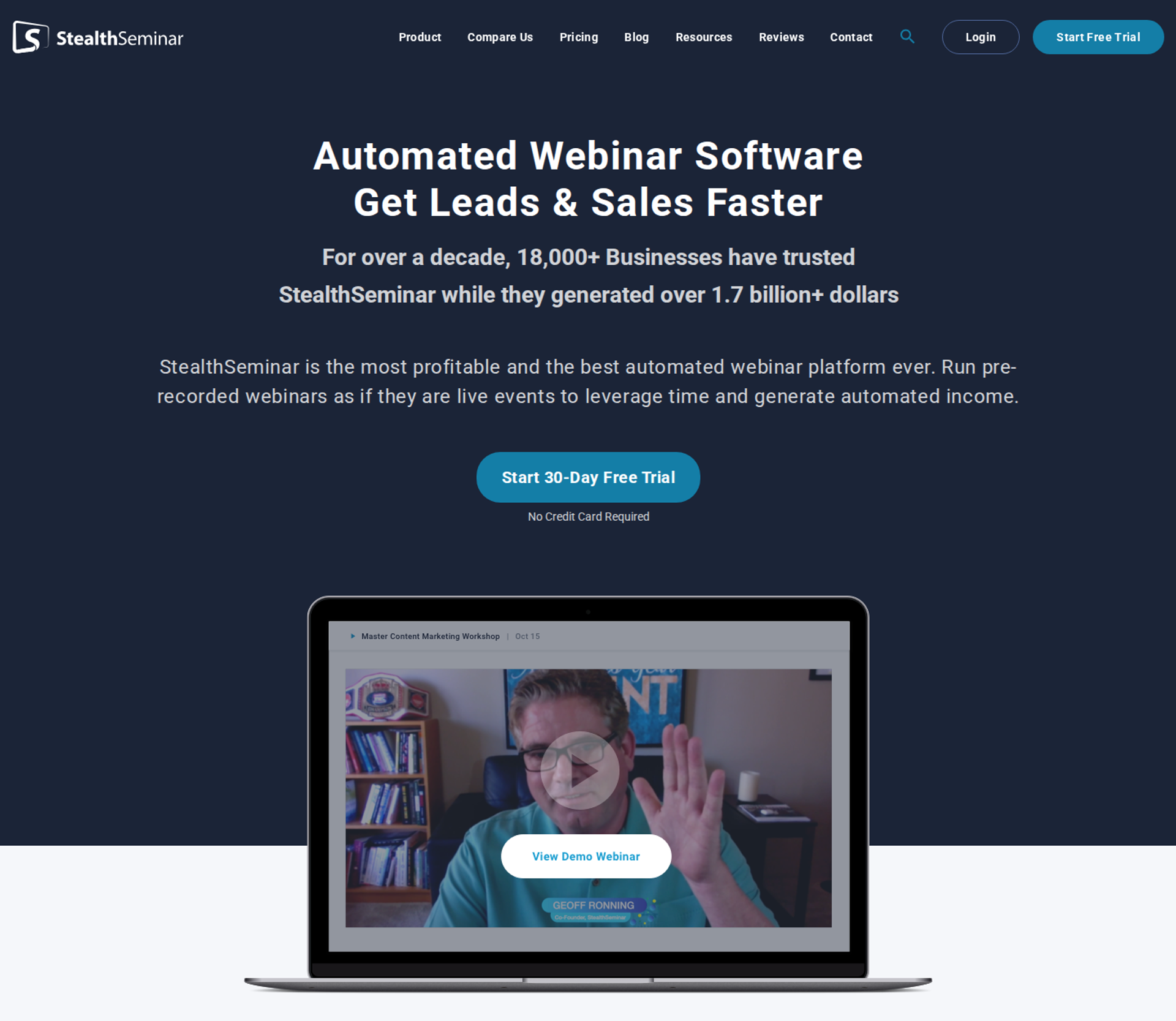
StealthSeminar is best for teams that already run ActiveCampaign, ClickFunnels, or Stripe and need a dedicated automated webinar engine on top. It may not fit buyers who want native live hosting or a built-in CRM.
| Quick fit | - |
|---|---|
| Best for | Operators who keep their existing stack and only add an automation engine |
| Skip if | You want live webinars, checkout, and CRM inside one platform |
| Strongest edge | A focused automated engine that slots into an existing funnel stack |
| Biggest trade-off | No native live hosting, and attendee caps are lower than on newer tools |
| Pricing snapshot | Starter $69.95/mo, Professional $99.95/mo, and Growth $175/mo , with a custom Power plan. A 30-day free trial is listed, and annual billing gives two months free. Starter and Professional list 100 simultaneous attendees; Growth lists 300 ( Spotsaas comparison ). |
Why StealthSeminar ranks fifth
StealthSeminar suits buyers whose stack is already decided. It does the automation job and leaves pages, email, and payments to tools you own. That is a real strength when switching costs are high.
⚠️ Where the ranking stops
StealthSeminar has no native live room, so the live-to-automated sequence needs two tools. EasyWebinar runs both on one plan and adds checkout and EasyCRM from its Growth tier. Buyers starting from scratch will usually find more of the funnel covered elsewhere.
What StealthSeminar does well
- Fits an existing stack: you keep the email, page, and payment tools your team already knows.
- Dedicated automation: a single-purpose engine means fewer settings to learn for evergreen delivery.
- Long trial window: a 30-day free trial gives time to test a full funnel cycle before paying.
- Clear tier steps: published plan prices make budgeting simple at low volumes.
Where StealthSeminar falls short
- No live hosting: offer validation happens in a separate tool.
- Lower attendee caps: 100 to 300 simultaneous attendees on the published tiers limit large launches.
- Integration depth reported as limited: review aggregator Spotsaas notes that some users find setup and integration options limited (Spotsaas comparison).
Decision scorecard
| Evaluation criterion | StealthSeminar fit | Why it matters |
|---|---|---|
| Live webinars | Weak | There is no native live room. |
| Simulated live or automated webinars | Strong | Automated delivery is the product's focus. |
| Evergreen automation | Partial | Scheduling covers evergreen use; depth versus specialists needs testing. |
| Funnel pages | Not publicly disclosed | Confirm page-builder depth during the trial. |
| Engagement | Not publicly disclosed | Confirm chat and offer tools in automated rooms. |
| CRM and follow-up | Partial | Follow-up runs through the tools you connect. |
| Monetization | Partial | Payments rely on your existing processor. |
| Analytics | Not publicly disclosed | Confirm attendee-level reporting before committing. |
| Integrations | Partial | Built to connect to existing stacks, though depth is reported as limited. |
| Pricing fit | Partial | Clear tiers, but low attendee caps per plan. |
| Best-fit buyer | Strong | Teams adding automation to a stack they will not replace. |
Best for / skip if
Choose StealthSeminar if your stack is fixed and you only need an automation engine. Skip it if you want live validation, checkout, and CRM in one place.
1.6 Demio
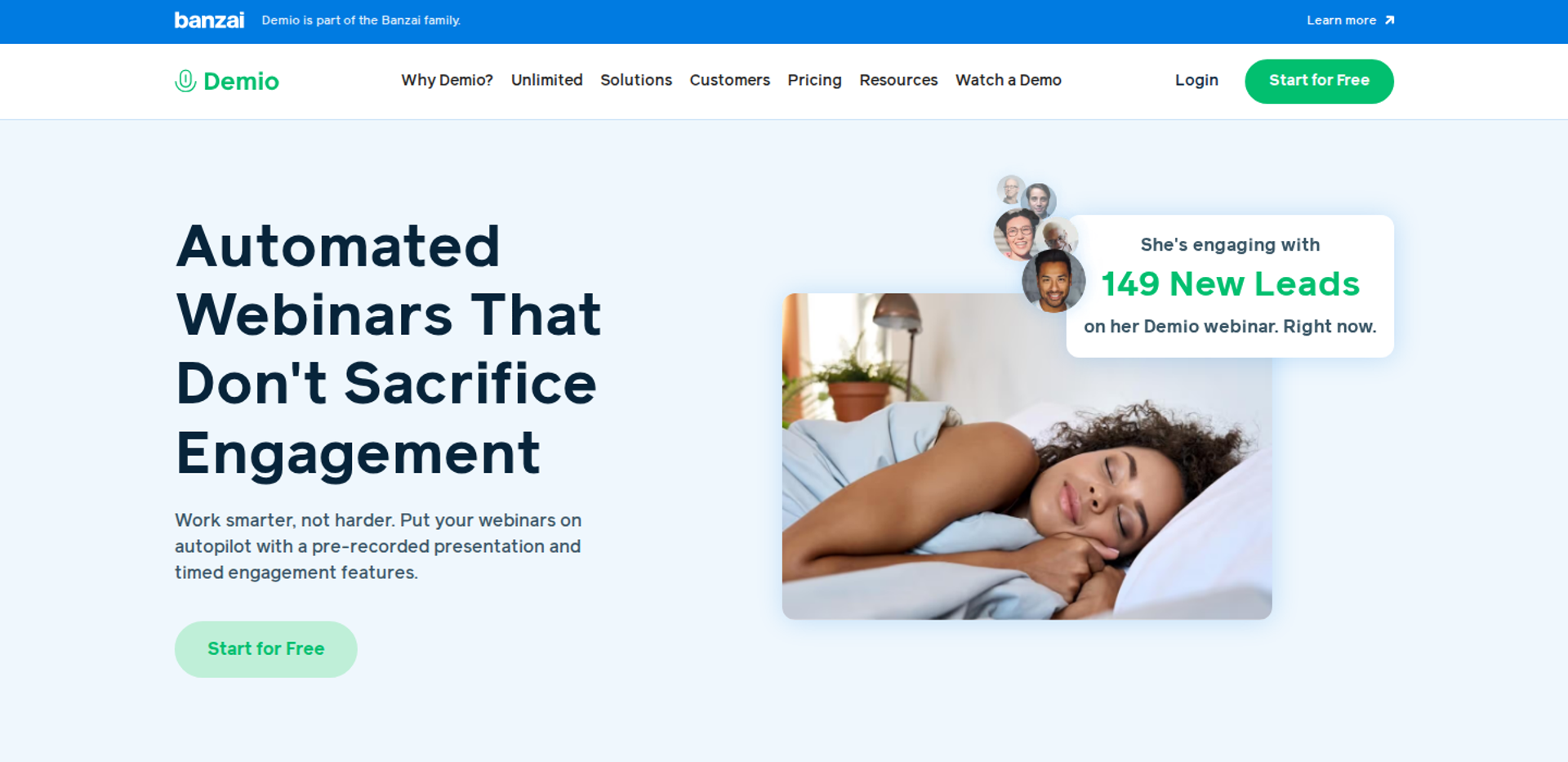
Demio is best for marketing teams running occasional live webinars that need a clean browser experience for attendees. It also offers automated sessions. It may not fit buyers who need deep evergreen scheduling or native CRM sync without middleware.
| Quick fit | - |
|---|---|
| Best for | Marketing teams running occasional live marketing webinars |
| Skip if | Evergreen funnels are your main revenue engine, or you need native HubSpot data without Zapier |
| Strongest edge | Simple, browser-based attendee experience with no download |
| Biggest trade-off | Thinner evergreen tooling, and higher tiers are priced per host and room size |
| Pricing snapshot | Starter costs $45/mo billed annually or $63/mo monthly , for one host and 50 attendees. Growth and Premium are priced per host by attendee room size, and the figures only appear after you pick a room size. 14-day trial on Growth features (20 attendees, 1-hour sessions). |
Why Demio ranks sixth
Demio scores well on attendee experience and ease of setup. Reviewers repeatedly describe the interface as simple and the registration pages as quick to launch. Those strengths matter for live marketing sessions.
⚠️ Where the ranking stops
Demio is live-first, so its evergreen scheduling toolkit is thinner than the specialists ranked above. EasyWebinar adds just-in-time scheduling, scarcity dates, and in-room checkout to the automated side. Demio also loses points where data has to reach a CRM through several Zapier steps.
What Demio does well
- Browser-based joining: attendees join without downloads, which protects show-up rates.
- Fast registration pages: reviewers report getting pages live quickly.
- Room assets: polls, handouts, and resources can be preloaded, which keeps live sessions moving.
- Email reminders: built-in confirmation and reminder sequences reduce setup work.
- Multiple event types: live, automated, and on-demand sessions sit in one account.
Where Demio falls short
- CRM sync friction: one team needed several Zapier steps to move data into HubSpot.
- Replay gaps: one reviewer found that replays did not show the live polls and CTAs.
- Data access after cancelling: one reviewer could not export registrant data after cancelling a paid plan.
- Opaque upper tiers: Growth and Premium prices are not visible until you select a room size.
Decision scorecard
| Evaluation criterion | Demio fit | Why it matters |
|---|---|---|
| Live webinars | Strong | Clean browser-based rooms suit live marketing sessions. |
| Simulated live or automated webinars | Partial | Automated sessions exist, with thinner controls than specialists. |
| Evergreen automation | Partial | The evergreen scheduling toolkit is lighter than dedicated engines. |
| Funnel pages | Strong | Registration pages are quick to launch. |
| Engagement | Strong | Polls, handouts, and resources keep rooms active. |
| CRM and follow-up | Partial | Reviewers report Zapier-dependent CRM sync. |
| Monetization | Weak | There is no in-room checkout comparable to revenue-focused platforms. |
| Analytics | Partial | One reviewer found visit analytics hard to work with. |
| Integrations | Partial | Native connectors exist; some flows still need Zapier. |
| Pricing fit | Partial | Starter is clear; higher tiers scale per host and room size. |
| Best-fit buyer | Strong | Teams running occasional live marketing webinars. |
Best for / skip if
Choose Demio if most of your sessions are live marketing webinars and attendee simplicity matters most. Skip it if evergreen funnels and native CRM data are the core of your plan.
Reviews
- A coach rated Demio 4/5 for its simple interface and room assets, but struggled with Zapier connections and link sharing (Saana K., Demio G2 - Verified Review, August 2024).
- Another 4/5 reviewer liked the clear layout, but found the HighLevel integration incomplete and replays missing live polls and CTAs (Ivanhoe S., Demio G2 - Verified Review, August 2024).
1.7 Livestorm
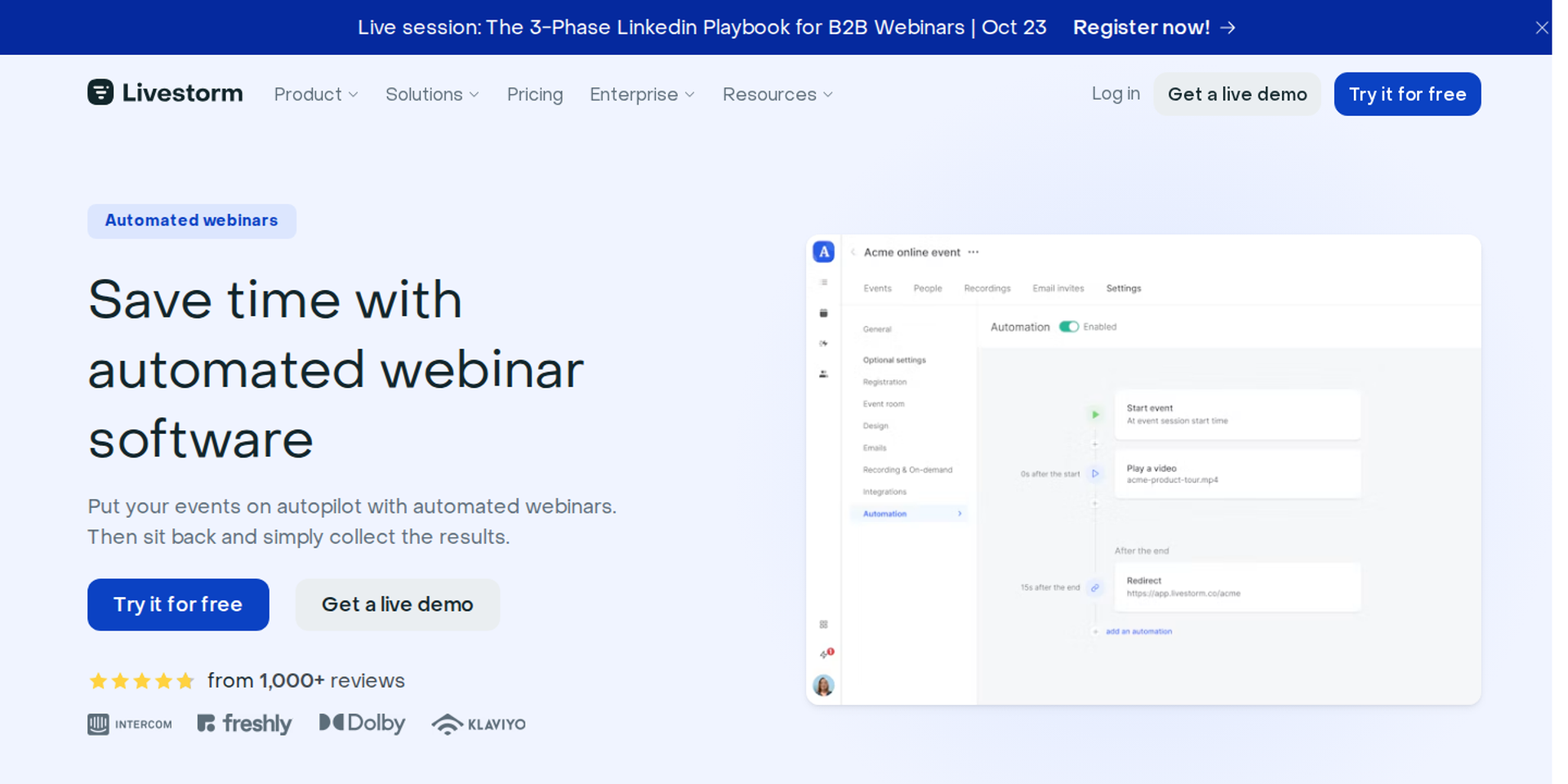
Livestorm is best for teams that want meetings and webinars in one browser-based tool, paying per attendee for irregular volume. It may not fit buyers who need a full evergreen engine or predictable costs as audiences grow.
| Quick fit | - |
|---|---|
| Best for | B2B teams running irregular webinar volume that want browser-first joining |
| Skip if | You run daily evergreen funnels, where per-attendee costs compound |
| Strongest edge | Browser-first joining and attendee-based billing that ignores no-shows |
| Biggest trade-off | Live-first design with no full evergreen engine, and costs that rise with attendance |
| Pricing snapshot | A free plan includes 30 attendee credits per year. Pro uses annual attendee-credit packs , starting at 400 credits for $1,200 per year (about $3 per attendee). Enterprise is custom. One credit is used each time a unique attendee joins live , watches a replay, or watches on demand; registrations do not use credits. |
Why Livestorm ranks seventh
Livestorm is strong for B2B marketing teams that want polished browser-based rooms. Its attendee-credit model means no-shows cost nothing, which suits irregular schedules. Team members do not consume credits either.
💸 How the credit model plays out
Attendee credits count replays and on-demand views too, so a successful evergreen funnel raises the bill as it works. EasyWebinar uses flat monthly plans with no per-attendee fees within the plan, so more viewers do not change the invoice tier. For daily automated funnels, that difference compounds quickly.
What Livestorm does well
- Browser-first rooms: attendees join without downloads, which supports show-up rates for B2B audiences.
- No-show protection: registrations do not consume credits, so you only pay for people who attend.
- Unlimited team members: internal staff join sessions without using credits.
- Live, replay, and on-demand formats: one account covers the main delivery modes.
Where Livestorm falls short
- Live-first design: Livestorm does not offer a full evergreen engine with just-in-time and scarcity scheduling.
- Costs scale with success: each replay or on-demand viewer uses a credit, which penalizes high-volume evergreen funnels.
- Annual commitment: Pro credit packs renew annually, so short projects pay for a full year.
Decision scorecard
| Evaluation criterion | Livestorm fit | Why it matters |
|---|---|---|
| Live webinars | Strong | Browser-first live rooms are the core product. |
| Simulated live or automated webinars | Partial | Automated and on-demand sessions exist, but evergreen depth is limited. |
| Evergreen automation | Weak | There is no just-in-time or scarcity scheduling engine. |
| Funnel pages | Strong | Registration pages are built in. |
| Engagement | Strong | Polls, chat, and Q&A support live interaction. |
| CRM and follow-up | Partial | CRM integrations are tier-dependent. |
| Monetization | Weak | In-room checkout is not a core capability. |
| Analytics | Strong | Attendance and engagement reporting suit B2B marketing teams. |
| Integrations | Partial | Deeper integrations sit on higher tiers. |
| Pricing fit | Partial | Good for irregular volume; costly for daily evergreen traffic. |
| Best-fit buyer | Strong | B2B teams with irregular webinar schedules. |
Best for / skip if
Choose Livestorm if your webinar volume is irregular and browser-first joining matters most. Skip it if evergreen funnels will drive most of your attendance.
1.8 Zoom Webinars
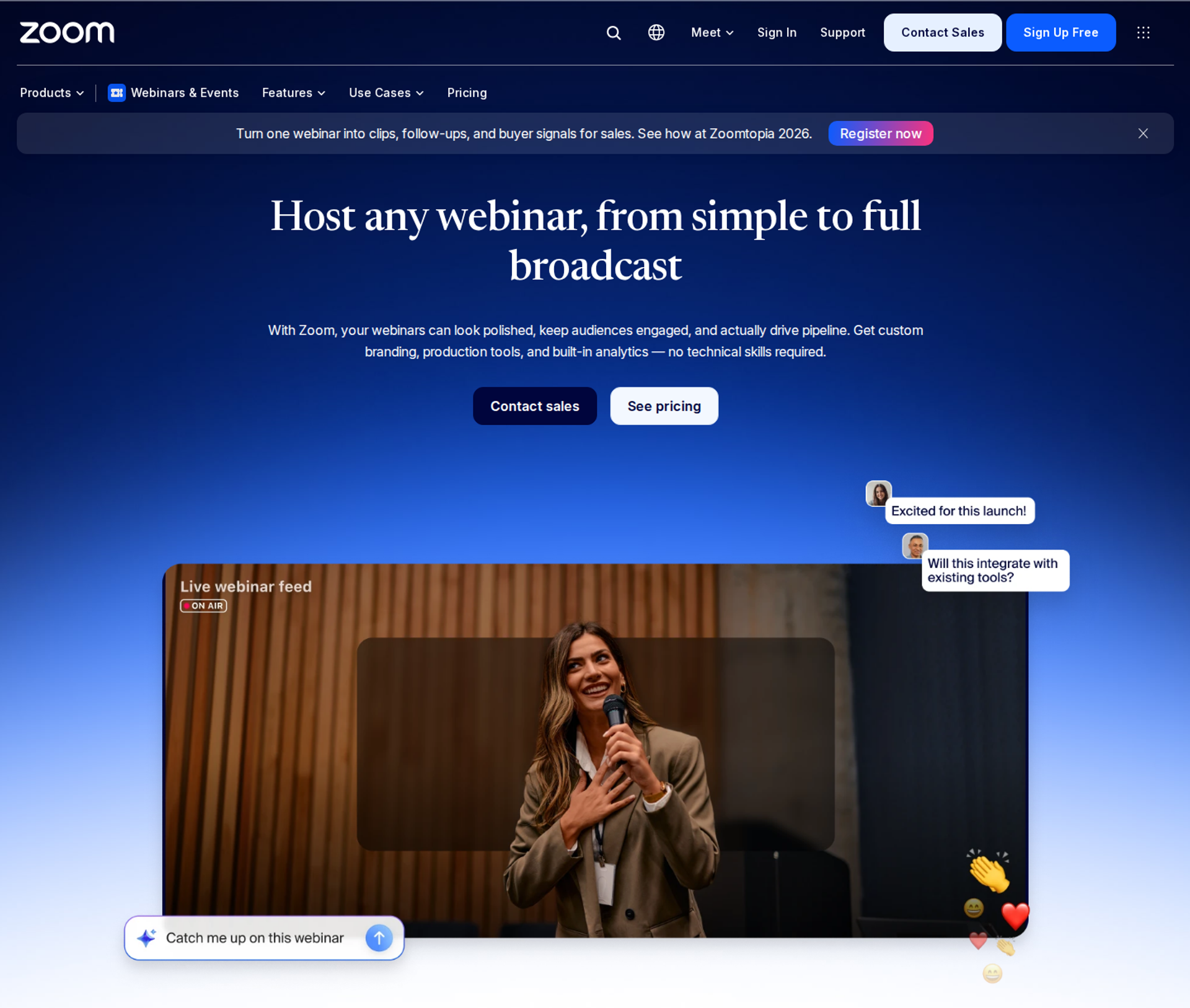
Zoom Webinars is best for teams already standardized on Zoom that need familiar, widely used streaming. It may not fit buyers who need evergreen scheduling, funnel pages, or behavior-based follow-up built in.
| Quick fit | - |
|---|---|
| Best for | Organizations already standardized on Zoom for meetings |
| Skip if | You need evergreen funnels, in-room checkout, or CRM-driven follow-up |
| Strongest edge | Attendee familiarity and stream reliability at large scale |
| Biggest trade-off | Built for meetings first, with thin conversion tooling |
| Pricing snapshot | Zoom Webinars is an add-on to a paid Zoom Workplace licence, priced by attendee capacity. On July 15, 2026, Zoom's pricing page listed webinar tiers from $83.33 to $415.83 per month, with several plans marked contact sales. Simulive (pre-recorded playback) sits on higher tiers. |
Why Zoom Webinars ranks eighth
Zoom wins on familiarity, since most attendees have used it before. That lowers support tickets on event day. Higher tiers add simulive playback, backstage rooms, and practice sessions.
⚠️ Where the ranking stops
Zoom runs the meeting well, but it was not built to run a webinar that has to sell. EasyWebinar adds evergreen scheduling, checkout inside the room, and follow-up based on what each attendee did. Zoom buyers usually bolt on page builders, email tools, and a CRM to get there.
What Zoom Webinars does well
- Attendee familiarity: most viewers already know the interface, which reduces join friction on event day.
- Large-scale streaming: capacity tiers support big audiences for live broadcasts.
- Backstage and practice sessions: presenters can rehearse and stage speakers before going on air.
- Simulive on higher tiers: a recording can play at a scheduled time with live chat.
Where Zoom Webinars falls short
- Licence stacking: the webinar add-on requires a paid Zoom Workplace licence, raising the true entry cost.
- Thin funnel tooling: registration pages and follow-up are basic compared with conversion-focused platforms.
- Buggy automated emails reported: one 2024 reviewer described buggy email sequences and no consistent support contact.
- Limited customization: one reviewer found few options to customize the look and feel.
Decision scorecard
| Evaluation criterion | Zoom Webinars fit | Why it matters |
|---|---|---|
| Live webinars | Strong | Familiar, large-scale live streaming is Zoom's core strength. |
| Simulated live or automated webinars | Partial | Simulive exists on higher tiers only. |
| Evergreen automation | Weak | There is no just-in-time or recurring evergreen engine. |
| Funnel pages | Weak | Registration pages are basic and hard to brand. |
| Engagement | Partial | Polls and Q&A exist, without timed offers. |
| CRM and follow-up | Partial | Integrations exist, but follow-up is not behavior-based. |
| Monetization | Weak | There is no in-room checkout. |
| Analytics | Partial | Attendance reports exist, without revenue attribution. |
| Integrations | Partial | Broad app ecosystem, though one reviewer found Marketo sync weak. |
| Pricing fit | Partial | Capacity-based add-on pricing on top of a licence. |
| Best-fit buyer | Strong | Teams already standardized on Zoom. |
Best for / skip if
Choose Zoom Webinars if your organization already runs on Zoom and live broadcasts are the goal. Skip it if the webinar has to sell every day without you.
Reviews
- A membership association rated Zoom 4/5 for easy rollout and integrations, though being in the backstage and the webinar at once needed two computers (Rob K., Zoom G2 - Verified Review, February 2024).
- A 2024 reviewer rated it 0.5/5 after buggy automated email sequences went unresolved for six months (Verified User in Translation and Localization, Zoom G2 - Verified Review, May 2024).
1.9 ProProfs WebinarNinja
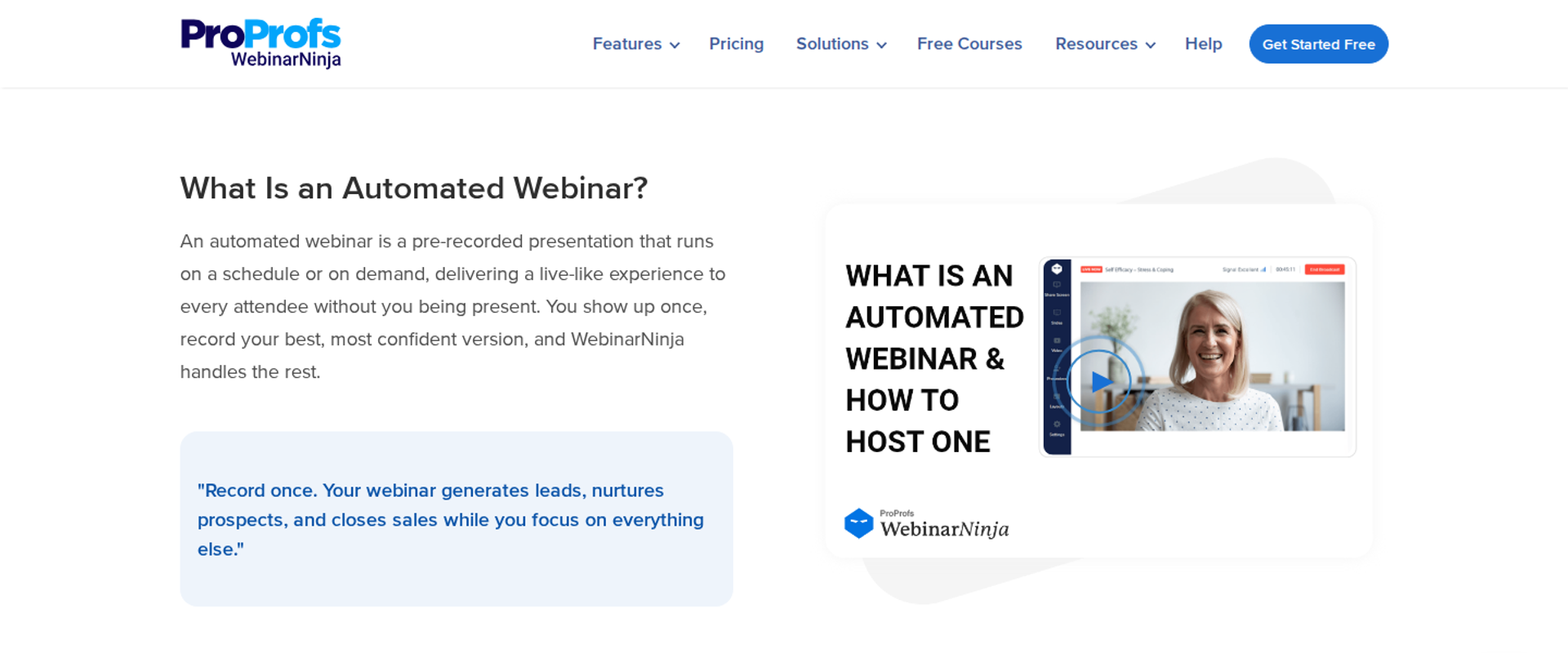
ProProfs WebinarNinja is best for small teams that want live, automated, and series webinars in one simple interface. It may not fit buyers who need proven reliability for high-stakes live launches, based on reported outages and bugs.
| Quick fit | - |
|---|---|
| Best for | Small teams wanting all webinar formats in one basic interface |
| Skip if | A failed live launch would cost you real revenue |
| Strongest edge | Live, automated, hybrid, and series formats in one account |
| Biggest trade-off | Reviewers report reliability issues and a low ceiling for advanced users |
| Pricing snapshot | Now owned by ProProfs, WebinarNinja sells one plan priced per attendee. It is listed at $0.30 per attendee per month on annual billing, with the total set by the capacity chosen at checkout. Audiences of 1,000+ need a custom quote, and a 14-day trial is listed. |
Why ProProfs WebinarNinja ranks ninth
ProProfs WebinarNinja covers many formats at an accessible price. For a small team testing webinars for the first time, one interface for everything reduces setup work. One reviewer praised its support for helping configure the environment.
⚠️ Where the ranking stops
Reliability reports pull ProProfs WebinarNinja down this list. Several G2 reviewers describe failed live sessions, emails going to spam, and inaccurate analytics. EasyWebinar backs its live rooms with a 99.9% uptime guarantee, which matters most during the pitch.
What ProProfs WebinarNinja does well
- All formats in one place: live, automated, hybrid, and series webinars reduce tool switching.
- Single plan structure: one per-attendee rate avoids comparing feature tiers.
- Supportive onboarding reported: one reviewer credited support for helping set up the account.
- Paid webinars: built-in payment processing supports ticketed sessions (Toolradar profile).
Where ProProfs WebinarNinja falls short
- Reliability reports: one reviewer said a server failure sent 4,000+ emails to registrants before a planned event.
- Notification deliverability: a 2025 Trustpilot reviewer said automated notification emails landed in spam.
- Low ceiling: one 3/5 reviewer said professional users reach the platform's limits quickly.
- Cost scales with audience: per-attendee pricing rises as your list grows.
Decision scorecard
| Evaluation criterion | ProProfs WebinarNinja fit | Why it matters |
|---|---|---|
| Live webinars | Partial | Live is supported, but reviewers report stability issues. |
| Simulated live or automated webinars | Partial | Automated sessions exist; one reviewer could not edit recorded files. |
| Evergreen automation | Partial | Series and automated formats cover basic evergreen needs. |
| Funnel pages | Partial | Registration pages are included; reviewers report breakages. |
| Engagement | Partial | Standard interaction tools are available. |
| CRM and follow-up | Weak | One reviewer reported difficult ActiveCampaign integration. |
| Monetization | Partial | Paid webinars are supported. |
| Analytics | Weak | One reviewer reported inaccurate analytics. |
| Integrations | Partial | A limited native set; verify your CRM. |
| Pricing fit | Partial | Low per-attendee entry rate that scales with audience size. |
| Best-fit buyer | Partial | Small teams testing webinars at low stakes. |
Best for / skip if
Choose ProProfs WebinarNinja if you are testing webinars at low stakes and want every format in one place. Skip it if a live launch carries real revenue risk.
Reviews
- A 3/5 reviewer valued the all-in-one workflow and helpful support, but outgrew the platform and could not edit on-demand recordings (Oscar A., ProProfs WebinarNinja G2 - Verified Review, March 2022).
- A 2025 reviewer said notification emails went to spam and custom-domain sending was hard to set up (Kristen Proctor, ProProfs WebinarNinja Trustpilot - Verified Review, October 2025).
1.10 Riverside
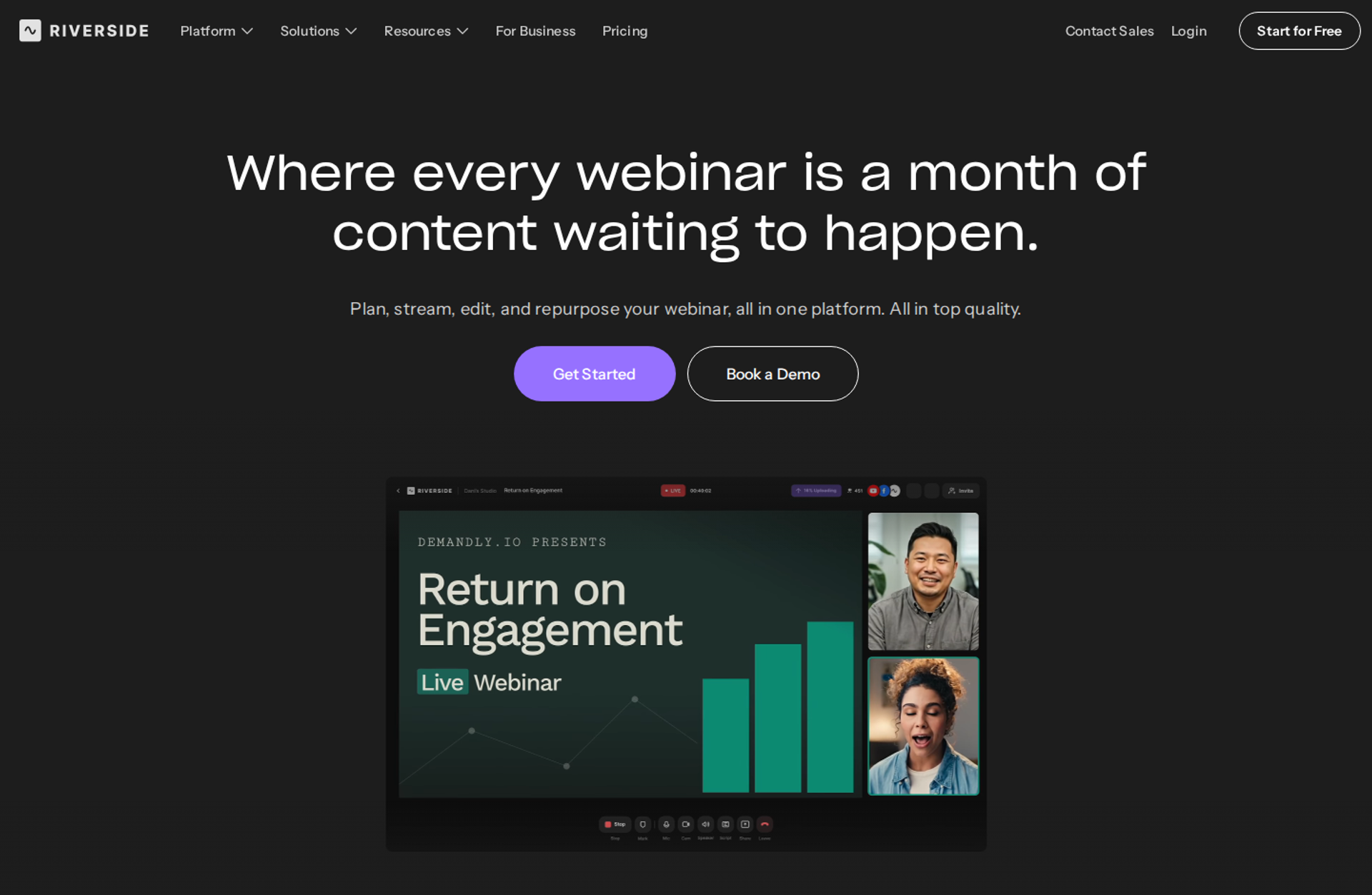
Riverside is best for teams that care most about studio-quality recording and repurposing, and that want to schedule those recordings as simulive sessions. It may not fit buyers who need a full sales funnel with checkout and evergreen scarcity scheduling.
| Quick fit | - |
|---|---|
| Best for | Content teams that record high-quality sessions and repurpose them into clips |
| Skip if | Your webinar's main job is selling through an automated funnel |
| Strongest edge | Local multi-track recording that holds quality through internet dips |
| Biggest trade-off | Built around recording and production, not conversion workflows |
| Pricing snapshot | Free plan available. Pro costs $24/mo billed annually or $29/mo monthly , and Grow costs $34/mo annually. The Webinar plan costs $79/mo annually or $99/mo monthly, and Business is custom. Pro, Grow, and Webinar include a 14-day free trial; extra editor seats are add-ons below Business. |
Why Riverside ranks tenth
Riverside earns a place for recording quality. It records each participant locally, so audio and video stay clean even when connections drop. Its simulive scheduling then turns that recording into a timed session with chat.
⚠️ Where the ranking stops
Riverside is a production studio first. Its conversion tooling, such as in-room checkout and evergreen scarcity scheduling, should be verified before shortlisting. EasyWebinar is built around the conversion side: offers, checkout, and follow-up tied to attendee behavior.
What Riverside does well
- Local multi-track recording: each speaker is recorded on their own device, which protects quality for repurposing.
- Simulive scheduling: a finished recording can stream at a set time with public and private chat.
- Clip and transcript tools: AI clips and text-based editing turn one session into social content quickly.
- Multistreaming: sessions can stream to several platforms at once.
Where Riverside falls short
- Conversion depth unclear: in-room checkout and offer tooling need verification before purchase.
- Evergreen scheduling limits: just-in-time and scarcity scheduling are not core features.
- Seat add-ons: extra editors cost more on every plan below Business.
Decision scorecard
| Evaluation criterion | Riverside fit | Why it matters |
|---|---|---|
| Live webinars | Strong | Live streaming and studio controls are built in. |
| Simulated live or automated webinars | Partial | Simulive scheduling exists for recorded sessions. |
| Evergreen automation | Weak | There is no just-in-time or scarcity scheduling engine. |
| Funnel pages | Not publicly disclosed | Confirm registration page depth on the Webinar plan. |
| Engagement | Partial | Chat is supported during simulive sessions. |
| CRM and follow-up | Not publicly disclosed | Confirm CRM sync on your chosen plan. |
| Monetization | Not publicly disclosed | Confirm checkout or offer tooling before shortlisting. |
| Analytics | Partial | Attendee data can be exported; revenue attribution is not core. |
| Integrations | Not publicly disclosed | Confirm integration depth on the Webinar plan. |
| Pricing fit | Partial | Accessible entry plans; the Webinar plan is mid-priced. |
| Best-fit buyer | Strong | Content teams prioritizing recording quality. |
Best for / skip if
Choose Riverside if recording quality and content repurposing come first. Skip it if your webinar must run as a selling funnel every day.
1.11 WebinarGeek
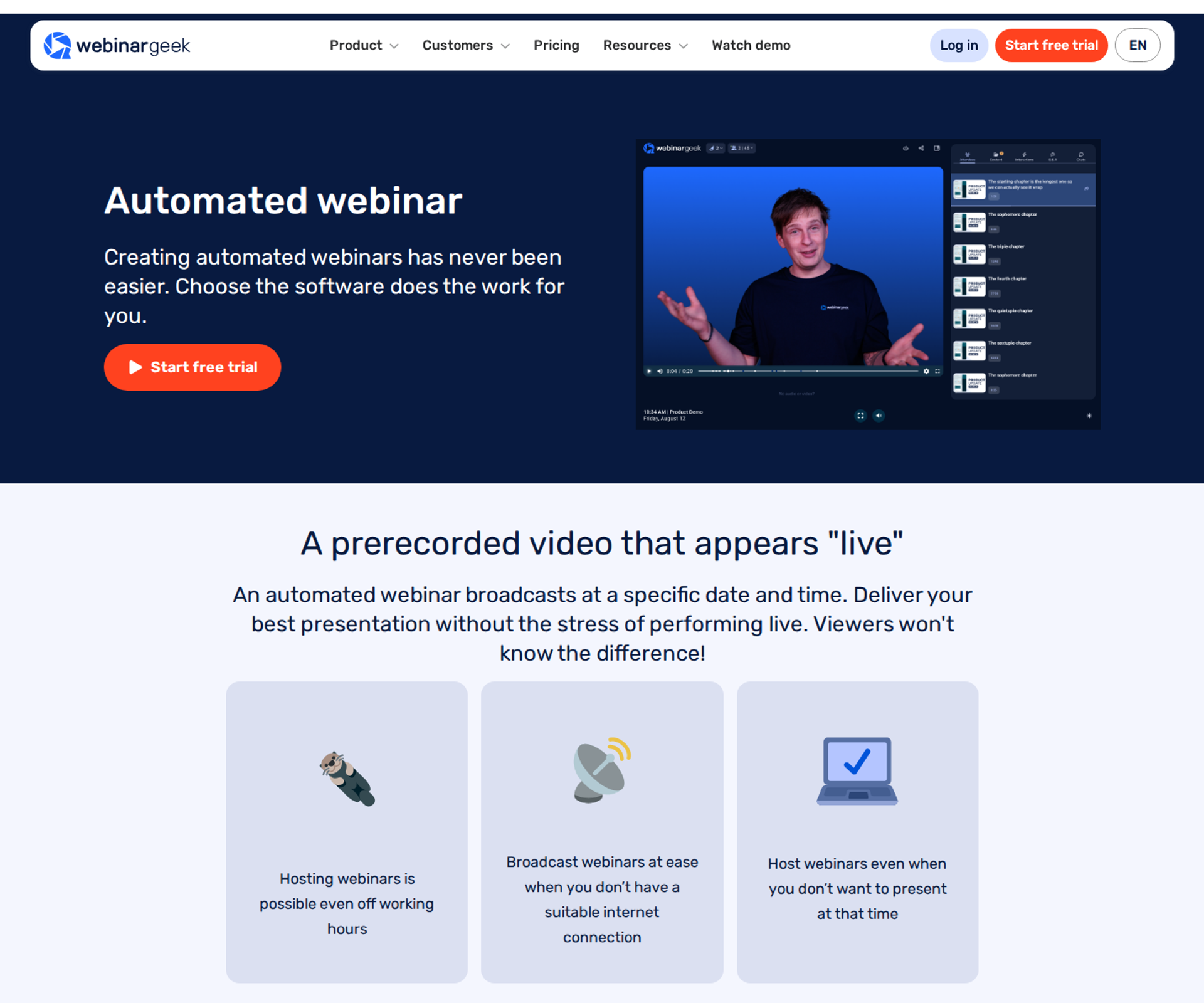
WebinarGeek is best for teams that want live and automated webinars in one browser-based tool with tiered viewer limits. It may not fit buyers who want automation on the entry plan, since automated webinars start on Premium.
| Quick fit | - |
|---|---|
| Best for | Teams running live and automated webinars for marketing and training |
| Skip if | You need automated webinars on the entry plan |
| Strongest edge | Live, automated, and on-demand formats in one browser-based tool |
| Biggest trade-off | Automation and custom branding are gated behind Premium |
| Pricing snapshot | Prices are listed in euros. Basic starts at €49/mo billed annually (50 live viewers, 1 presenter, 2-hour sessions, no automated webinars). Premium starts at €69/mo and adds automated webinars, custom branding, and up to 1,000 viewers. Enterprise starts at €349/mo for up to 5,000 viewers, with an SLA and phone support. A free trial is available. |
Why WebinarGeek ranks eleventh
WebinarGeek covers live, automated, and on-demand formats with browser-based access and no installs. Premium unlocks automation, branding, and marketing integrations. Enterprise adds an SLA and a dedicated success manager.
⚠️ Where the ranking stops
The entry plan cannot run an evergreen funnel, so the real starting price for this article's use case is Premium. EasyWebinar also gates automation above its entry plan, so compare Premium against EasyWebinar Growth when shortlisting. One reviewer also reported stream delay and quality drops with remote co-presenters.
What WebinarGeek does well
- Browser-based access: no app installation reduces attendee drop-off at join time.
- Format coverage: live, automated, and on-demand webinars sit in one account on Premium.
- Paid webinars: you can collect payment from viewers for access (Software Advice profile).
- Clear capacity tiers: viewer limits by plan make capacity planning straightforward.
Where WebinarGeek falls short
- Automation gated to Premium: the €49 Basic plan cannot run automated webinars.
- Multi-presenter quality: one reviewer saw quality drop with presenters in different locations.
- Euro billing: buyers outside the eurozone carry currency exposure on every renewal.
Decision scorecard
| Evaluation criterion | WebinarGeek fit | Why it matters |
|---|---|---|
| Live webinars | Strong | Browser-based live rooms are included on every plan. |
| Simulated live or automated webinars | Partial | Automation is available from Premium only. |
| Evergreen automation | Partial | Automated scheduling exists; just-in-time depth needs testing. |
| Funnel pages | Partial | Registration pages are included; custom branding needs Premium. |
| Engagement | Strong | One reviewer praised its interactions and marketing tools. |
| CRM and follow-up | Partial | Marketing integrations unlock on Premium. |
| Monetization | Partial | Paid webinars are supported. |
| Analytics | Partial | AI analysis is listed on Basic; revenue attribution is not core. |
| Integrations | Partial | Integrations are gated to Premium. |
| Pricing fit | Partial | Low entry, but automation starts at €69 per month. |
| Best-fit buyer | Strong | Teams running mixed live and automated programs. |
Best for / skip if
Choose WebinarGeek if you want live and automated webinars in one browser-based tool and can budget for Premium. Skip it if automation on the entry plan is a requirement.
Reviews
- A 2023 reviewer rated WebinarGeek 2.5/5, praising its interactions and marketing tools while noting a host-to-viewer delay and weak conversion (Verified User in Management Consulting, WebinarGeek G2 - Verified Review, June 2023).
How EasyWebinar Fits This Shortlist
EasyWebinar ranks first in this evaluation because it covers both halves of the job on one subscription. You run the session live, find the version that converts, then automate it as Simulive, Evergreen, or Just-in-Time from the Growth plan. Checkout stays inside the room, and attendee behavior flows to your CRM or to EasyCRM. Buyers who only need pre-recorded playback have strong options above.
Q2. How Did We Score These Automated Webinar Platforms?
Each of the 11 platforms was scored out of 100 across five weighted criteria. Live-to-automated format coverage carries 25%. Automated attendee experience and interactivity carries 20%. Conversion and behavior-based follow-up carries 20%. Native CRM and data integration carries 20%. Peer reviews and reliability carry 15%. Scores convert to stars in 20-point bands. EasyWebinar wrote this ranking and discloses that up front.
The Five Weighted Criteria
A coach once showed me three "best of" lists that ranked the same tools in three different orders. None of them said why. This guide publishes its weights, so you can re-score any tool with your own priorities.
⭐ How the 100 points split
The seven evaluation criteria in Q1 roll up into five scored groups. The table shows what earns full marks in each.
| Criterion | Weight | What earns full marks |
|---|---|---|
| Live-to-automated format coverage | 25% | Live, simulive, evergreen, just-in-time, and on-demand delivery on one plan, with no second product |
| Automated attendee experience | 20% | Chat, polls, Q&A, and timed offers that keep working when nobody is presenting |
| Conversion and follow-up | 20% | Checkout inside the room, plus follow-up that changes with what each attendee did |
| CRM and data integration | 20% | Watch time, offer clicks, and purchases written to a CRM natively, without middleware such as Zapier |
| Peer reviews and reliability | 15% | Recent G2, Capterra, TrustRadius, or Trustpilot sentiment, plus a stated uptime or support commitment |
Format coverage carries the most weight for a reason. In ON24's 2026 benchmark data, 43% of attendees chose on-demand viewing. A platform that only covers half the delivery modes leaves a large share of buyers unserved.
⏰ How scores become stars
Each score lands in one of five bands. The bands are wide on purpose, because a two-point gap between tools rarely changes a buying decision.
| Score | Stars |
|---|---|
| 0 to 20 | ⭐ |
| 21 to 40 | ⭐⭐ |
| 41 to 60 | ⭐⭐⭐ |
| 61 to 80 | ⭐⭐⭐⭐ |
| 81 to 100 | ⭐⭐⭐⭐⭐ |
Peer-review evidence came first from verified reviews on G2, Capterra, TrustRadius, and Trustpilot. Where review data was thin, I relied on each vendor's own pricing and feature pages, checked in October 2026. Older reviews are dated in the text, so you can weigh them yourself.
Our Bias, Stated Plainly
⚠️ Why you should still check our work
EasyWebinar is my company, and it ranks first here. eWebinar discloses the same bias on its own roundup, and I think every vendor-written list should. Publishing the weights is how I try to earn your trust beyond that.
If your priorities differ, re-weight the table. A buyer who never runs live sessions might drop format coverage to 10% and move those points to price. That buyer could reasonably end up with EverWebinar, eWebinar, or WebinarKit at the top.
✅ What the rubric does not measure
The rubric does not score course hosting, certificates, or internal all-hands meetings. Those jobs belong to course platforms and meeting tools. Score a webinar tool only on the webinar job.
EasyWebinar scores five stars on this rubric, led by format coverage and conversion. Its Growth plan runs live, simulive, evergreen, and just-in-time sessions on one subscription, with checkout inside the room and EasyCRM included. EasyWebinar gives up points on entry price, because automation starts above its Launch plan.
Q3. What Is Automated Webinar Software, and Which Platforms Run Live and Evergreen on One Subscription?
Automated webinar software streams a pre-recorded presentation at scheduled, just-in-time, or on-demand times, with chat, polls, offers, and follow-up attached. EverWebinar needs WebinarJam, a separate product, for live sessions, and WebinarKit sells live as WebinarKit Live. eWebinar and StealthSeminar have no native live hosting. EasyWebinar runs live, Simulive, Evergreen, and Just-in-Time sessions under one login on its Growth plan and above (October 2026).
The Delivery Modes, Defined
A course creator I worked with kept two browser tabs open every launch week. One ran her live room, and the other rebuilt the same pitch for automation.
✅ What each format actually does
| Format | What happens |
|---|---|
| Live | You present in real time to people in the room. |
| Simulive | A recording plays at a set time, while you or your team answer chat. |
| Evergreen (automated) | The same recording runs on a recurring schedule indefinitely. |
| Just-in-time | A session starts minutes after someone registers, in their own time zone. |
| On-demand | The viewer presses play whenever they arrive. |
EasyWebinar's rule here is simple. An automated session is never presented as live, and it is never framed to make people feel duped.
Why Two-Product Stacks Cost More Than Money
💸 The old way
For years, the default stack was one tool for live and another for automation. EverWebinar's live hosting sits in WebinarJam, which is sold separately. One WebinarJam reviewer described it plainly:
"I love the partner service, everwebinar, (which you have to pay more for) that allows the participant to watch the webinar and feel as though it's a live webinar." - Tara G., WebinarJam G2 - Verified Review , June 2023
The same reviewer rated WebinarJam 0 out of 5, citing inconsistent integrations and emails. Two tools mean two logins, two bills, and two places where data breaks.
⏰ What changed
Buyers now judge the whole run, not the room. In ON24's 2026 data, 43% of attendees chose on-demand viewing. EasyWebinar's read is that rebuilding a proven pitch in a second tool wastes the work that proved it.
How EasyWebinar Handles Both Halves
⭐ One login, one subscription
EasyWebinar converts a recorded live session into Simulive, Evergreen, Just-in-Time, On-Demand, or Instant Replay without exporting files. Its Growth plan supports 200 live attendees and 1,000 automated viewers per session, at $116 per month.
EasyWebinar was built this way because I made the two-tab mistake myself. My line to new customers has not changed: one approach for both live and automated webinars.
📊 What customers report
"EasyWebinar gives me the ability to multiply my efforts and offer a human touch, without having to be everywhere at once." - Ash A., EasyWebinar G2 - Verified Review , March 2026
| Platform | Live | Automated or evergreen | Same subscription |
|---|---|---|---|
| EasyWebinar | Yes | Yes | Yes, from Growth |
| EverWebinar | Via WebinarJam | Yes | No |
| WebinarKit | Via WebinarKit Live | Yes | No |
| eWebinar | No | Yes | Not applicable |
| StealthSeminar | No | Yes | Not applicable |
EasyWebinar keeps live and automated webinars on one subscription, so the session that converted live becomes the one that runs every day. Automation, checkout, and EasyCRM start on Growth at $116 per month, and the Launch plan covers live only. Buyers who never present live may prefer a dedicated engine.
Q4. Should You Automate a Webinar Before It Converts Live, and Will It Hold on Cold Traffic?
No. Automating an unproven pitch automates failure. Casey Zeman's Webinar Sprint Method runs 5 to 10 live sessions until roughly 10% of attendees buy, then automates that exact session. EasyWebinar converts that proven live session into an automated one on the same platform. Rick Mulready runs daily Facebook ads into an automated EasyWebinar funnel, reporting a 30% registration rate, an $8 to $12 cost per lead, and a 166% return on investment.
The "Record Once, Sell Forever" Myth
A real estate educator once spent $20,000 in ads driving people to a three-hour webinar he had never tested. The energy collapsed by hour two. The session produced one sale.
⚠️ How the old way fails
Many operators record a pitch, upload it, and hope the automation fixes the conversion. It does not. A webinar that converts at 1% live will not convert better at 2am in someone else's time zone.
Agency owner Jeremy Haynes goes further. On his channel, he argues that automated webinars on cold paid traffic have been "nerfed" compared with live sessions of the same pitch. My read is that he is right about unvalidated pitches, and wrong as a blanket rule.
What Changed: Validate Live, Then Scale
⏰ The sequence that settles the debate
The live camp and the evergreen camp are both partly right. Healthpreneur CEO Yuri Elkaim says his evergreen funnel hit seven figures in seven weeks without weekly live sessions. Haynes says live wins on cold traffic. The difference is whether the pitch was proven first.
EasyWebinar's answer is the Webinar Sprint Method:
- Run 5 to 10 live webinars to the same offer.
- Fix the objections people raise in chat.
- Reach roughly a 10% attendee-to-buyer rate.
- Automate that exact session.
That is how I started. In my first year of live webinars, I built a 14,000-person email list and sold $245,000 of my course. Only then did automation make sense.
How EasyWebinar Handles the Switch
✅ One switch, no rebuild
EasyWebinar turns the exact live recording into Simulive or Evergreen without exporting anything. Just-in-time sessions start minutes after someone registers, in their own time zone. Follow-up then splits by behavior, so no-shows, early leavers, and offer-clickers each get their own sequence.
Cold traffic also needs volume. My own rule still applies: an automated webinar without traffic is like a billboard in the desert.
💰 What the numbers show
Rick Mulready's funnel is the clearest proof. He tags registrants by watch time and offer clicks, then triggers different emails for each group. That is how a 30% registration rate on cold ads turned into a 166% return.
"With my live class I used to sell 10-12 courses. With EasyWebinar I sold 25 courses within 3 weeks of my evergreen 'launch'." - Laura C., EasyWebinar G2 - Verified Review , January 2025
The same reviewer flagged a real cost:
"The only downside is that to have the 'just in time' feature you have to pay a premium that is about double the price of the basic subscription." - Laura C., EasyWebinar G2 - Verified Review , January 2025
That trade-off is still true. Automation starts on Growth, not Launch.
EasyWebinar is built for live validation to evergreen scaling on one platform. You prove the pitch on the Launch plan's live rooms, then move to Growth to automate that exact session with behavior-based follow-up. Pitches that have not converted live yet should stay live until they do.
Q5. How Do You Keep Automated Webinars Honest, Interactive and Well Attended?
Never present an automated session as live, and keep the interactions real. Timed offers, chat, and questions answered by your team keep the room useful. Just-in-time sessions start minutes after registration, while intent is high. A 72-hour replay window adds a deadline, with one email on day 1, one on day 2, and two on day 3. EasyWebinar runs automated sessions with chat and timed offers still working, then sends no-shows, early leavers, and offer-clickers into separate follow-up sequences.
The Fear of Feeling Duped
A coach I worked with nearly cancelled her first evergreen launch the night before. She asked whether people would feel tricked. She had seen fake attendee counters and scripted chat bubbles, and she wanted no part of that.
⚠️ The old way
EasyWebinar's rule on this has been the same for years. We never say an automated webinar is live, and we never frame it so people feel duped. Plenty of setups ignored that line, with inflated viewer counts and chat that pretends to be real time.
Some tools also interrupted the buying moment. A 2018 EverWebinar reviewer described what happened right before the offer:
"Everwebinar do TWO THINGS to disrupt the process: 1: they ask people to rate the webinar" - Verified User in Health, Wellness and Fitness, EverWebinar G2 - Verified Review , July 2018
That review is old, so weigh it accordingly. The lesson still holds: anything between the pitch and the button costs sales.
What Changed: Honesty Plus Timing
⏰ Settings that lift attendance
Buyers now expect the event to fit their schedule, not yours. In ON24's 2025 data, automated nurture sequences drove 69% higher on-demand attendance and 32% more attendees overall. Timing and follow-up now carry as much weight as the room itself.
| Setting | What to do |
|---|---|
| Just-in-time | Offer a session that starts within about 15 minutes of registration |
| Replay window | Keep the replay up for 72 hours, then take it down |
| Replay emails | Day 1: one email. Day 2: one email. Day 3: two emails, morning and night |
| Retention | Promise a bonus download to people who stay until the end |
Time zones matter too. One EasyWebinar customer flagged them as a show-up issue on her plan:
"I would like my registrants to be able to see their own time zone when they register on the plan that I am paying for." - Jennifer B., EasyWebinar G2 - Verified Review , April 2025
How EasyWebinar Handles It
✅ Interactive rooms and behavior-based follow-up
EasyWebinar plays your best live session on schedule, every day, with the chat and offers still working. Just-in-time sessions start in the attendee's own time zone. Replay pages can expire on the date you set.
After the session, EasyWebinar sorts each person by what they did. No-shows, early leavers, offer-clickers, and replay viewers each get their own sequence, by email or by SMS through Twilio.
💰 What it looks like in practice
"I can now forget about them, focus on driving traffic to the webinars and just turn up and present" - David L., EasyWebinar G2 - Verified Review , February 2025
EasyWebinar treats honesty as a conversion feature, not a disclaimer. Automated sessions keep chat and timed offers active, and follow-up branches on attendance, watch time, and offer clicks. Those tools start on the Growth plan. If you would rather not run automated sessions at all, keep presenting live.
Q6. What Breaks When Your Webinar, CRM and Checkout Run Through Zapier?
Opt-ins go missing, and revenue goes unattributed. In one agency's launch, the Zapier plan hit its task limit four hours before showtime, leaving a gap of a couple hundred registrants in the CRM that sales was dialing from. EasyWebinar connects natively to HubSpot, Salesforce Pardot (Account Engagement), ActiveCampaign, Keap, and Kit (formerly ConvertKit), or works in EasyCRM, its built-in CRM. EasyWebinar takes payment inside the webinar room, so each purchase ties back to the session that drove it.
The Funnel Nobody Can Map
A marketing lead once walked me through her funnel on a whiteboard. Registration lived in one tool, the webinar in another, checkout in a third, and the CRM in a fourth. Zapier (a tool that passes data between apps) held it together.
❌ The old way
I have described this pattern on EasyWebinar's own calls for years. Connecting each funnel to the next stage turns it into a complex spaghetti funnel, and it can take more than two months to get right. Every hand-off is a place where a registrant, a tag, or a sale can drop.
Agency owner Jeremy Haynes has a story about exactly that. His team noticed a couple hundred missing opt-ins four hours before a webinar. The fix was simply upgrading a Zapier billing plan, but only because someone caught it in time.
What Reviewers Report
⚠️ Where middleware breaks
"It's hard to integrate into Hubspot. We use a third party capture form and had to do several zaps to get all data to flow accurately from our form to Hubspot to Demio." - Verified User in Education Management, Demio G2 - Verified Review , April 2023
"The integrations with 3rd party software such as mailchimp is inconsistent on both the pushing the registrants over and the custom form field population." - Tara G., WebinarJam G2 - Verified Review , June 2023
What Changed: Revenue You Can Trace
💸 Attribution became the job
Buyers now judge a webinar by what it earned, not who showed up. In ON24's data, personalized CTAs converted 118% higher than generic ones. You cannot personalize what your CRM never received.
EasyWebinar's read is that a checkout redirect is the most expensive hand-off of all. The buyer leaves the room at the peak of the pitch, and the sale lands in a different system.
How EasyWebinar Handles It
✅ Your CRM or ours
| Data point | Where EasyWebinar sends it |
|---|---|
| Registration and attendance | Your CRM or EasyCRM |
| Watch time and drop-off minute | Attendee record and drop-off heatmap |
| Offer clicks and purchases | Attendee record, with revenue tied to the session |
| Lead score | Hot, Warm, or Nurture in EasyCRM |
EasyWebinar's checkout runs inside the room through Stripe, PayPal, and PayU, plus SamCart and ThriveCart. Checkout and EasyCRM start on the Growth plan. Revenue reporting and native HubSpot and Salesforce Pardot sync start on Pro.
⭐ What customers report
"The integration with my email service provider was seamless, allowing me to automate a follow-up sales sequence once someone watches the webinar" - Jennifer B., EasyWebinar G2 - Verified Review , April 2025
EasyWebinar is built so you keep your CRM or start with ours. Every attendee becomes first-party intent data: what they watched, clicked, and bought, with revenue attributed to the webinar. Zapier still connects 1,500+ other apps when you need it. It just stops being the backbone.
Q7. Which Automated Webinar Software Fits Your Situation?
Choose EasyWebinar to turn a proven live session into an automated webinar that sells. Choose EverWebinar or eWebinar for fully pre-recorded sessions where live is never needed. Choose WebinarKit for the lowest-cost option, StealthSeminar to add an engine to a fixed stack, and Zoom Webinars if your team already runs on Zoom. Choose Riverside for studio-quality recording.
Start With the Job, Not the Feature List
A founder once sent me a spreadsheet with 140 feature rows across six tools. He still could not decide, because he had never written down what the webinar had to do.
⭐ The decision table
Find the row that matches your situation. Each line names a real strength from the Q1 entries, priced in October 2026.
| If your situation is... | Shortlist | Why |
|---|---|---|
| You sell a program and want a proven live pitch running daily | EasyWebinar | Live and automated on one subscription, with in-room checkout |
| You run only pre-recorded sessions and already own WebinarJam | EverWebinar | Deep evergreen scheduling and hybrid chat mode |
| You run only pre-recorded, interactive sessions | eWebinar | Interactive automated rooms with unlimited recurring sessions |
| Price and unlimited attendees decide everything | WebinarKit | Fixed plans with no per-attendee fees |
| Your stack is fixed and you only need automation | StealthSeminar | Fits beside existing email, page, and payment tools |
| You run occasional live marketing webinars | Demio | Clean browser-based attendee experience |
| Your volume is irregular and you want meetings plus webinars | Livestorm | Attendee-credit billing that ignores no-shows |
| Your organization already runs on Zoom | Zoom Webinars | Familiar rooms and large-scale streaming |
| You are testing every format at low stakes | ProProfs WebinarNinja | All formats in one simple interface |
| Recording quality and clips matter most | Riverside | Local multi-track recording and simulive scheduling |
| You want live and automated in one tool, billed in euros | WebinarGeek | Clear viewer tiers |
❌ When none of these fit
If you need lessons, quizzes, and certificates, you need a course platform, not a webinar tool. EasyWebinar is not a learning management system, so pair it with the course platform you already use.
What Reviewers Say About Fit
✅ Fit shows up in the reviews
A ProProfs WebinarNinja user outgrew the platform:
"If you are looking for a professional tool, you will reach the roof of Webinar Ninja quickly." - Oscar A., ProProfs WebinarNinja G2 - Verified Review , March 2022
A Zoom user with a standardized setup stayed happy:
"It was easy to implement, integrates with our systems well and is always coming out with new features." - Rob K., Zoom G2 - Verified Review , February 2024
EasyWebinar fits operators who rerun the same webinar:
"Pretty much once I have run one webinar, I can clone and setup multiple in a breeze." - Darrin B., EasyWebinar G2 - Verified Review , April 2025
⚠️ A note on all-in-one promises
Community strategist Bri Leever warns that platforms promising to be your community, CRM, email, and video tool at once rarely do any of it well. I agree, which is why EasyWebinar works as "your CRM or ours."
EasyWebinar fits the shortlist when your webinar has to keep selling after the live hour. You keep HubSpot, Kit (formerly ConvertKit), or your course platform, or start with EasyCRM and checkout built in from the Growth plan. If you never present live, the rows above point elsewhere.
Frequently Asked Questions

Casey Zeman
Founder of EasyWebinar
About Author
Over the past decade, I've helped thousands of entrepreneurs, coaches, and consultants turn webinars into a predictable, powerful way to grow their audience, build trust, and scale, without the constant hustle. I created EasyWebinar because I couldn't find a system that combined authenticity, engagement, and automation the way I needed. So, I built one.
Related Posts

10 Best Community Engagement Platforms in 2026
Compare the 10 best community engagement platforms in 2026. Course creators, evaluate live hosting, analytics, and replay to pick your winner today.

10 Best Online Coaching Tools in 2026: Live Session Quality, Scheduling, Recording, and Client Engagement Analytics
Compare the 10 best online coaching tools of 2026 on session quality, scheduling, and analytics. Discover the right fit for your coaching revenue model.

10 Best Webinar Hosting Platforms Ranked by Uptime, Streaming Quality & Cost
Compare 10 webinar hosting platforms ranked by uptime, streaming quality, and cost. Discover which tool actually turns attendees into revenue.
Turn every webinar into a revenue stream
Launch your first paid event in just a few clicks - and start monetizing your expertise.
Book a Call